

This article has been machine-translated from Chinese. The translation may contain inaccuracies or awkward phrasing. If in doubt, please refer to the original Chinese version.
Here’s a summary of my commonly used frontend plugins and tool recommendations from 2024 to now. The last time I wrote something like this was: 2022 Frontend Development VSCode Plugin and Other Tool Recommendations
In this update, I’ll highlight the new additions compared to last time by putting them at the top, but that doesn’t mean the ones listed later aren’t useful — some plugins just get better the more you use them. I also cleaned up some plugins I rarely used. Looking at it now, I don’t actually have that many plugins. Although my main editor has switched to Cursor, I haven’t started exploring its plugin ecosystem yet.
Development
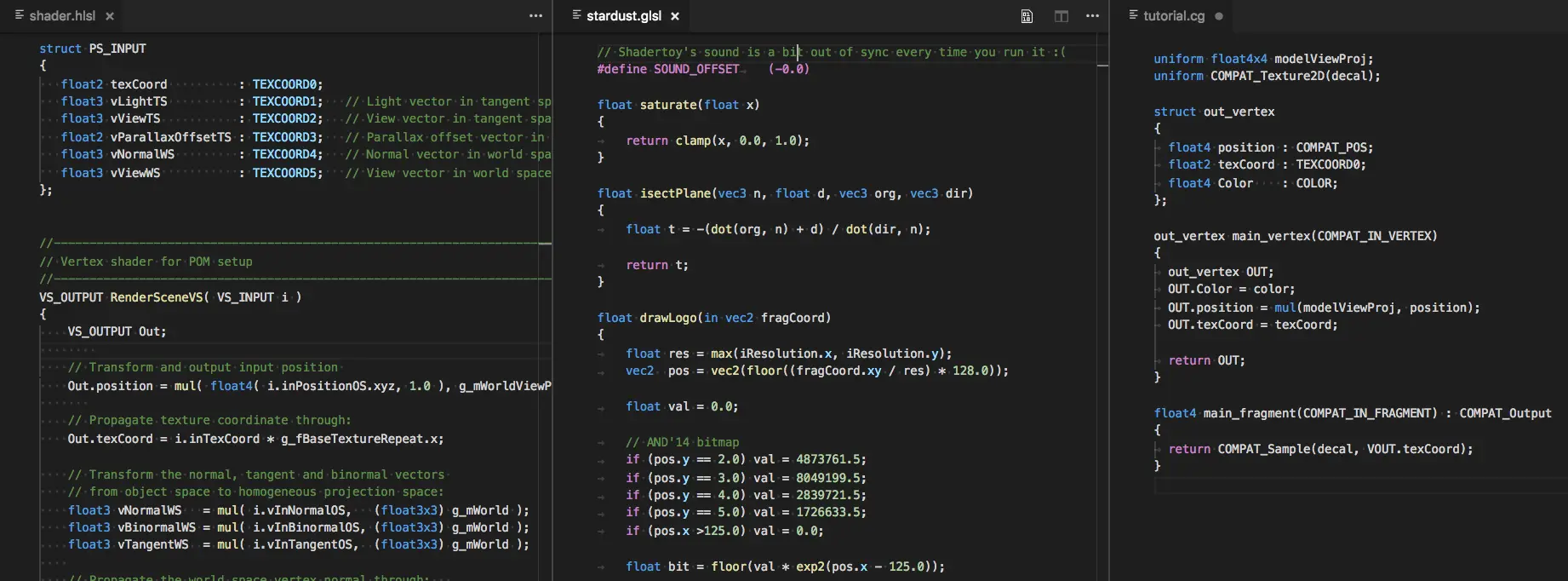
[New] Shader languages support for VS Code
Review: Essential for WebGL development
Shader languages support for VS Code is a powerful plugin that provides shader language support for VS Code, designed for graphics programming and game developers. It supports three major shader languages:
- HLSL - High-Level Shading Language, primarily used with DirectX
- GLSL - OpenGL Shading Language
- Cg - C for Graphics, NVIDIA’s shader language
[New] Tailwind CSS ClassName Highlight
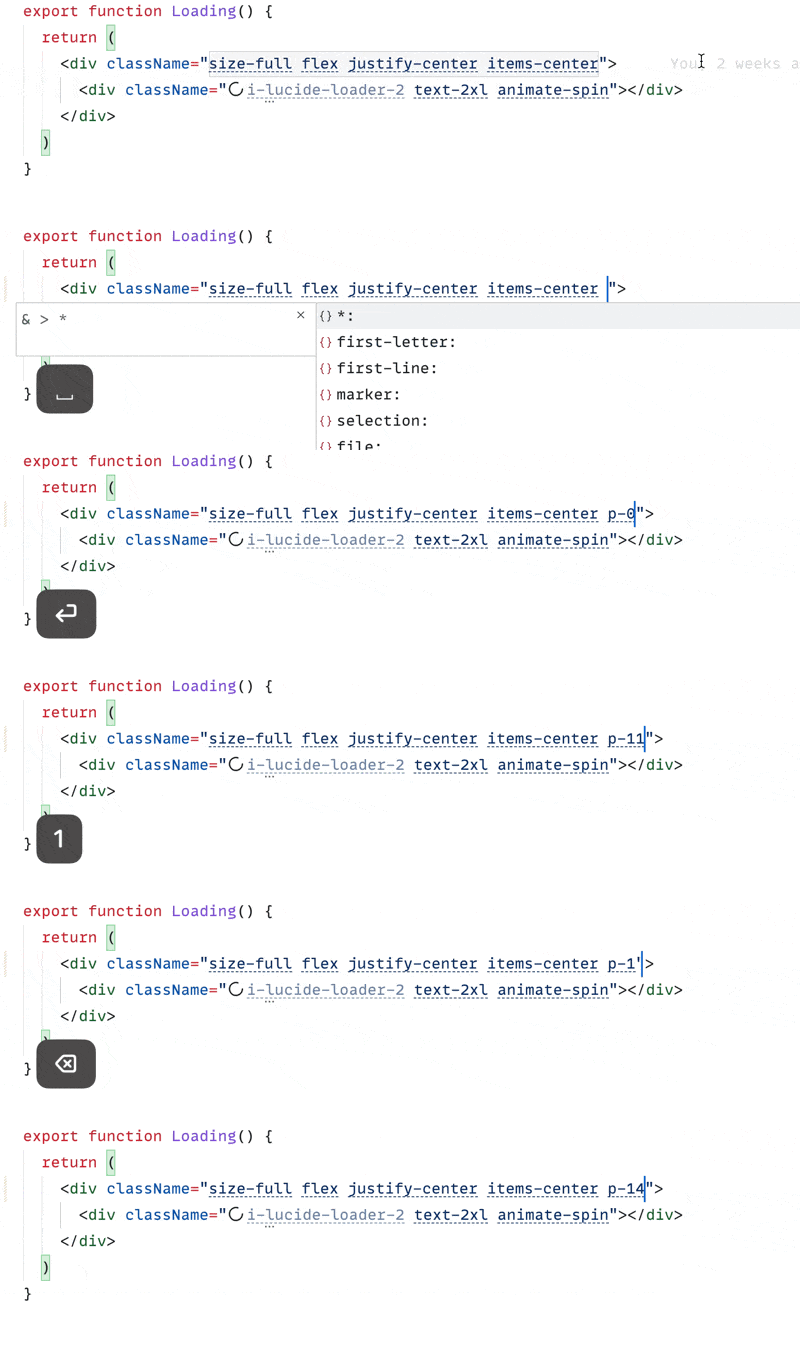
Review: Super awesome, developed by hyoban, valid class names are immediately obvious.
Tailwind CSS ClassName Highlight
Inspired by UnoCSS’s VS Code extension, it allows developers to intuitively distinguish which Tailwind class names are valid.
- Limitation: This plugin cannot detect valid class names that don’t generate any CSS, such as utility classes like group and prose.
GitHub repository: https://github.com/hyoban/tailwindcss-classname-highlight
[New] shadcn Color Preview
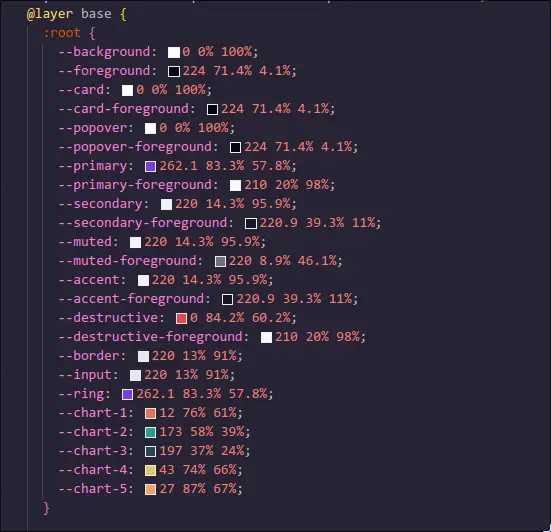
Review: Very convenient for viewing colors and converting hex to HSL when used with shadcn
shadcn Color Preview is a color preview plugin developed specifically for Visual Studio Code. Its main function is to provide real-time previews for HSL color values using shadcn syntax, greatly improving development efficiency.
- Simple and practical: As its name suggests, it provides intuitive previews for HSL colors defined using shadcn CSS variable syntax in CSS files
- Color conversion tool: Provides practical color conversion functionality for quick format switching
[New] react i18n
Review: For i18n work, you know it when you use it.
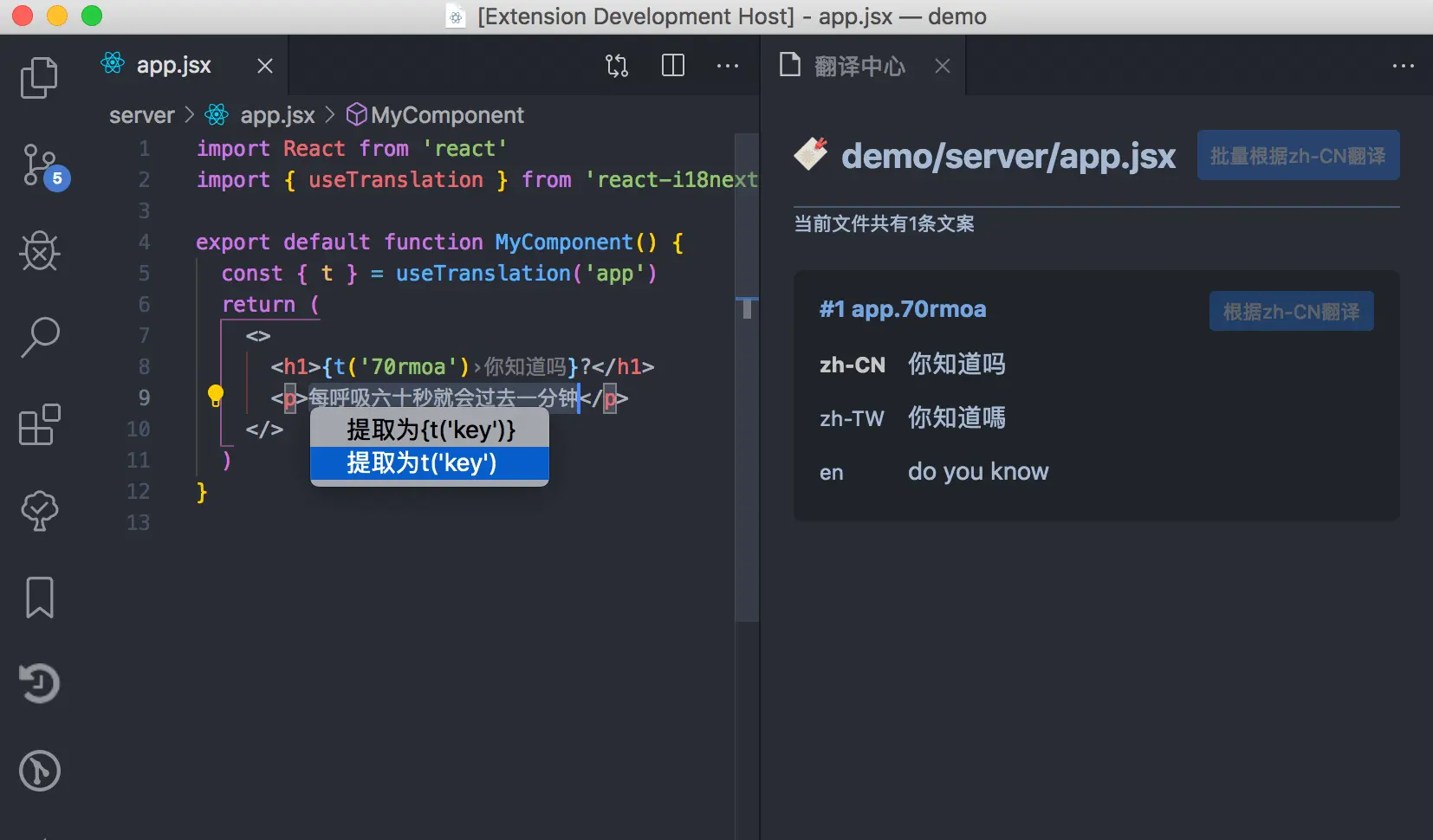
react i18n is a very practical VSCode plugin designed specifically for React projects using i18next. As the developer says: “Because writing i18n is really tedious and troublesome,” this plugin helps you more conveniently view and write internationalization text. Main features:
- Extract and auto-translate text (shortcut: Cmd+.)
- Intuitively view corresponding translations
- Manage translations through a translation center
- Support for Google, Youdao, Baidu online translation
- Field auto-completion
- Auto/manual configuration of translation directories
- Specify translation source language
- Duplication and override detection
- YAML support
[New] Rainbow CSV
Review: I used it when I had CSV file needs, and it was really great.
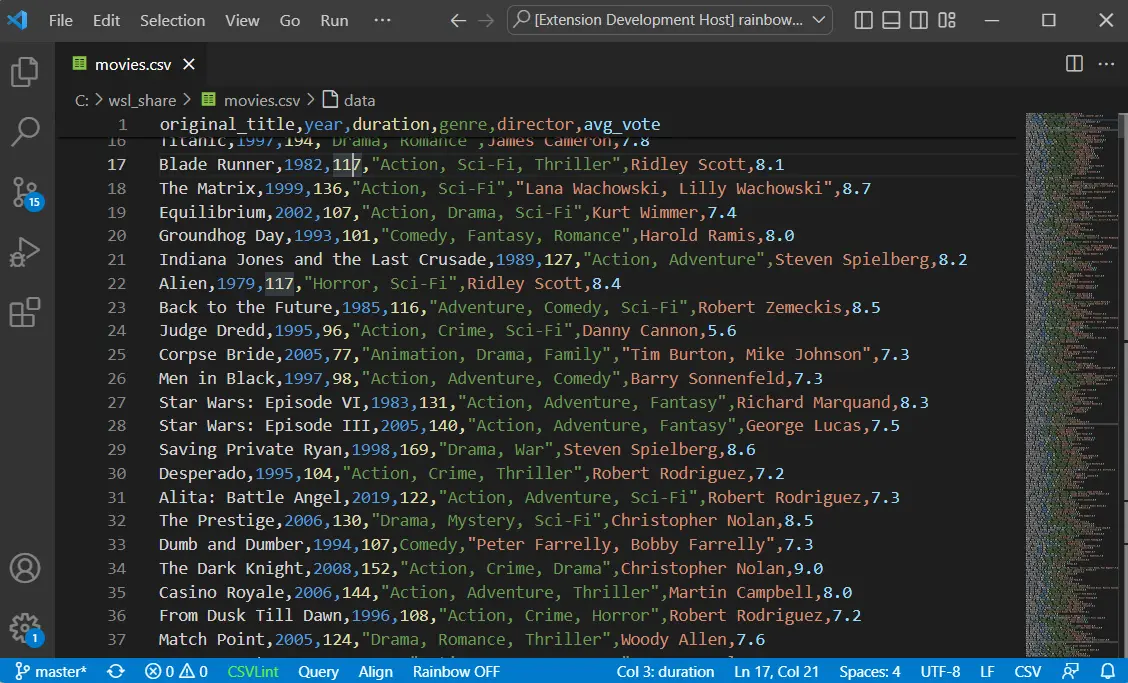
Rainbow CSV is a powerful CSV file processing plugin that makes CSV, TSV, and other delimited files much more readable and usable.
- Highlights columns in different colors for CSV, TSV, semicolon-delimited, and pipe-delimited files
- Query, transform, and filter data using the built-in SQL-like query language (RBQL)
- Track up to 3 columns of interest with auxiliary decorations
- Align columns graphically or with extra spaces, and can shrink (remove spaces in fields)
- Optional fixed header row
- Column info on hover
- Automatic CSV consistency check (CSVLint)
- Optional alternating row background colors for improved readability
- Multi-cursor column editing
- Usable in the browser (vscode.dev) This plugin supports various delimiters including comma, tab, semicolon, space, and pipe. It auto-detects delimiters for “plain text” and “.csv” files, and supports custom characters or strings as delimiters. For developers working with large CSV files, Rainbow CSV offers both virtual alignment and space alignment modes to make tables easier to read. Its column tracking and alternating row background features are especially useful for multi-column tables. Rainbow CSV also includes a powerful RBQL query language interpreter, allowing you to use SQL-like queries to manipulate CSV data, for example:
GitLens — Git supercharged
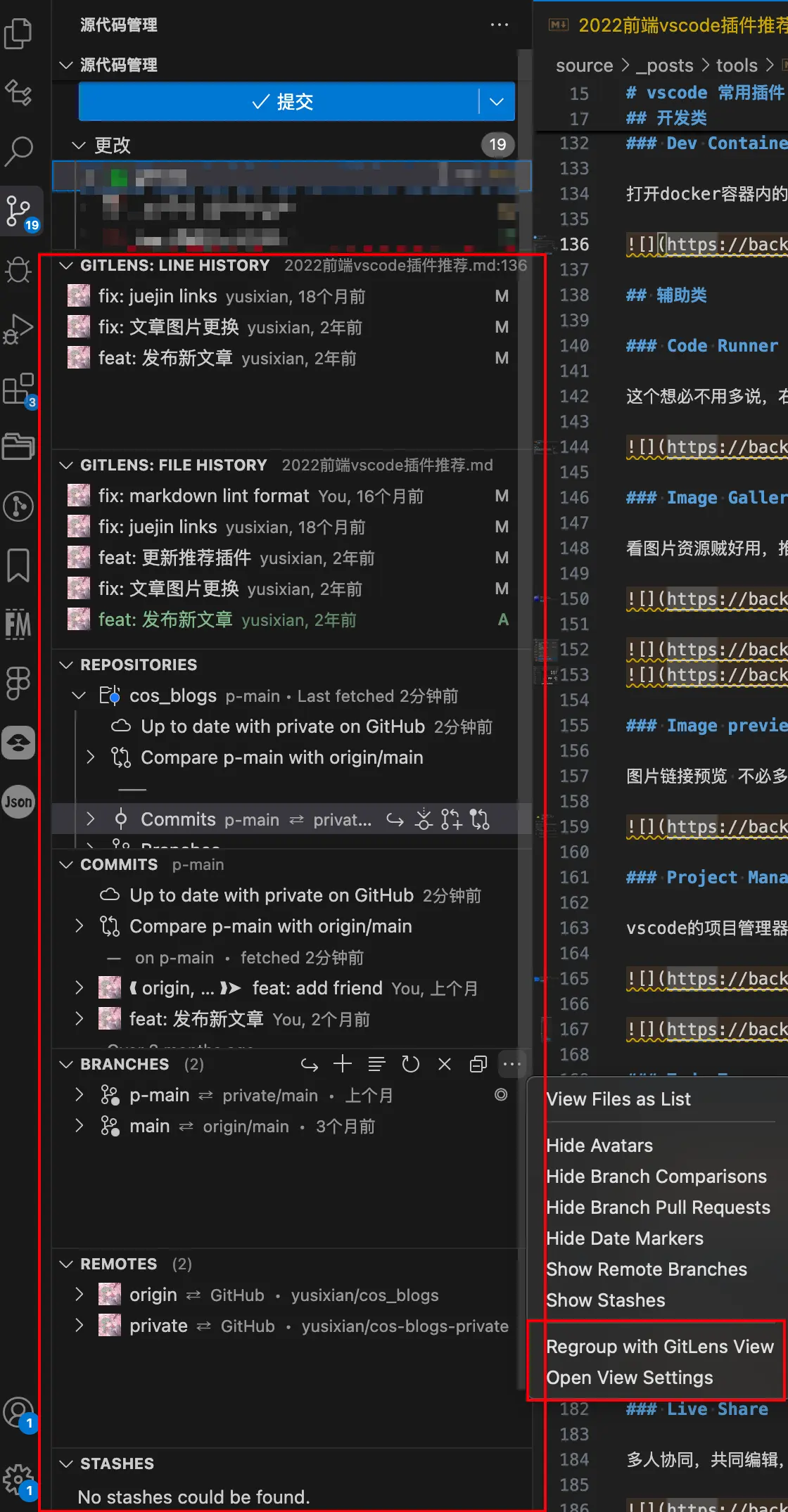
GitLens is one of the essential Git plugins for frontend development. It provides rich visualization features and helps you better understand code evolution history and author information. This is especially important for team collaboration and code review.
It provides rich Git visualization features and I still strongly recommend it. I’ve always felt that using a GUI doesn’t prevent you from learning CLI, and a good GUI is also very important. My favorites are File History and Line History, which clearly show which Git commits modified a specific file or even a specific line, and have helped me out many times. After GitLens restructured its layout, I personally prefer using Detach All Views for the old arrangement, and I usually drag File History and Line History to the Git tab, as shown:
Auto Close Tag
Auto-closes HTML and JSX tags

Auto Rename Tag
Auto-renames tags

change-case
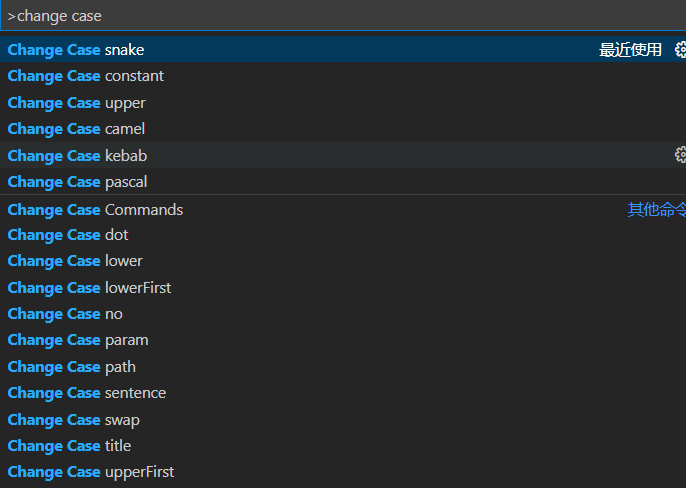
Name conversion via Ctrl+Shift+P then type “change case”

Code Spell Checker
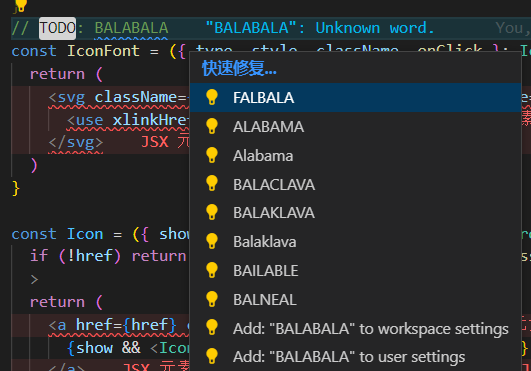
Spell checking in code

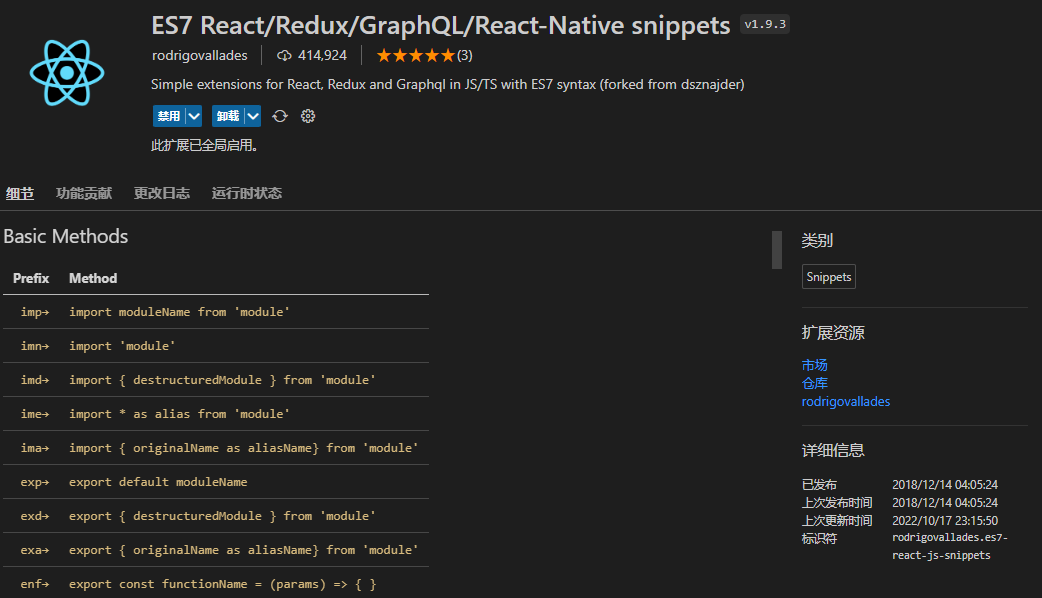
ES7 React/Redux/GraphQL/React-Native snippets
React code snippets. As shown, the most commonly used ones are typing rfc etc. for auto-completion. Of course, in the AI era, Cursor also provides completions, so usage has decreased significantly.
Commit Message Editor
Git commit message editing. I don’t use it much anymore since I’ve memorized everything by heart, but I still keep it around.

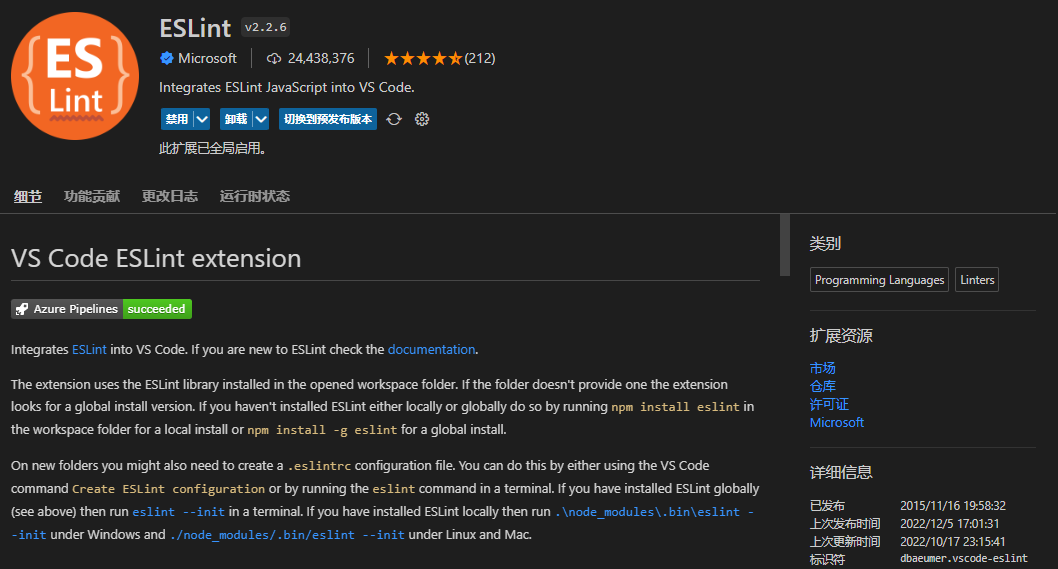
ESLint
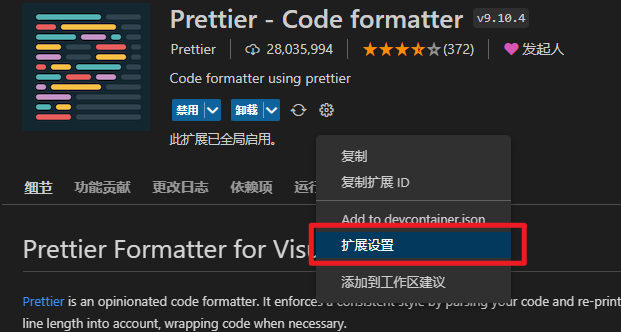
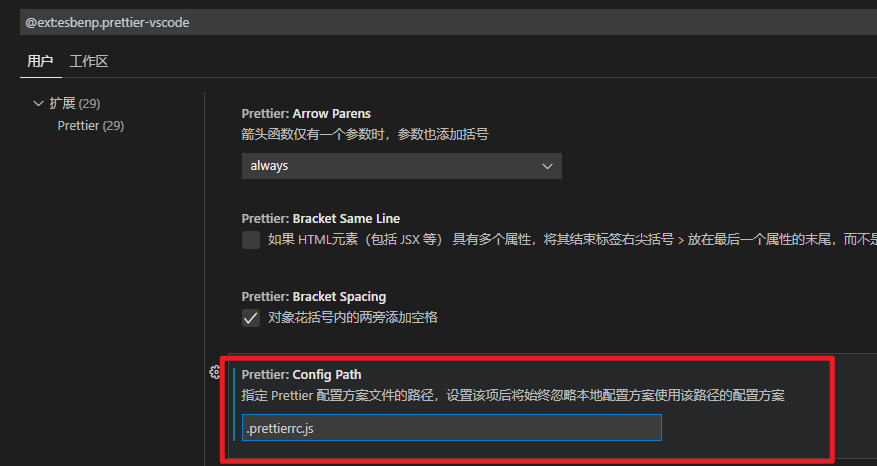
Prettier
Be careful about version pitfalls… it’s a long story.
Specify config file .prettierrc.js to format through your project’s own Prettier config file.
Why Prettier? https://prettier.io/docs/en/why-prettier.html
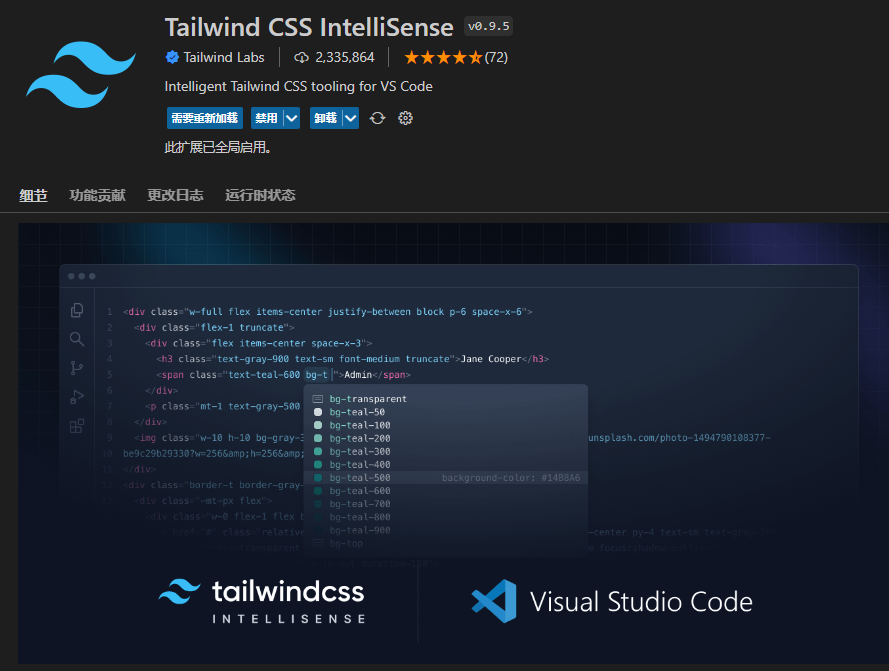
Tailwind CSS IntelliSense (Recommended for Tailwind Users)
Auto-completion and intelligent hints for Tailwind
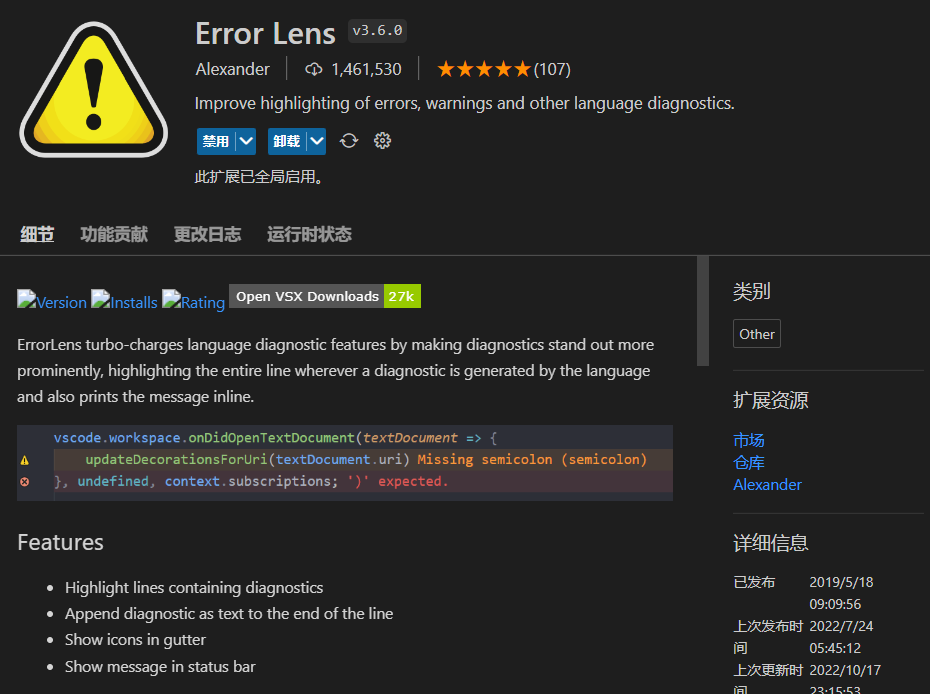
Error Lens
Improves highlighting for errors, warnings, and other language diagnostics.
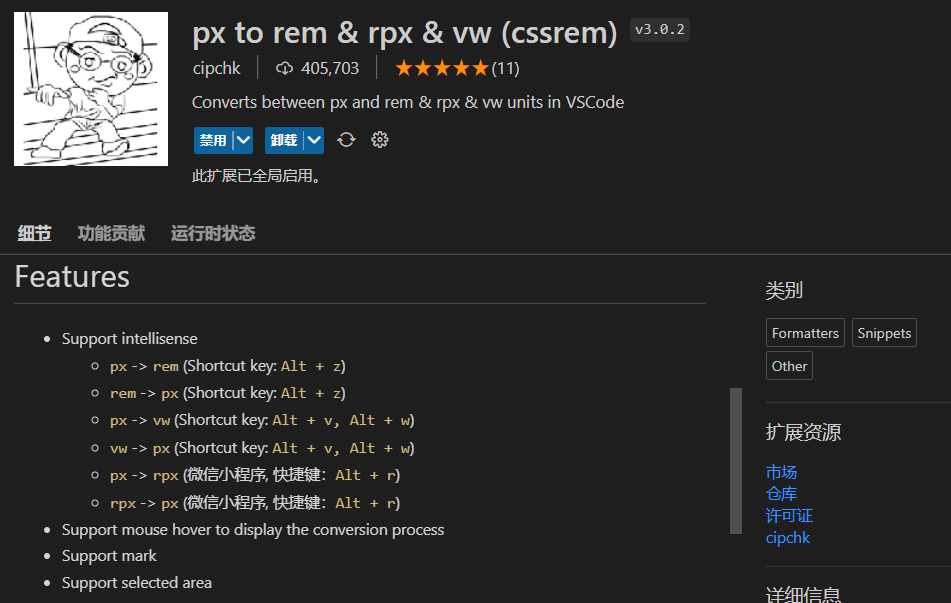
px to rem & rpx & vw (cssrem)
As the name suggests, a great helper for responsive development. Conveniently convert units, use Alt + Z to convert px values to rem.
Template String Converter
Automatically converts a string to a template string after typing ${ inside it

TabOut
Another plugin you can’t go back from once you get used to it. Press Tab to jump out of brackets.

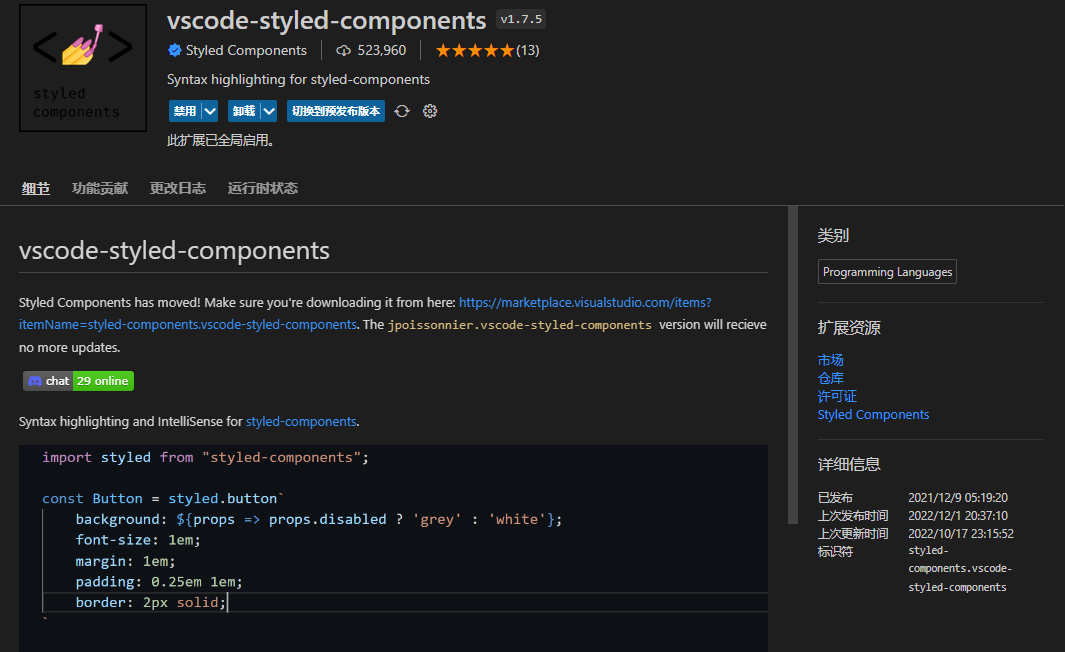
vscode-styled-components (Recommended for styled-components Users)
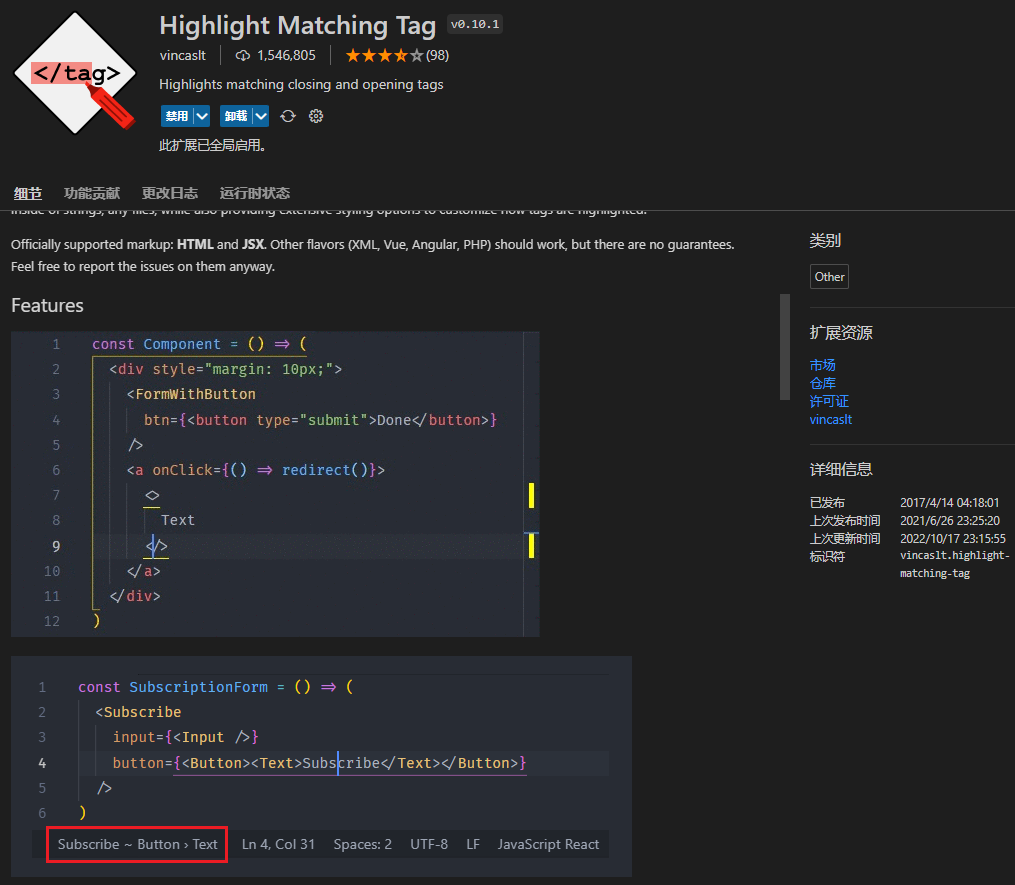
Highlight Matching Tag
As the name suggests, a tag highlighting plugin
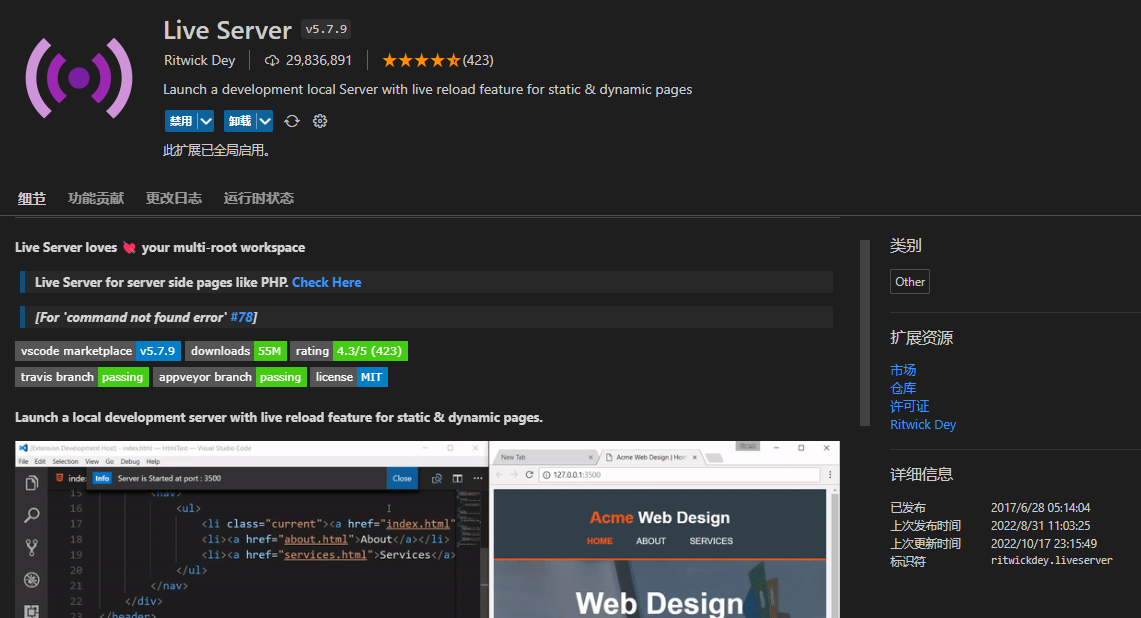
Live Server
Live Server launches a local development server with live reload for static and dynamic pages. A classic plugin suitable for real-time previewing of single HTML files, like small demos.


A similar plugin is Live Server Preview which opens a preview within VSCode without switching windows.
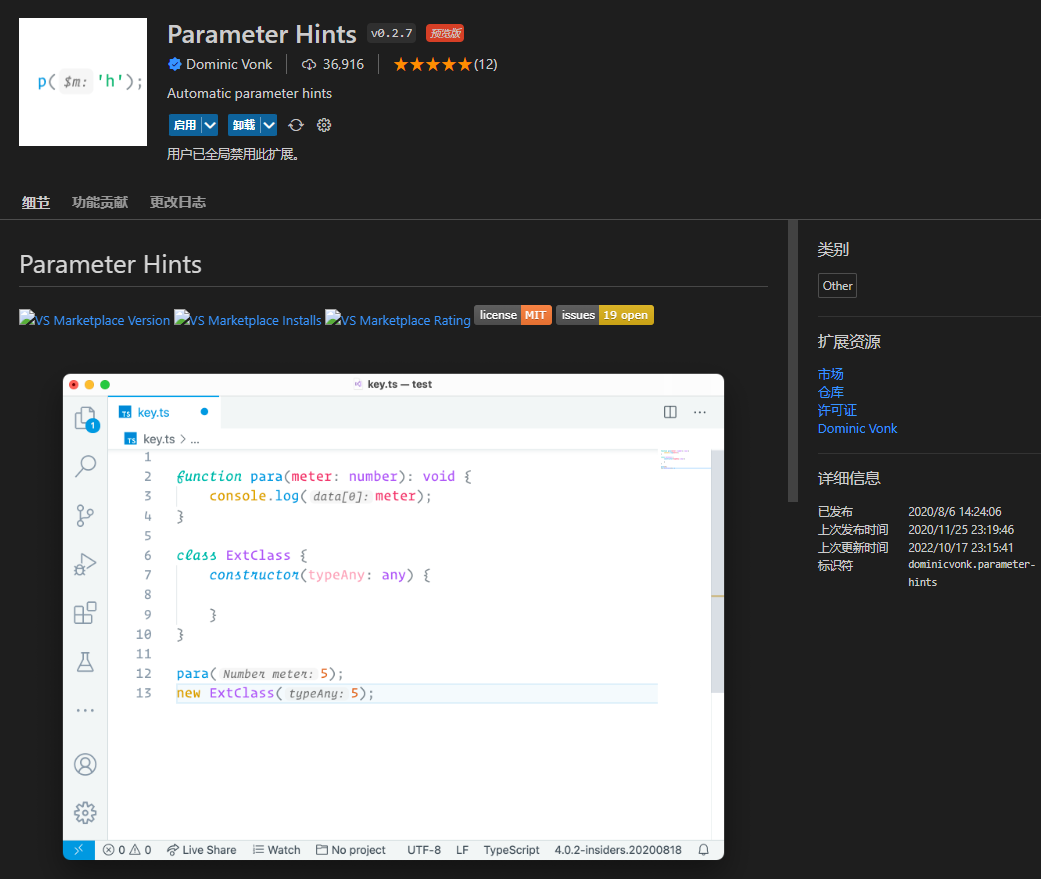
Parameter Hints
Intelligent function parameter hints, though it can feel intrusive after extended use.
Assistive
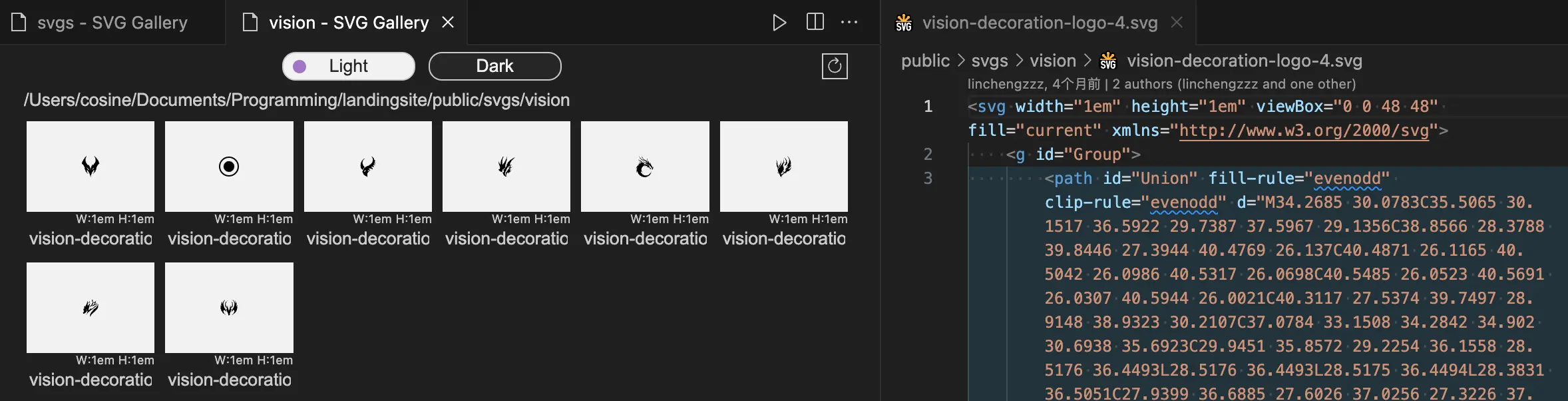
[New] SVG Gallery
Review: Very useful, the king of batch SVG viewing. Click in to open the original file. SVG Gallery is extremely useful. It provides a convenient SVG image viewing experience for developers. This plugin allows you to browse all SVG files in your project in a gallery format, greatly improving the management efficiency of vector graphic assets in frontend development. Main features:

- View all SVG images in a directory in gallery mode
- Open and preview individual SVG files (and edit them)
- Display image width and height information
- Refresh button for real-time image list updates
- “Open in SVG Gallery” option added to explorer context menu
- Supports light and dark themes for different working environments
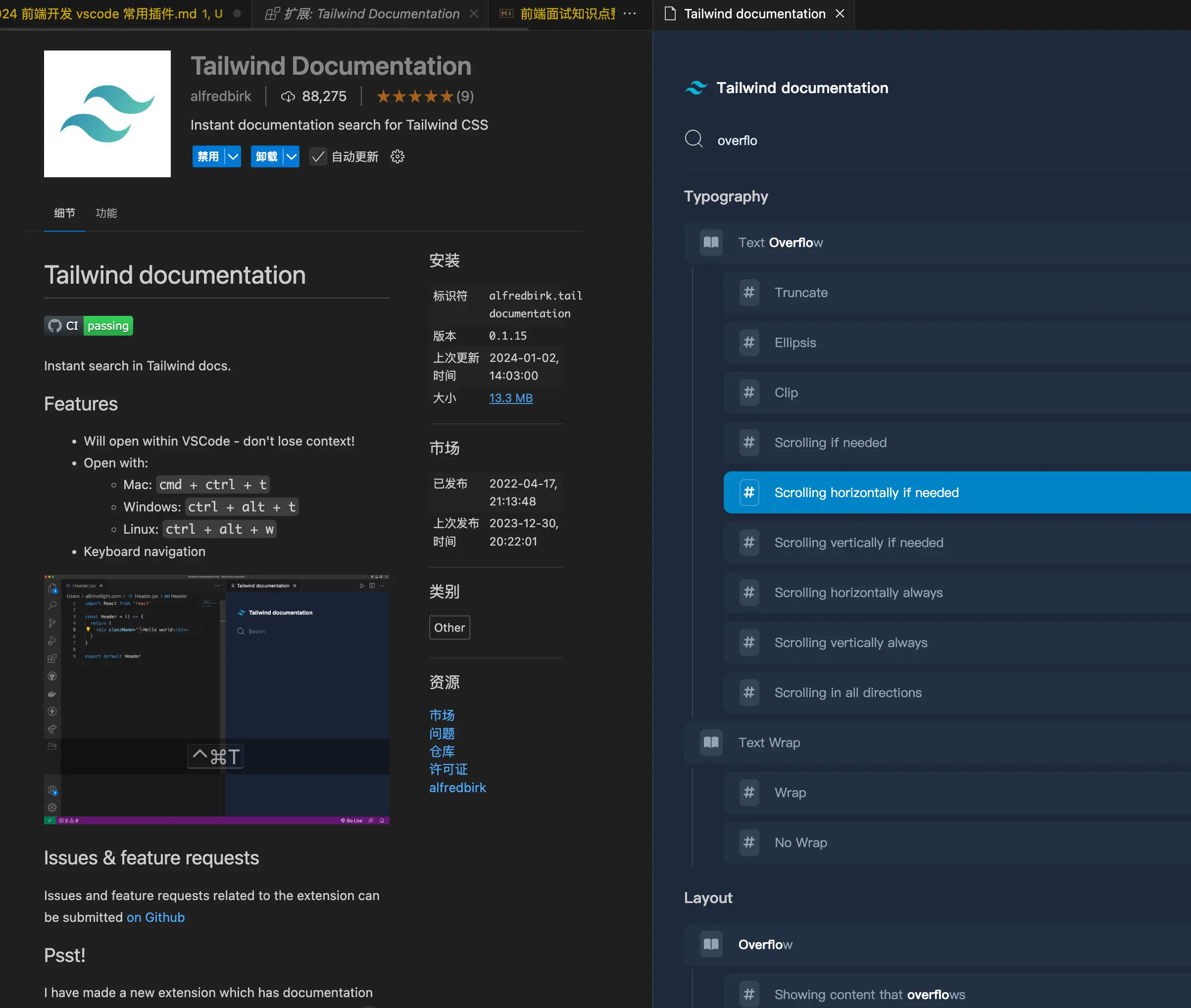
[New] Tailwind Documentation
Review: Cmd + Ctrl + T to quickly open Tailwind docs for lookup. Usage has decreased as proficiency increased, but still worth recommending.
[New] Figma for VS Code
Review: This one is genuinely useful. No need to switch between two windows when implementing designs. Sometimes checking font sizes is very quick.
Figma for VS Code is a powerful extension that brings the Figma design tool directly into your code editor, greatly improving collaboration efficiency between designers and developers. By eliminating context switching and tedious workflows, developers can more efficiently translate designs into code.
Image Gallery
Super useful for batch viewing image assets, highly recommended.

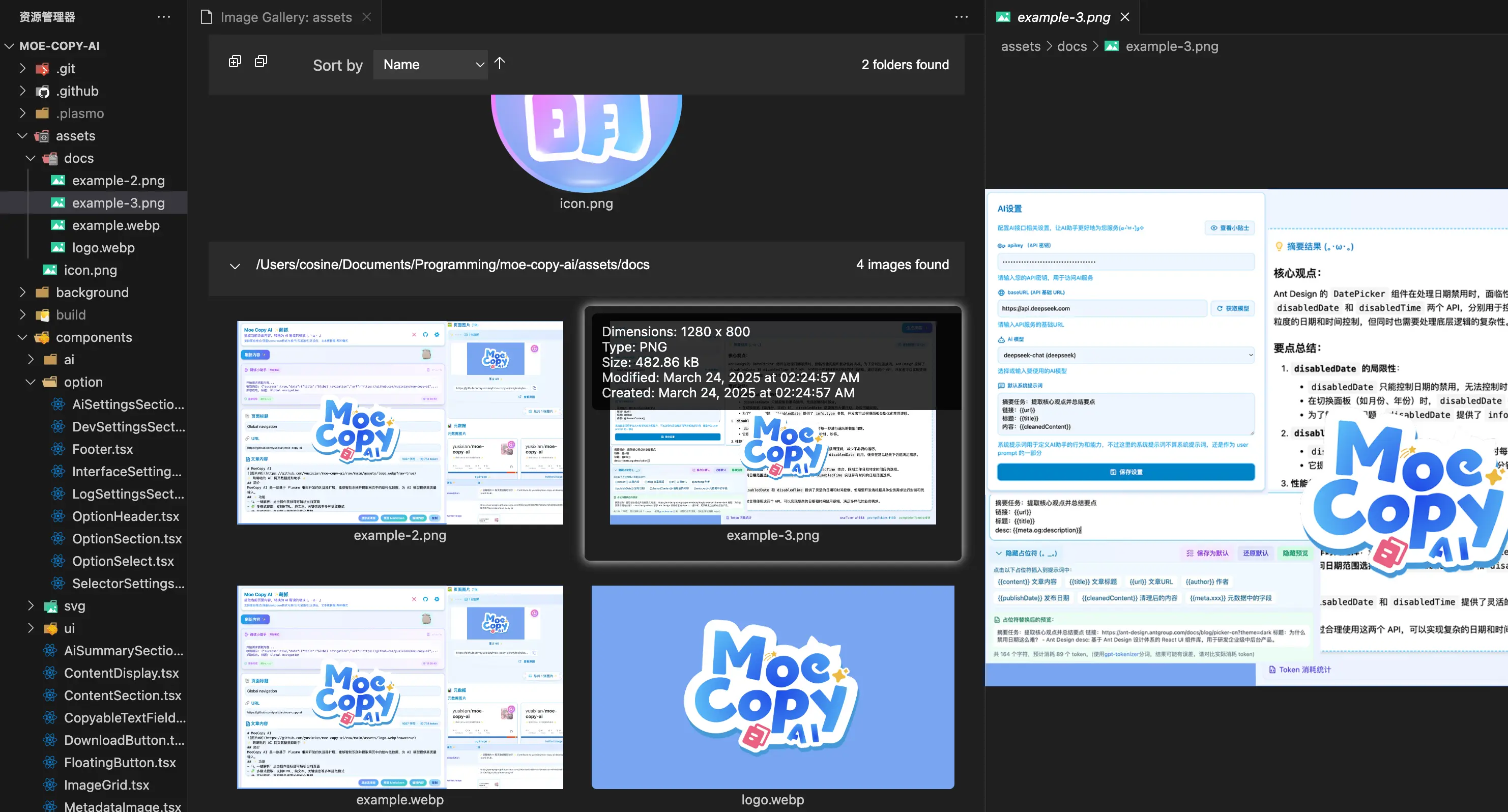
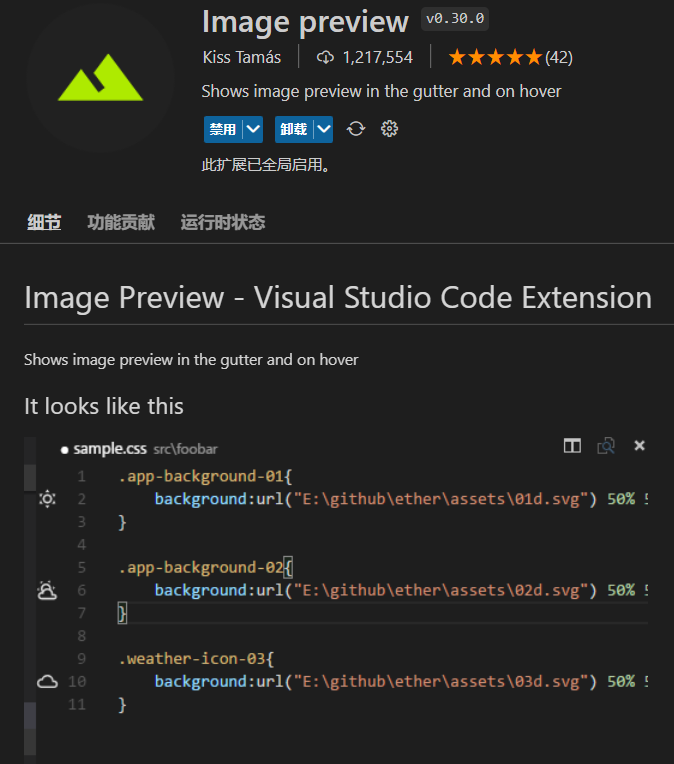
Image preview
Image link preview, goes without saying how useful it is.
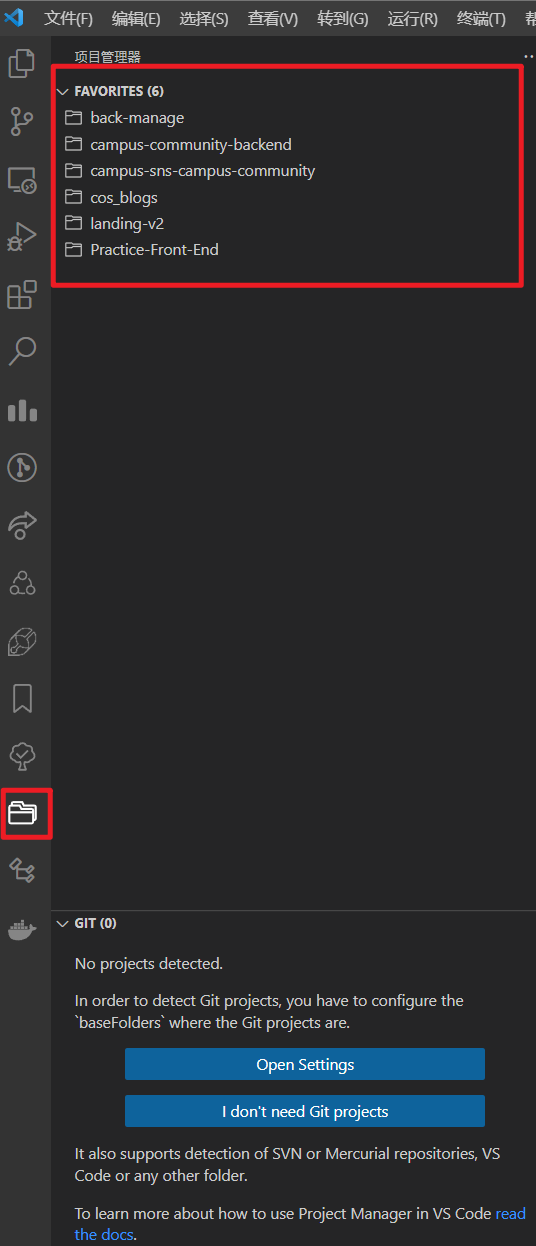
Project Manager
VSCode project manager, one-click project switching. Still one of my favorite plugins, and you can add tags.

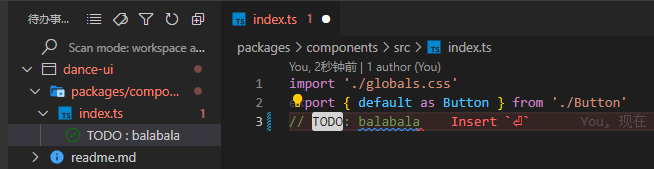
Todo Tree
As the name suggests, displays where TODO comments are in the project. Just write TODO and it gets highlighted automatically.

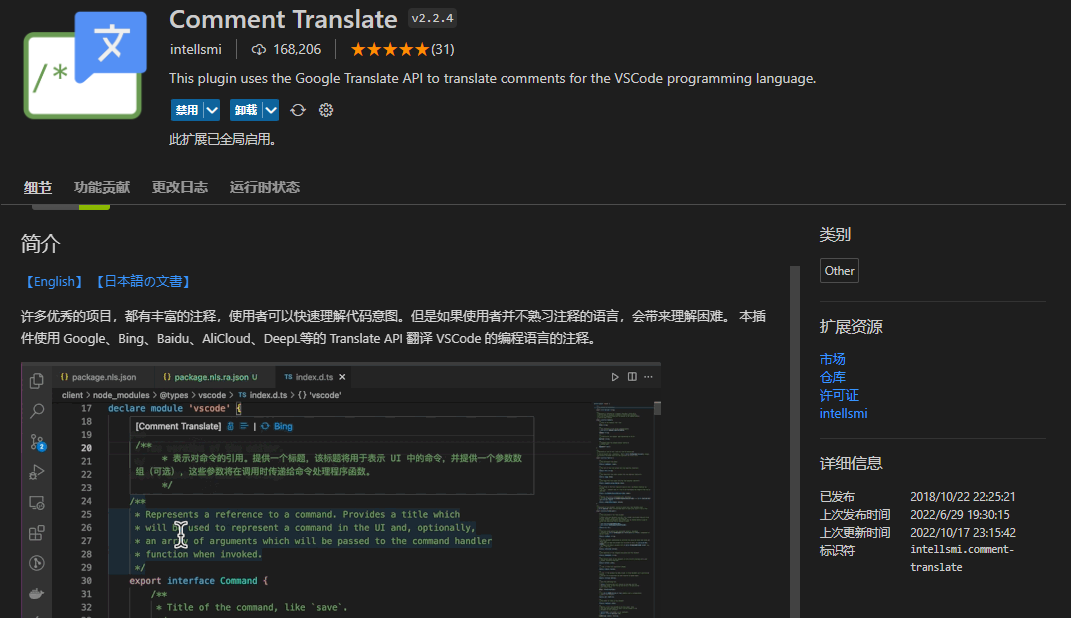
Comment Translate
Comment translation, as shown. So incredibly useful.
Code Runner
This one needs no introduction — the little triangle at the top right to run code.

Utility Tools
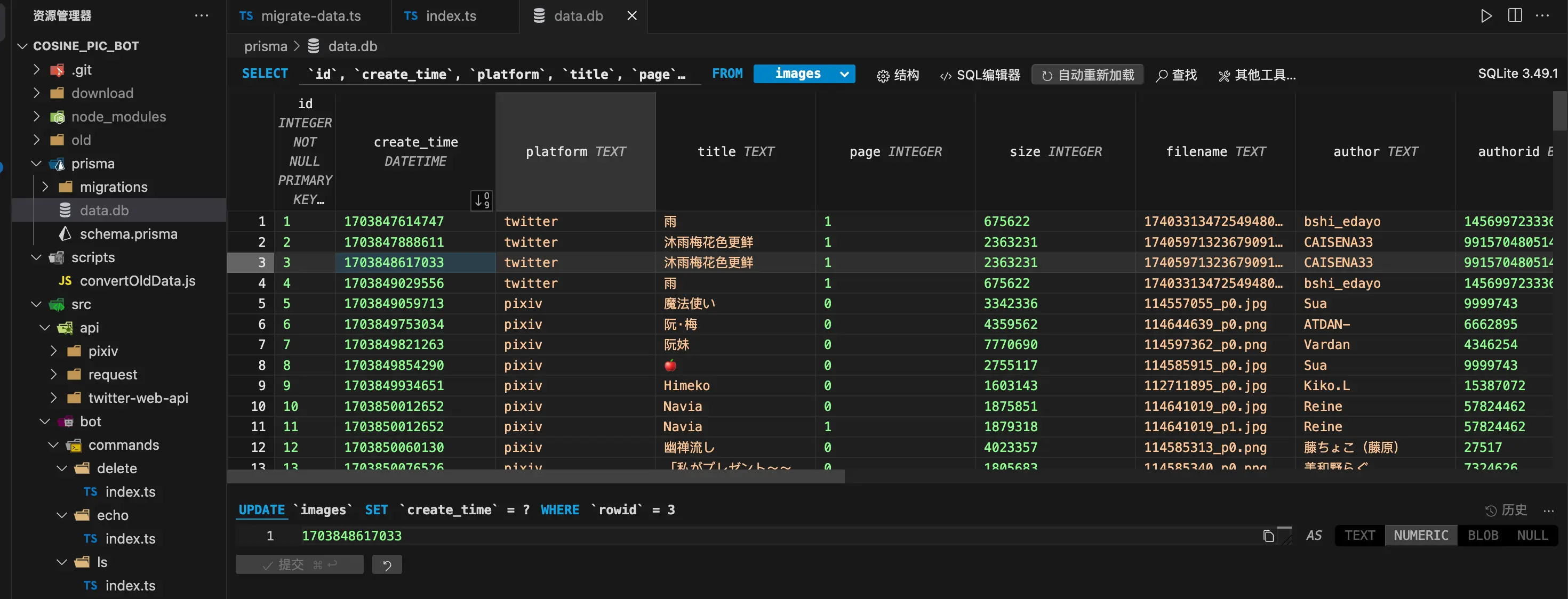
[New] SQLite3 Editor
Review: A very powerful SQLite database editing tool that lets you edit local SQLite database files like a spreadsheet. Great for SQLite fans.
SQLite3 Editor is a powerful plugin that allows you to edit SQLite 3 files without writing SQL queries. It provides a spreadsheet-like interface, making database operations intuitive and simple.
[New] project-tree
Review: Pretty practical. Ctrl + Shift + P and then type “Project Tree” to generate a tree-like directory structure like this.
project-tree primarily generates a tree-structured directory of your entire project in the README.md file, ideal for maintaining and displaying project documentation.
project-tree
├─ .git
├─ .gitignore
├─ package-lock.json
├─ package.json
├─ src
│  ├─ config.ts
│  ├─ extension.ts
│  ├─ ignore
│  │  └─ index.ts
│  ├─ ignore.ts
│  ├─ index.ts
│  ├─ test
│  │  ├─ extension.test.ts
│  │  └─ index.ts
│  ├─ theme
│  │  ├─ index.ts
│  │  ├─ normal.ts
│  │  └─ perfect.ts
│  ├─ traverse.ts
│  ├─ type
│  │  └─ index.ts
│  └─ utils.ts
├─ tsconfig.json
├─ tslint.json
└─ webpack.config.js
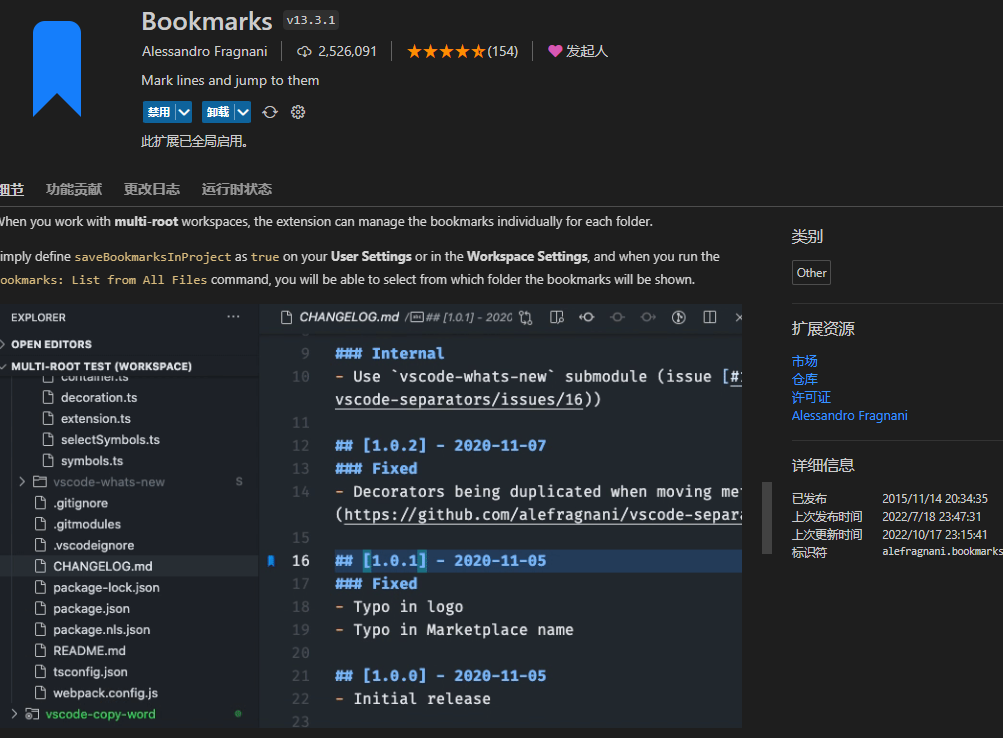
Bookmarks
Bookmarks for VSCode
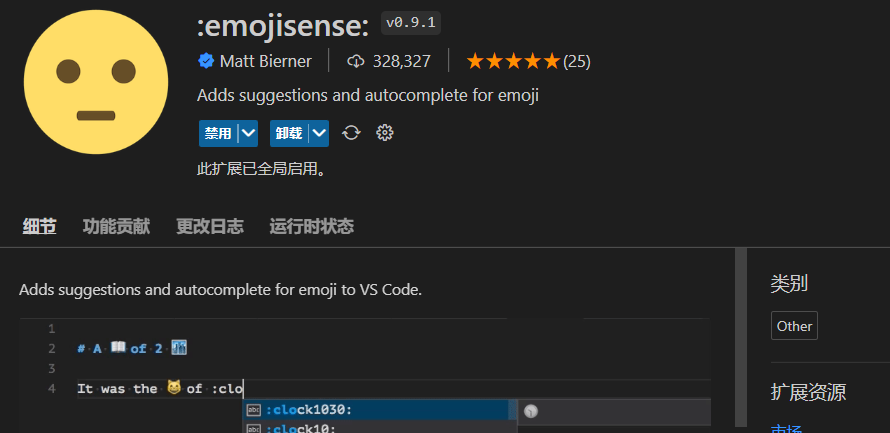
Convenient emoji input
CodeTour
Useful for reading source code

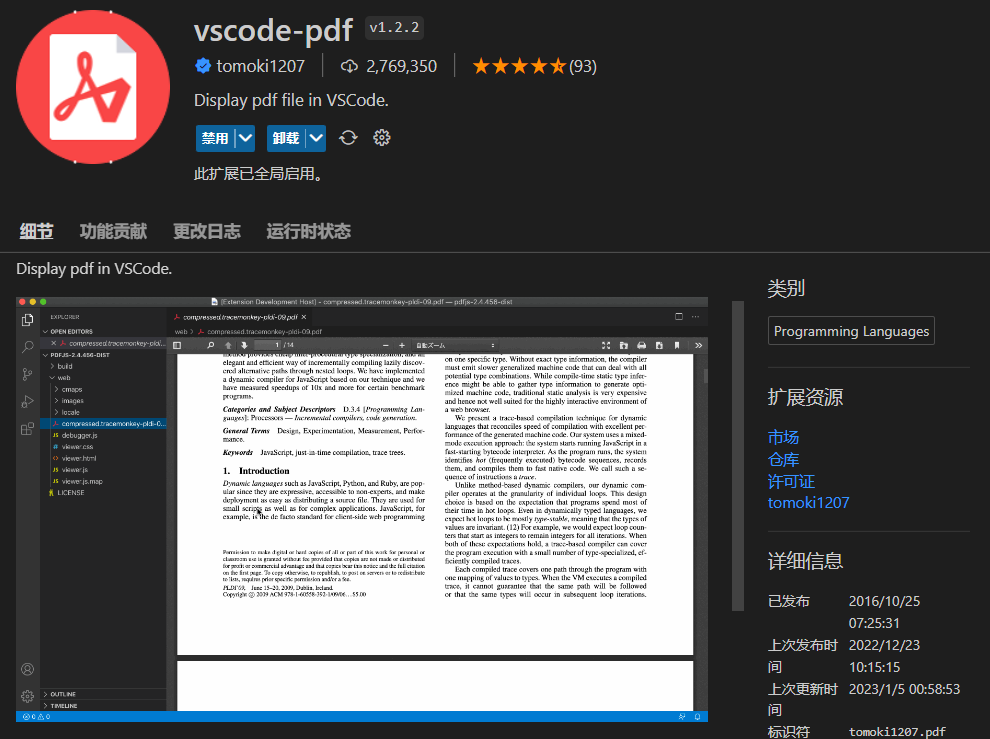
vscode-pdf
View PDF files in VSCode
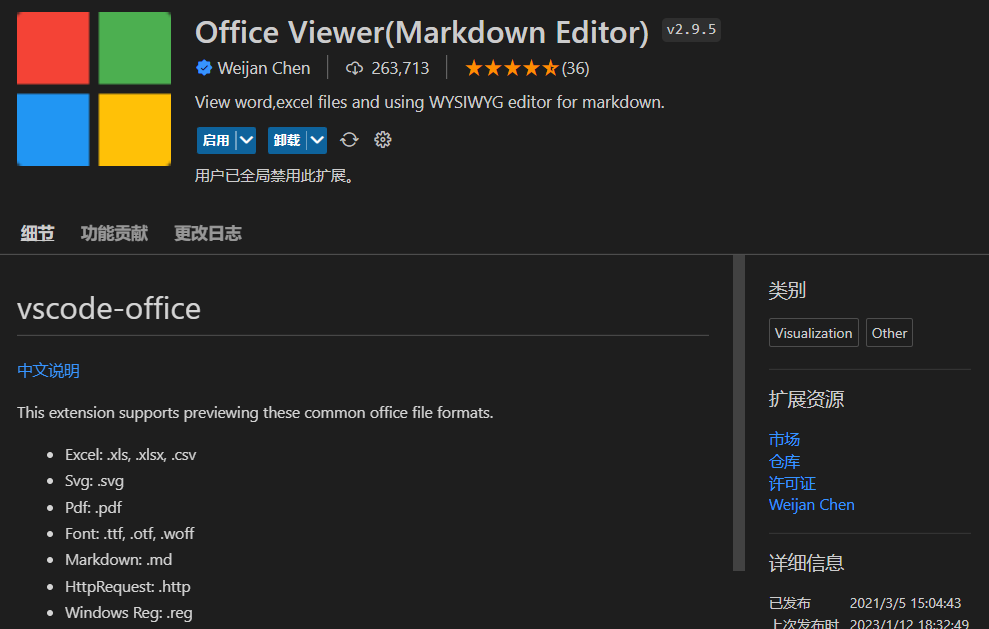
Office Viewer(Markdown Editor)
Since you can view PDFs, there’s naturally a plugin for Office files too. Like the Typora plugin, it integrates Vditor for writing MD files.
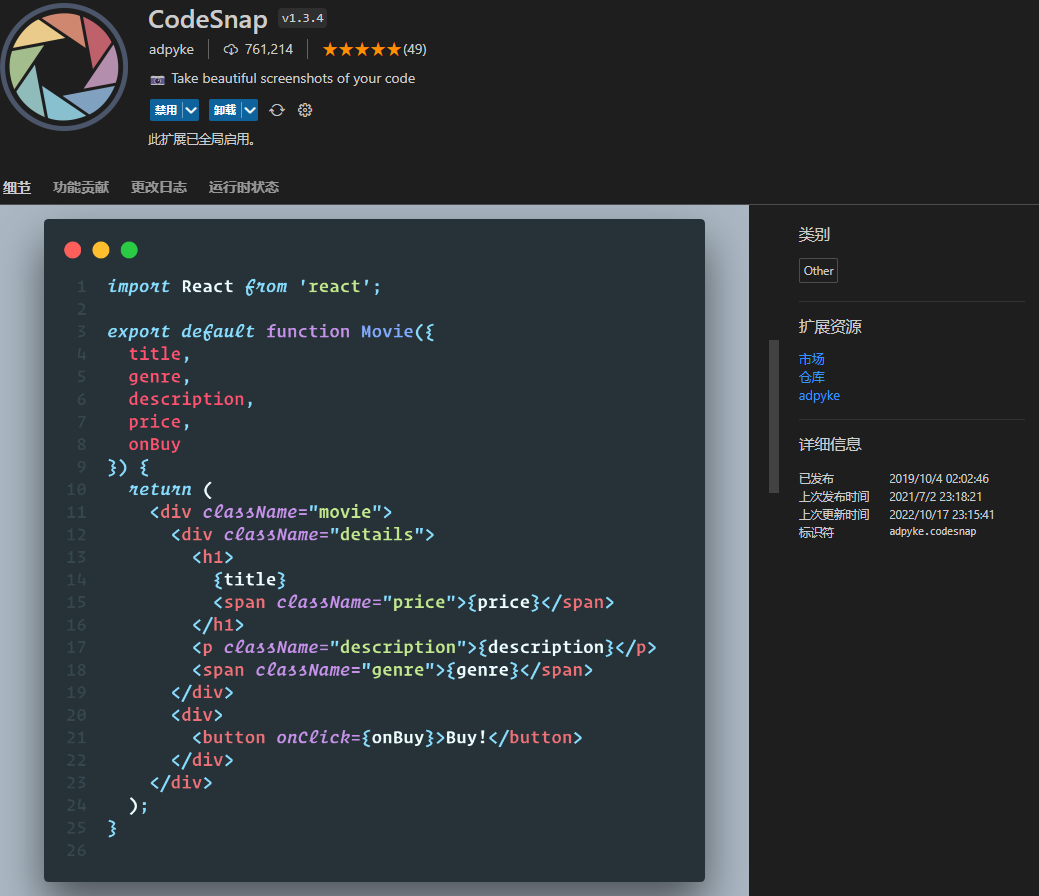
CodeSnap
Select code and generate beautiful screenshots
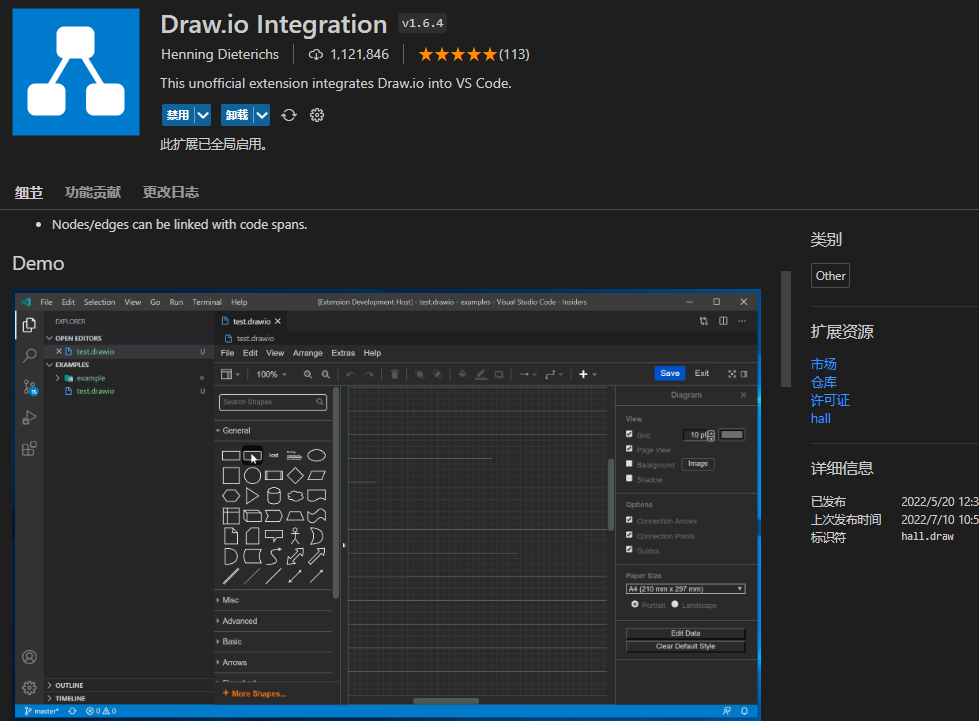
Draw.io Integration
Files with a .drawio extension can be used to draw flowcharts and more, suitable for writing technical documentation. Needs no further explanation.
Appearance Improvements
[New] Power Mode
Review: Incredibly flashy, but some people love it (like me, sadly). Coding with ceremony, the joy of combos — just enable a few features and that’s enough.
Power Mode shows various visual effects at the cursor when you type, such as explosions, particles, portals, etc.
Originally popular at Code in the Dark events, it has now been ported to VS Code. Key features:
- Power explosion effects: Shows explosions, particles, and other visual effects at the cursor when typing
- Screen shake: The screen shakes slightly when hitting keys, providing stronger typing feedback
- Combo counter: Shows a continuous typing combo count, similar to game combo counters
- Multiple visual effects: Offers a rich selection of built-in effects including particles, portals, fireworks, flames, magic, etc.

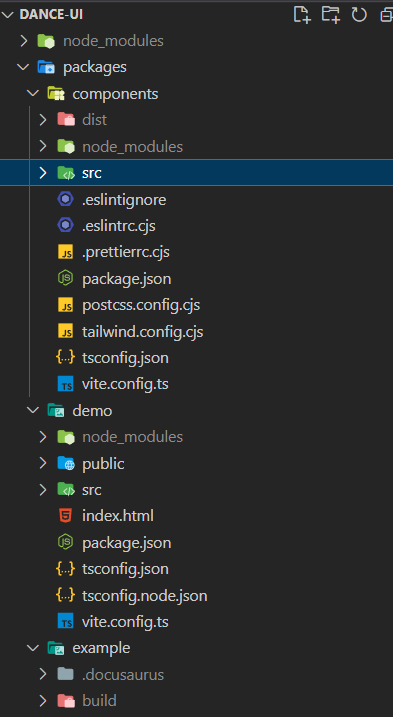
vscode-icons
Improved file icons for VSCode, essential.
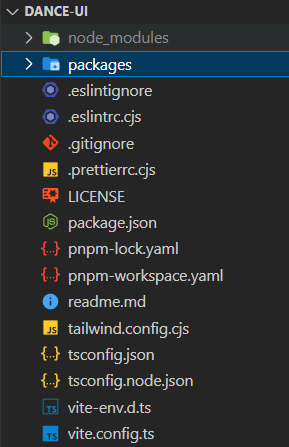
Other Tools
- If you develop on Windows, [AltSnap] is a free, open-source Windows utility. Hold Alt to move windows and adjust window size, transparency, etc. It’s also particularly useful for design mockups.
- …That’s it for now, I’m too hungry and need to grab some food first.
Deprecated / Disabled
The deprecation here may be due to various reasons and doesn’t mean they’re bad. Some reasons include lack of usage scenarios, causing lag or memory leaks in actual development, etc.
- Live Share - Multi-user collaboration, co-editing, shared terminal
- After starting work, there’s really no scenario for using this.
- Dev Containers (for Docker development) - Opens files inside Docker containers. Everyone who uses Docker for development loves it.
- Also not many use cases for me.
- CSS Modules (essential for CSS module pattern)
- Sorry, I haven’t used CSS Modules in development for the past few years.
- Auto-completion and documentation: GitHub Copilot, Tabnine AI, Codeium, Mintlify Doc Writer, etc.
- Since my main editor switched to Cursor, none of these are needed anymore.
- Coding challenge plugins have also all been deprecated.
喜欢的话,留下你的评论吧~