

This article has been machine-translated from Chinese. The translation may contain inaccuracies or awkward phrasing. If in doubt, please refer to the original Chinese version.
Here’s a summary of my commonly used frontend plugins and tool recommendations for 2022. Although VSCode’s built-in settings sync is already quite comprehensive, I still put together this list just in case. Original Feishu document link: 2022 Frontend Development VSCode Plugin and Tool Recommendations
Common VSCode Plugins
Development
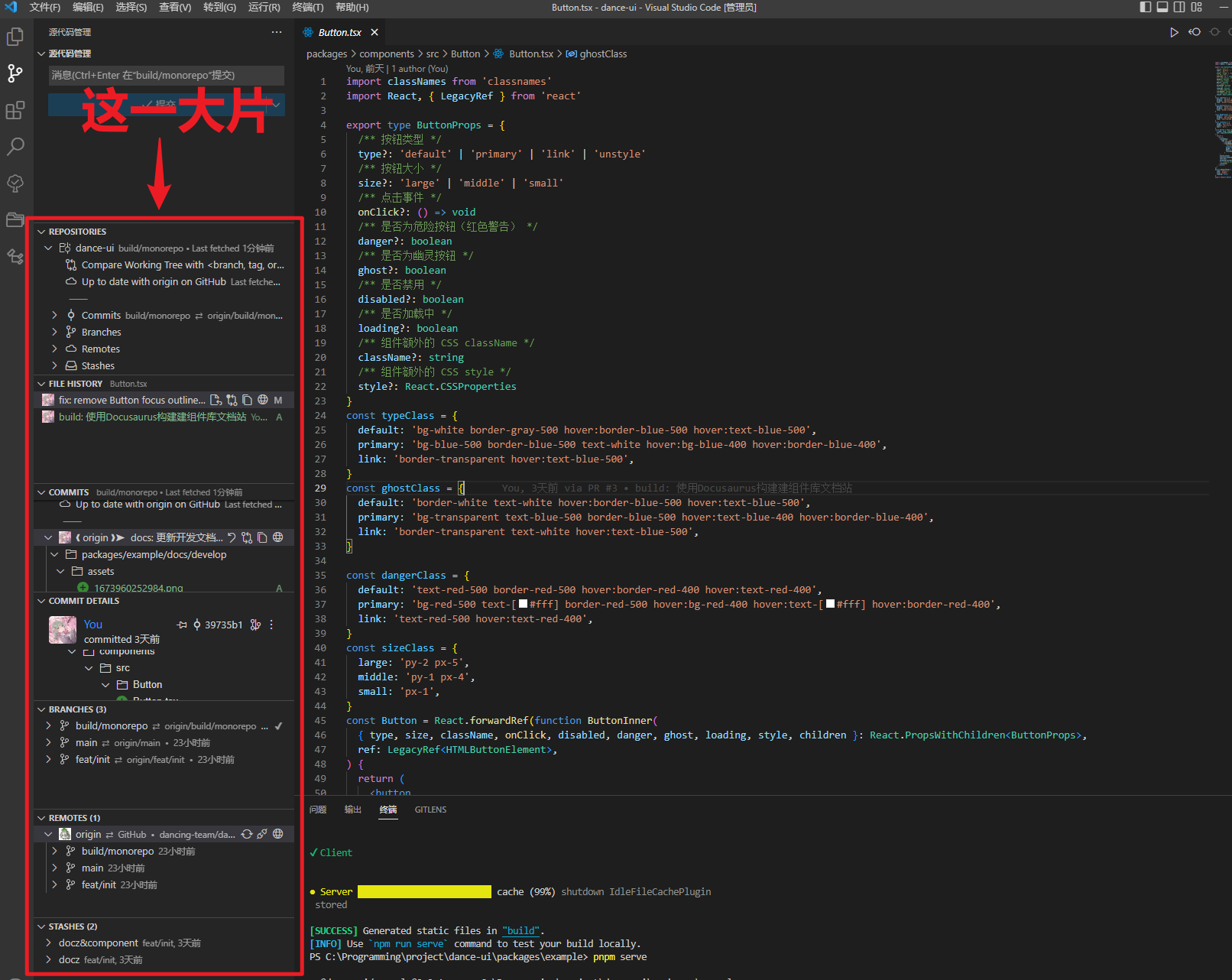
GitLens — Git supercharged
Extends VSCode’s built-in Git features with many useful capabilities.
Auto Close Tag
Automatically closes HTML and JSX tags.

Auto Rename Tag
Automatically renames paired tags.

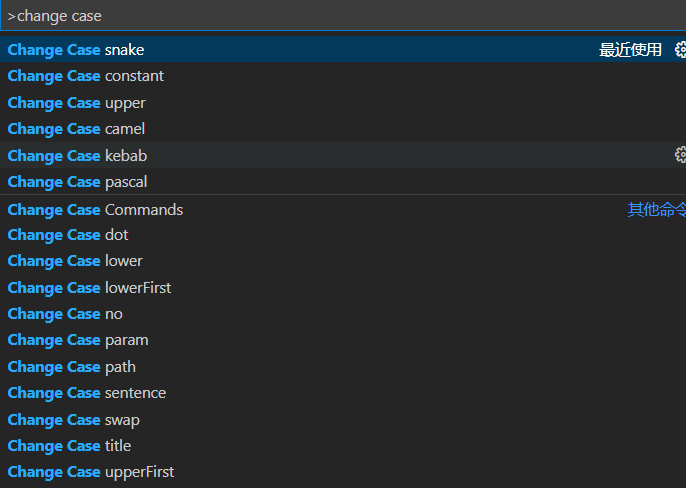
change-case
Name case conversion — Ctrl+Shift+P and type “change case”.

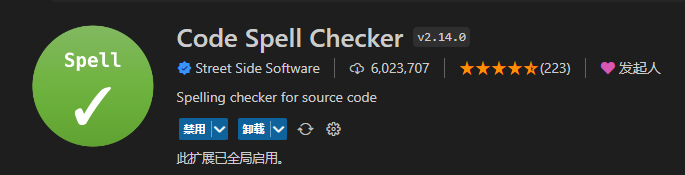
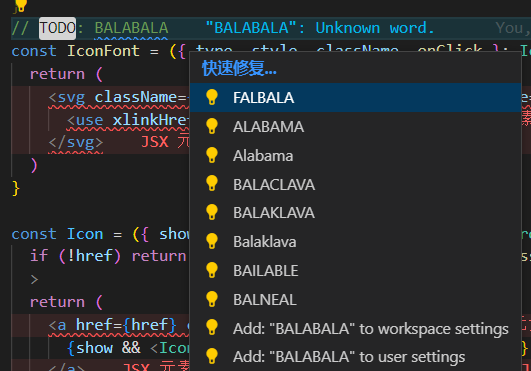
Code Spell Checker
Spell checking in code.
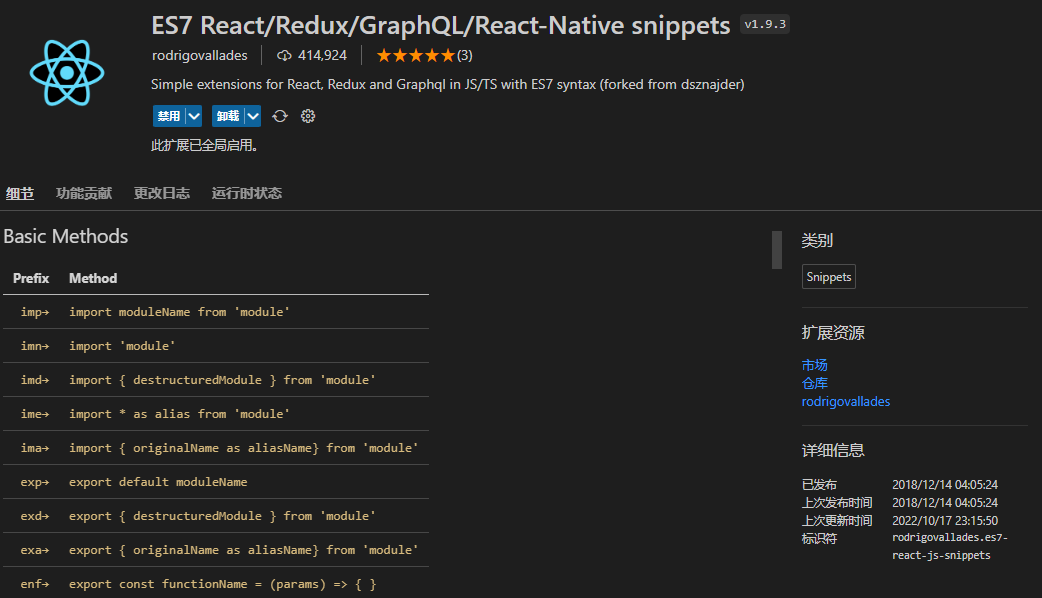
ES7 React/Redux/GraphQL/React-Native snippets
React code snippets, as the name and screenshot suggest.
Commit Message Editor
Essential for team collaboration — editing git commit messages.
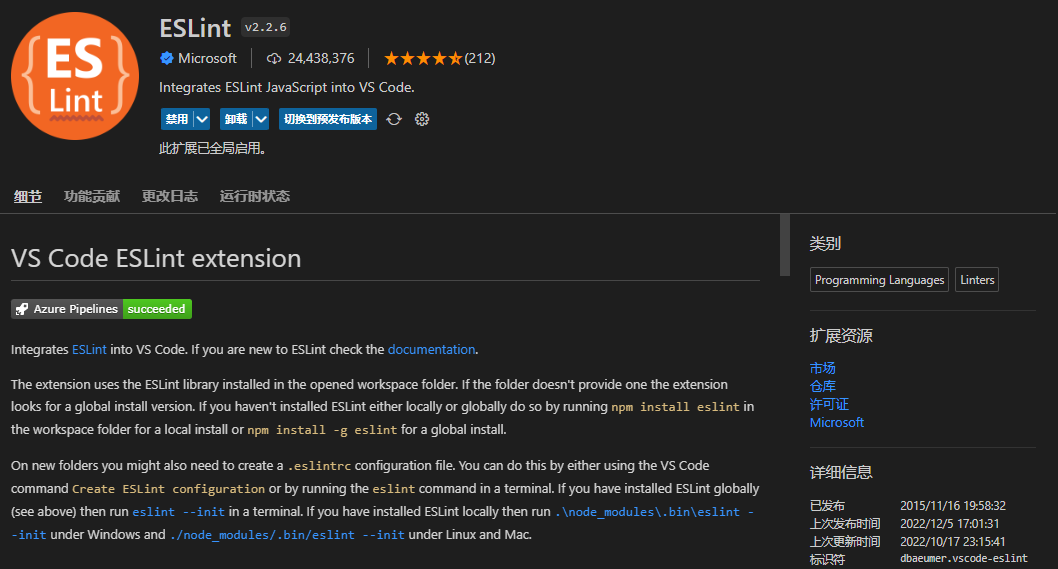
ESLint
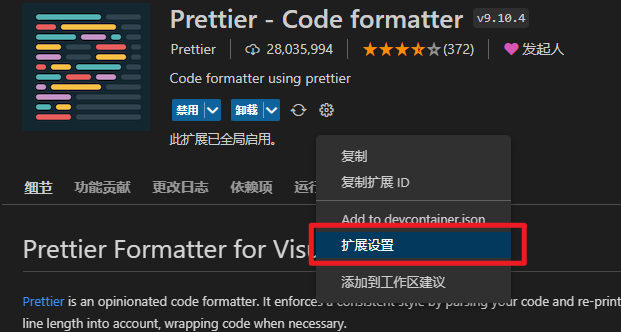
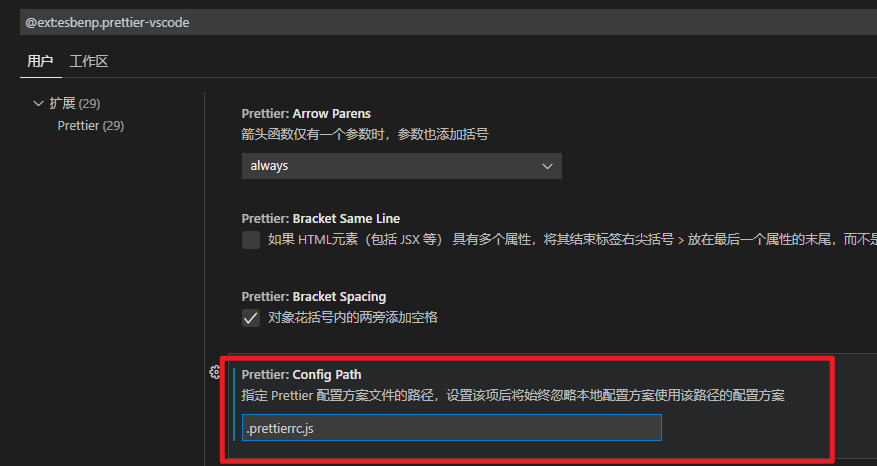
Prettier
Specify the config file .prettierrc.js to format using your project’s own Prettier configuration.
Why Prettier? https://prettier.io/docs/en/why-prettier.html
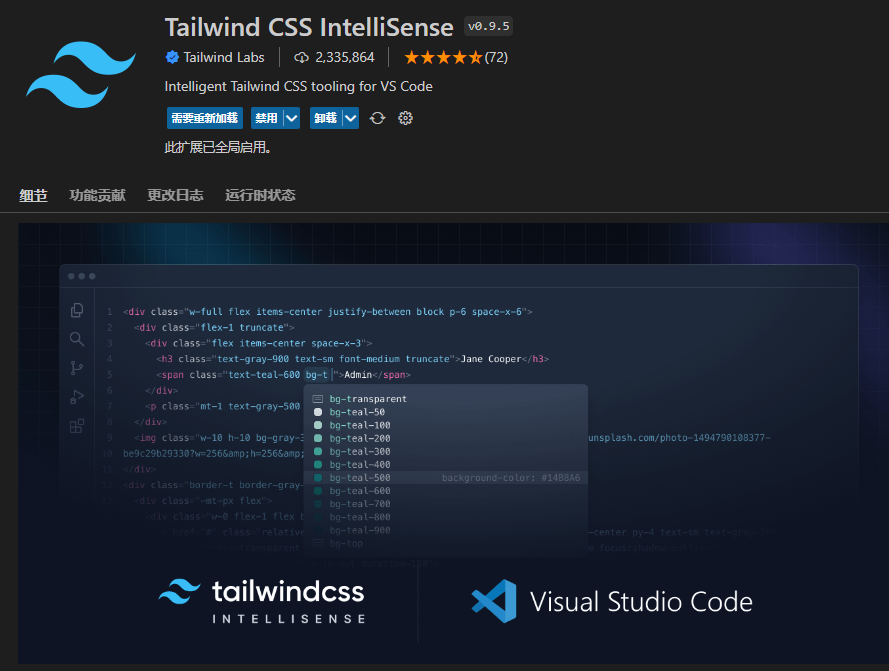
Tailwind CSS IntelliSense (Recommended for Tailwind users)
Autocomplete and intelligent suggestions for Tailwind.
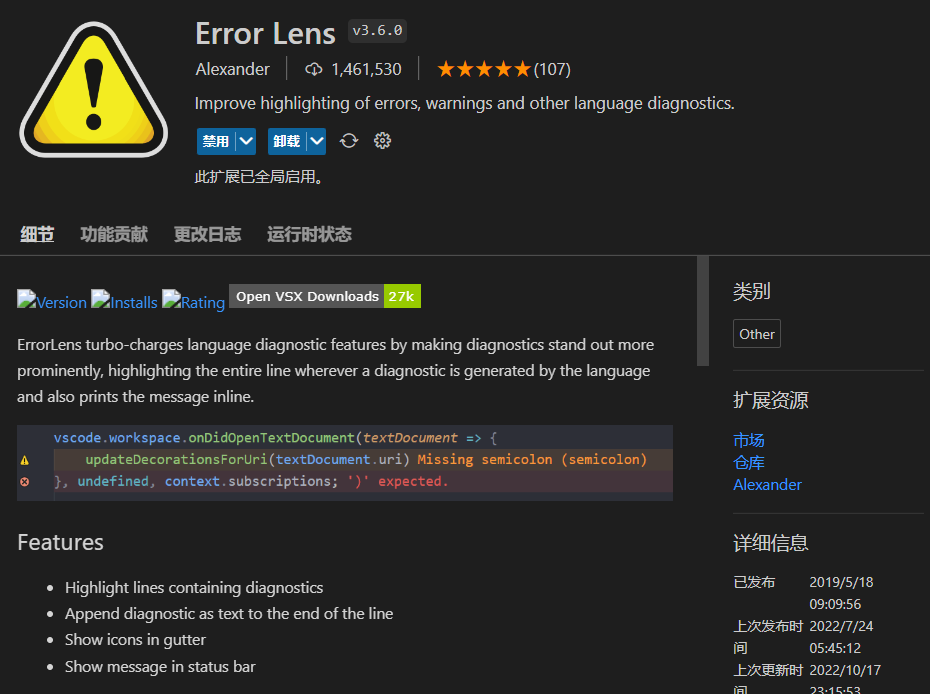
Error Lens
Improved highlighting for errors, warnings, and other language diagnostics.
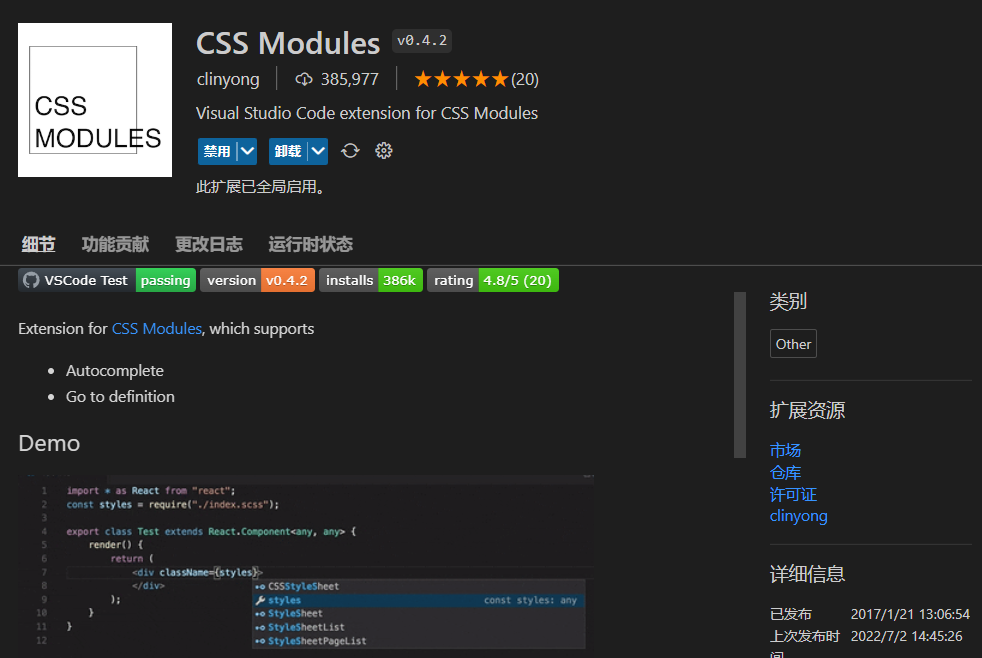
CSS Modules
Essential for CSS module pattern.
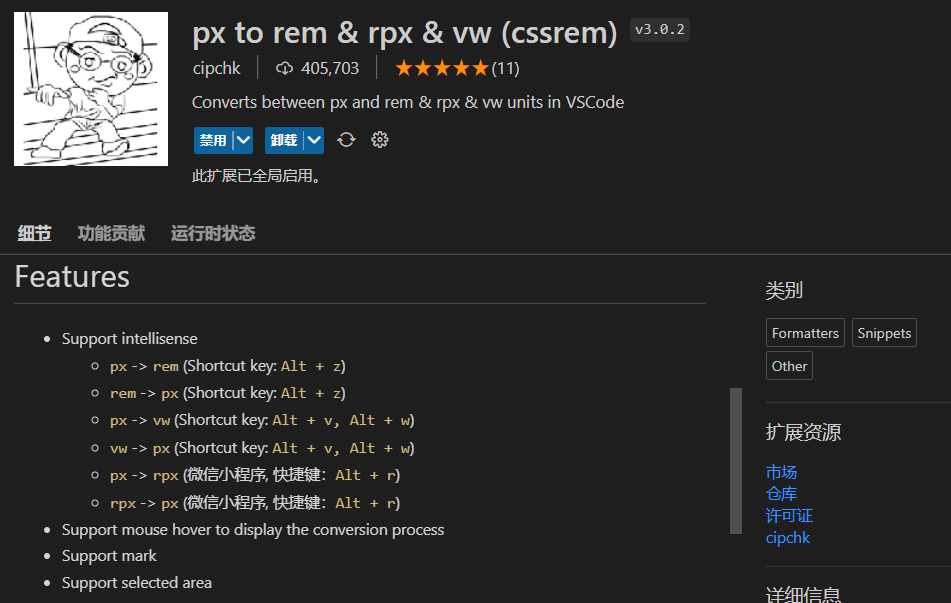
px to rem & rpx & vw (cssrem)
As the name suggests — convenient unit conversion.
Template String Converter
Automatically converts strings to template literals when you type ${.

TabOut
Once you get used to it, there’s no going back — press Tab to jump out of brackets.

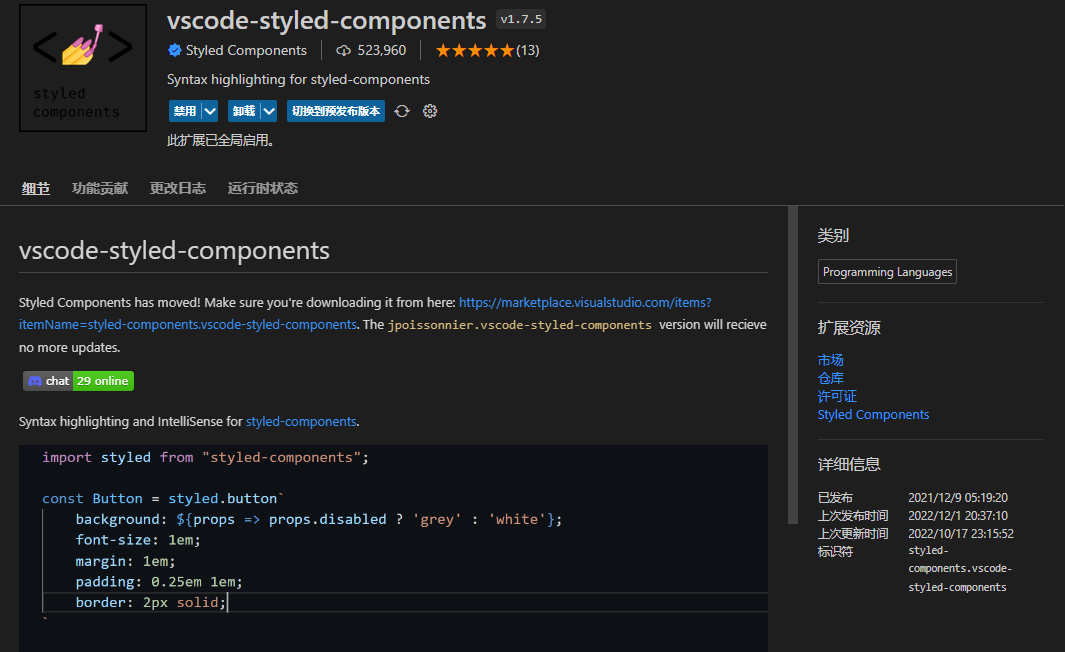
vscode-styled-components (Recommended for styled-components users)
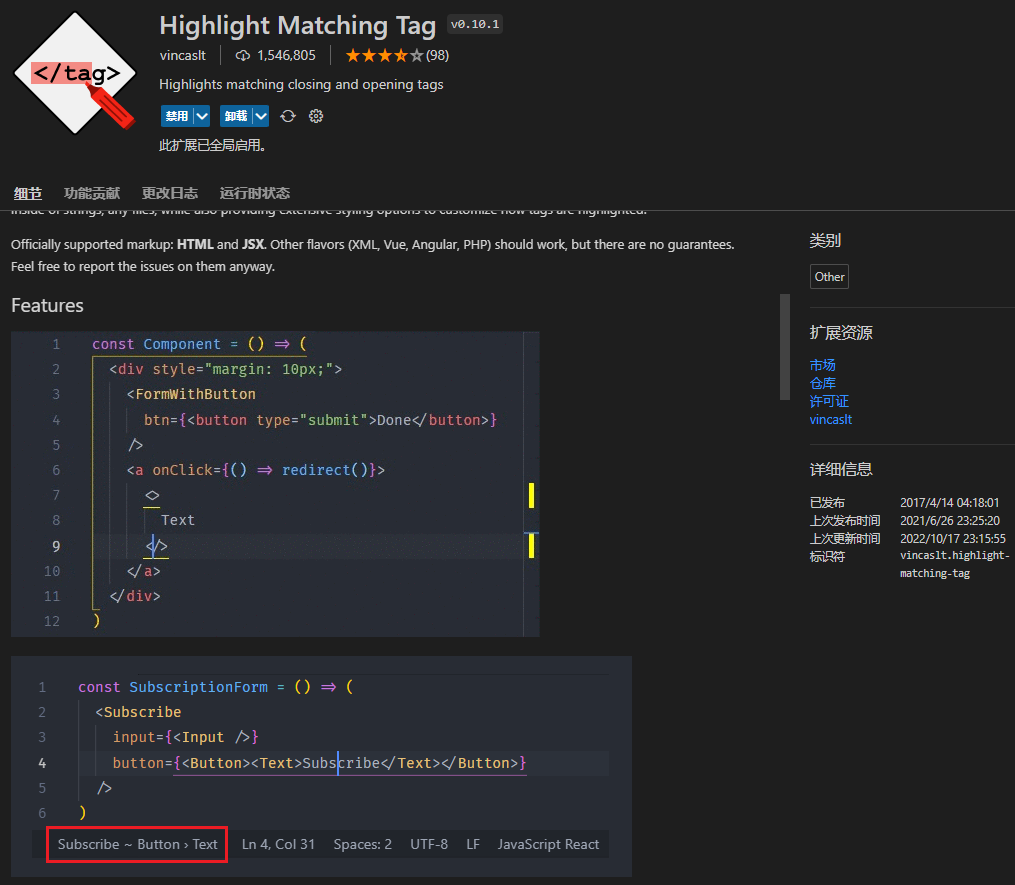
Highlight Matching Tag
As the name suggests — highlights matching tags.
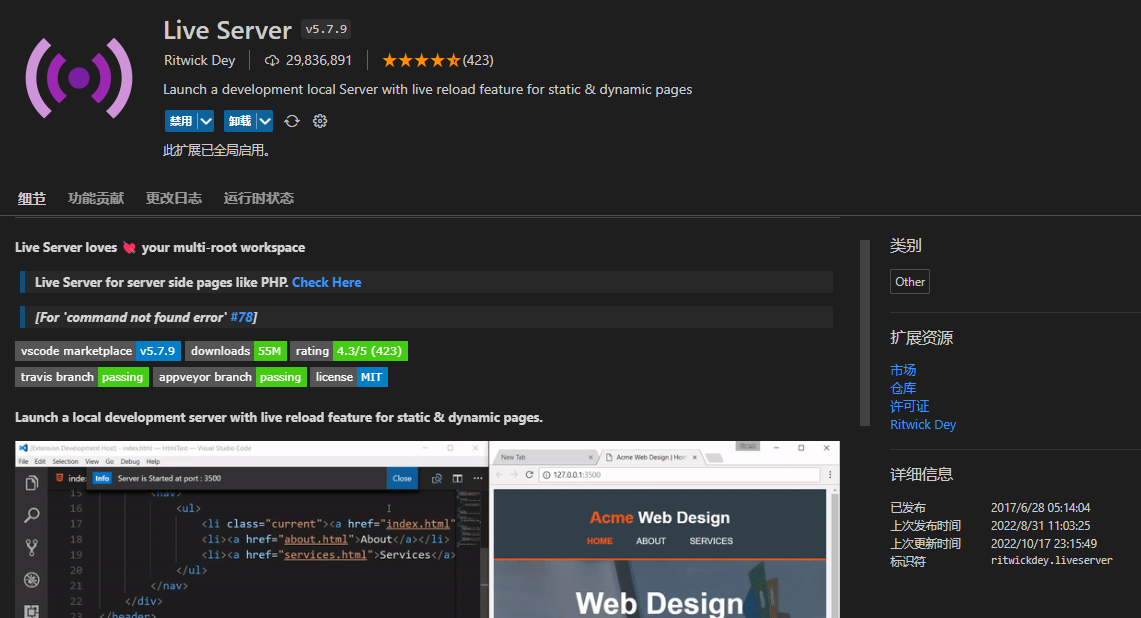
Live Server
A classic plugin: https://juejin.cn/post/7006338919767736357
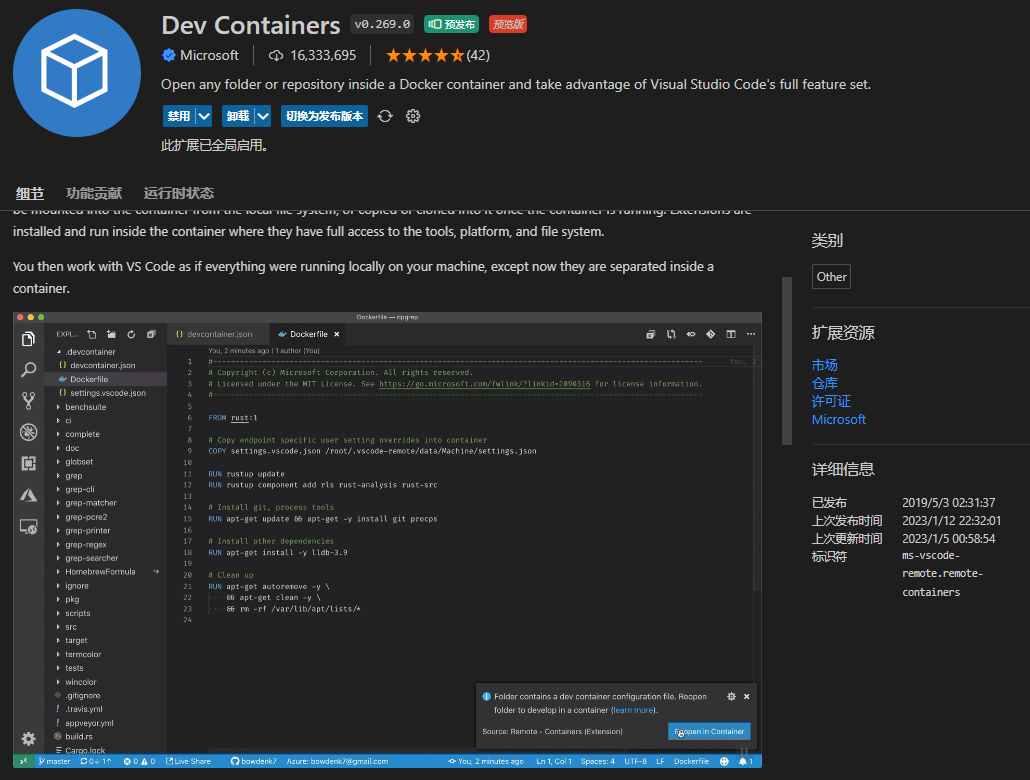
Dev Containers (For Docker development)
Open files inside Docker containers — everyone who uses Docker for development loves it.
Utility
Code Runner
No introduction needed — click the small triangle in the upper right to run code.
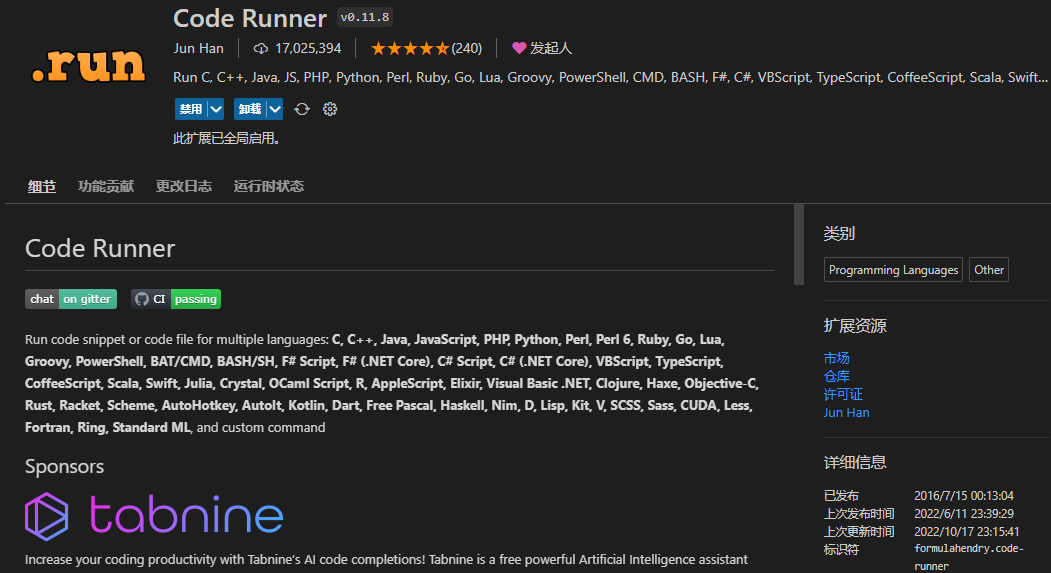
Image Gallery
Great for viewing image assets — highly recommended.
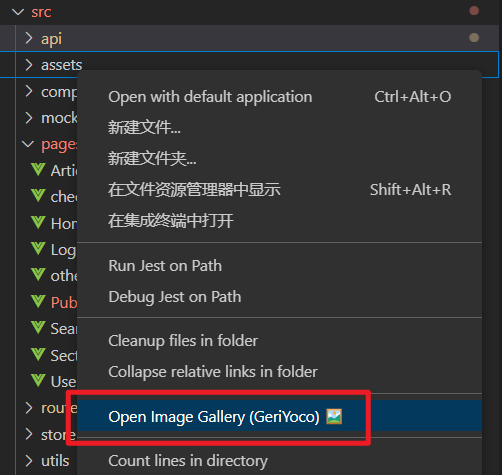
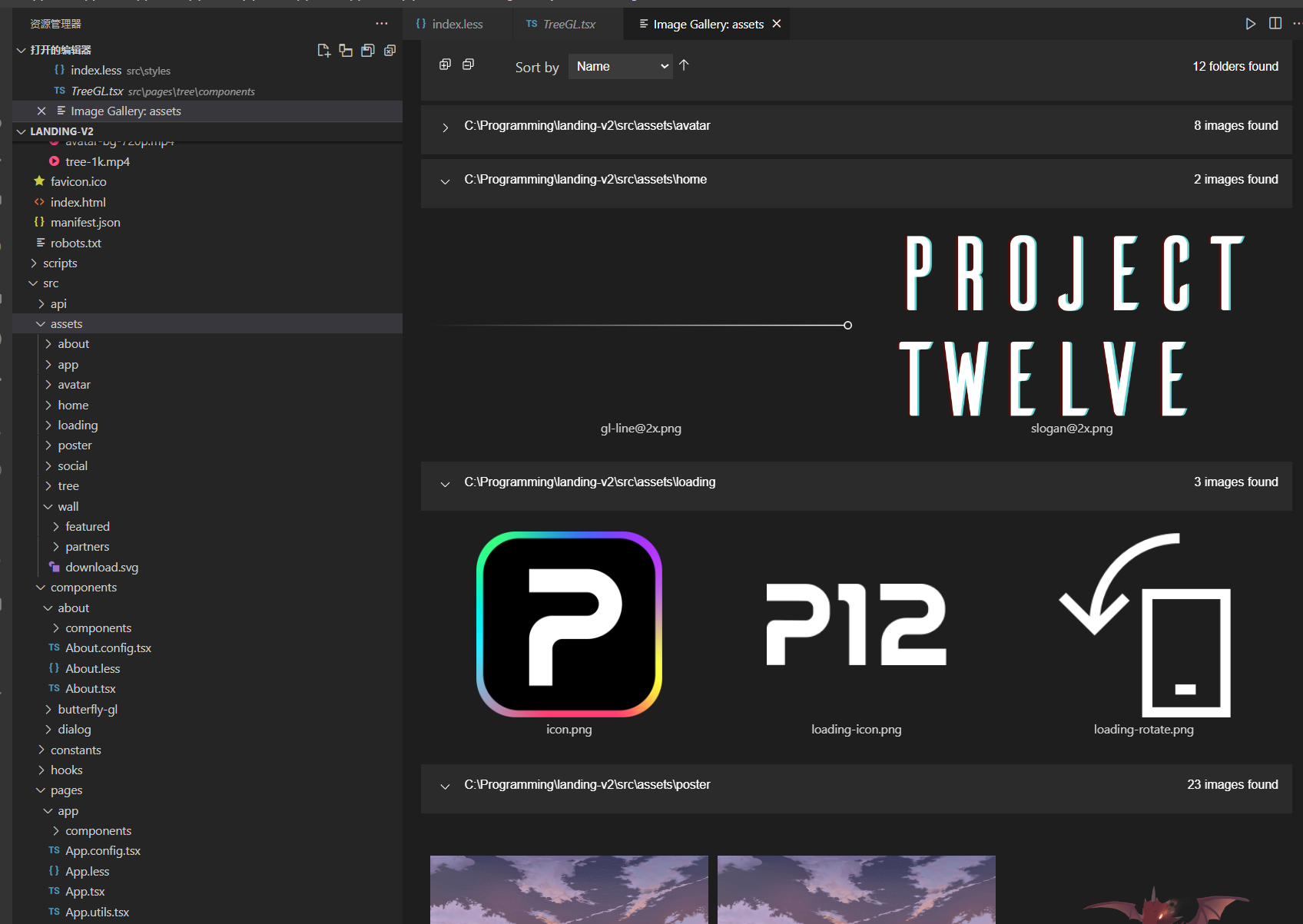
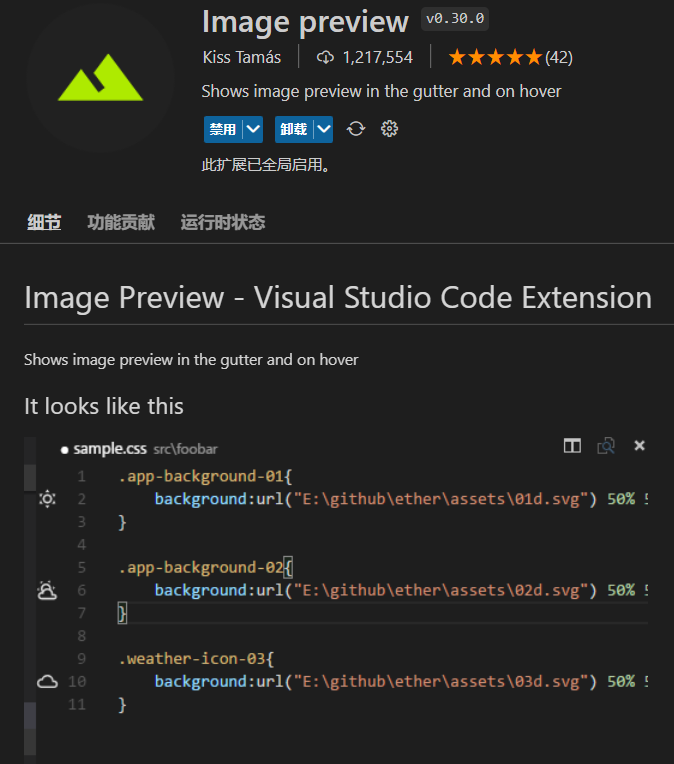
Image preview
Image link preview — undeniably useful.
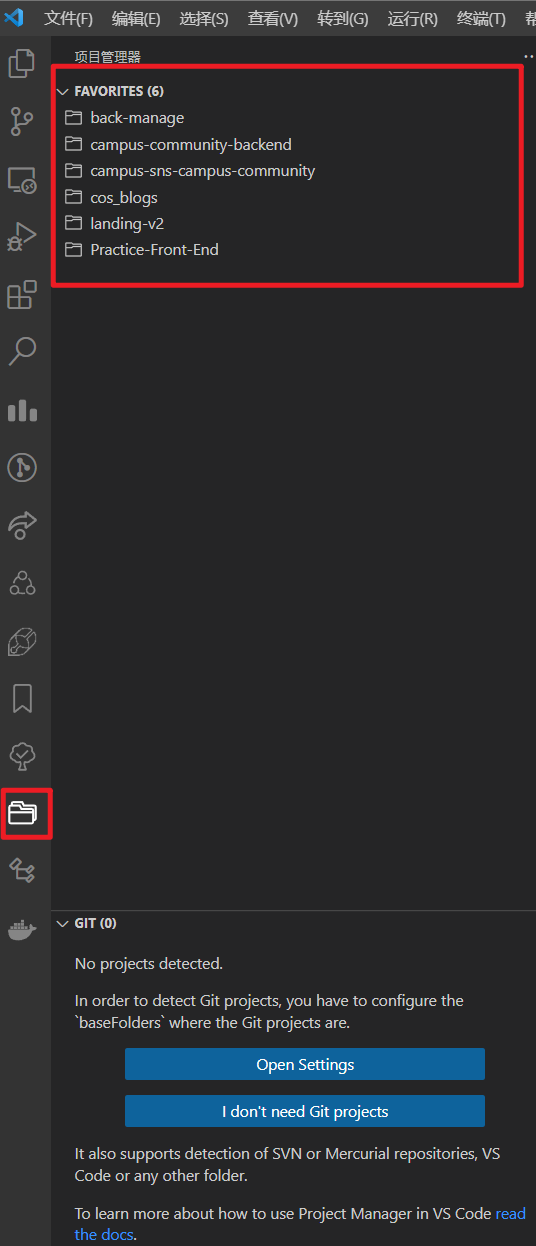
Project Manager
VSCode’s project manager — switch between projects with one click.
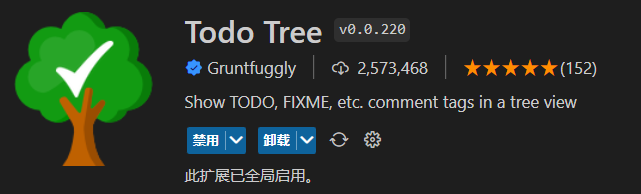
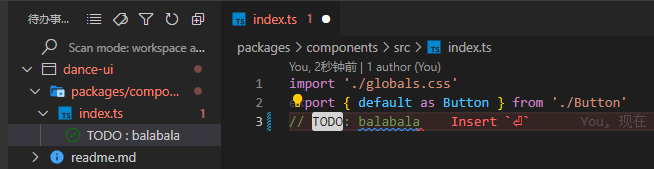
Todo Tree
As the name suggests — shows where TODO comments are in your project. Just write TODO and it highlights automatically.
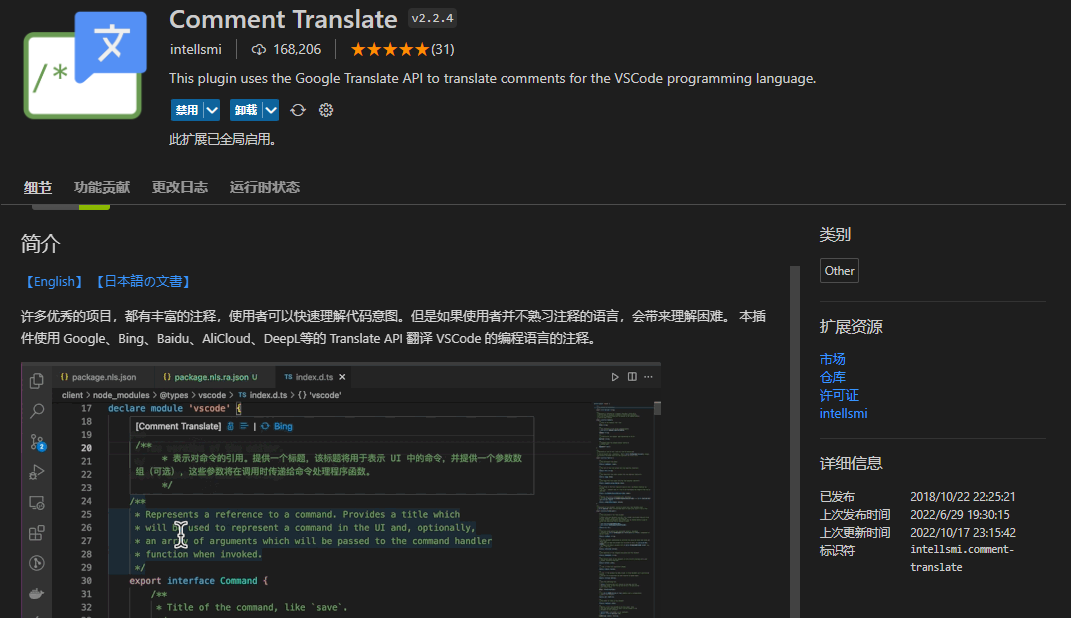
Comment Translate
Comment translation, as shown.
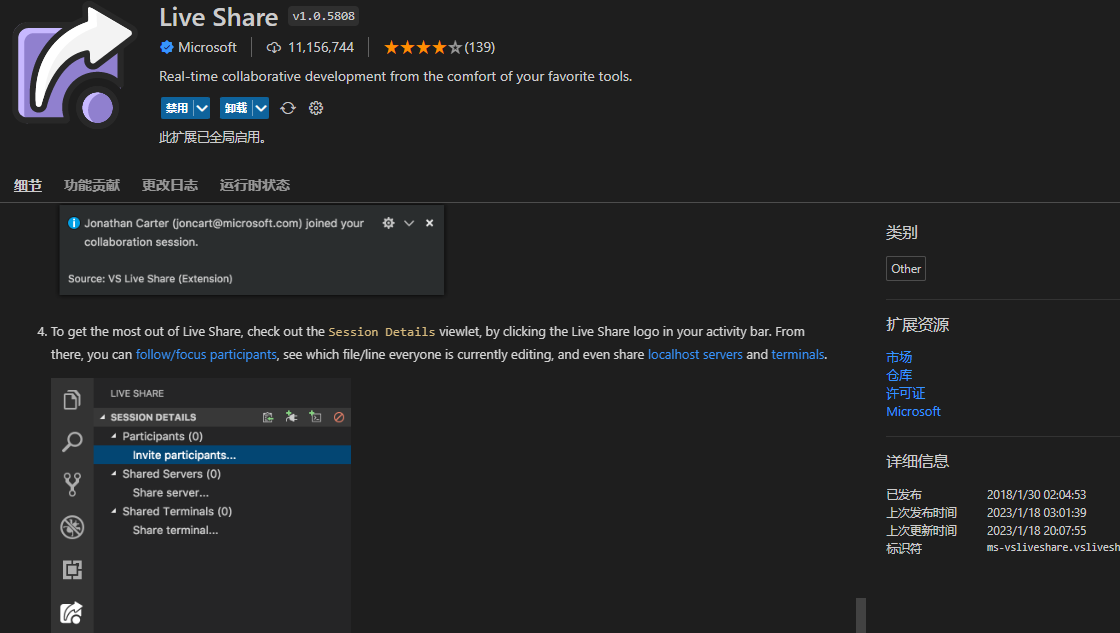
Live Share
Multi-person collaboration, co-editing, shared terminals: https://juejin.cn/post/6844903603182764039
Practical Tools
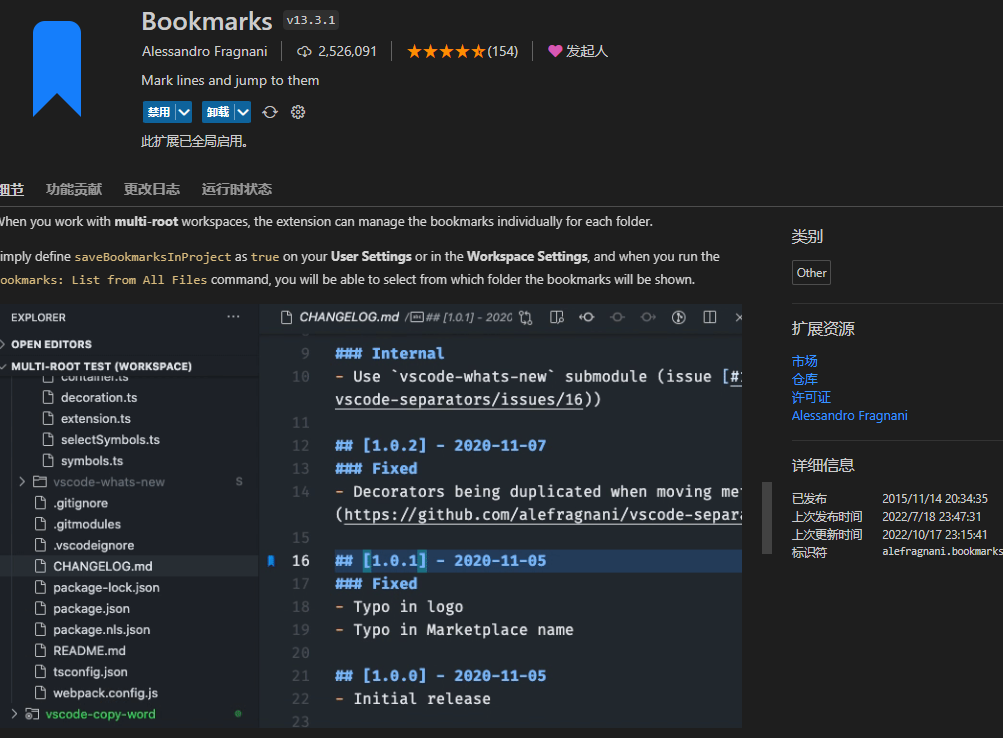
Bookmarks
Bookmarks for VSCode.
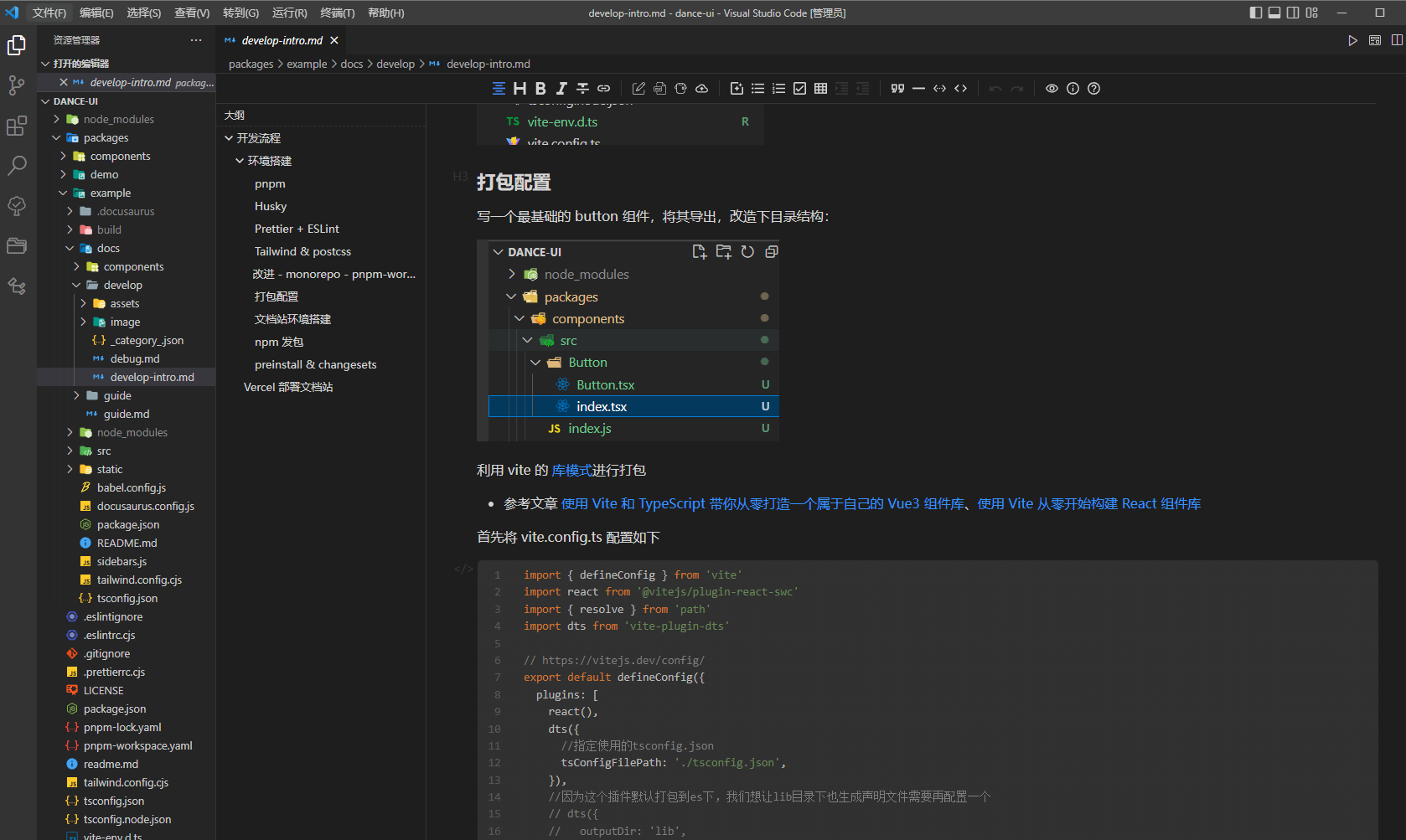
Typora
Uses Vditor as a Markdown editor for VSCode — quite handy. However, it sometimes conflicts with git and needs to be disabled.

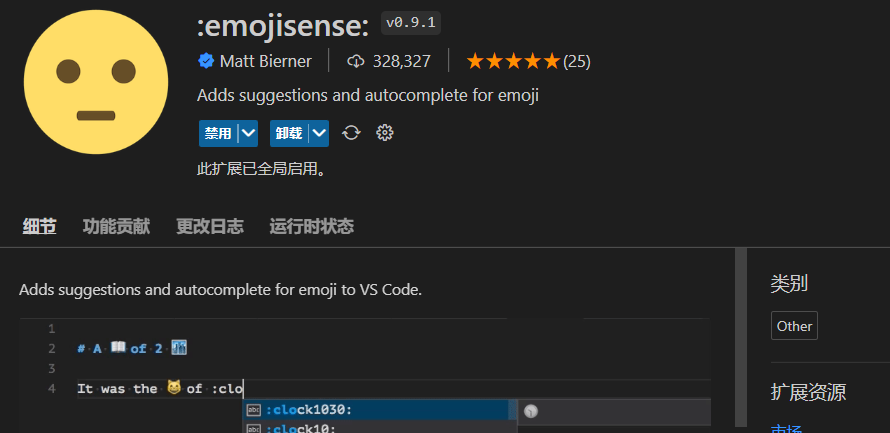
Convenient emoji input.
CodeTour
Useful when reading source code.
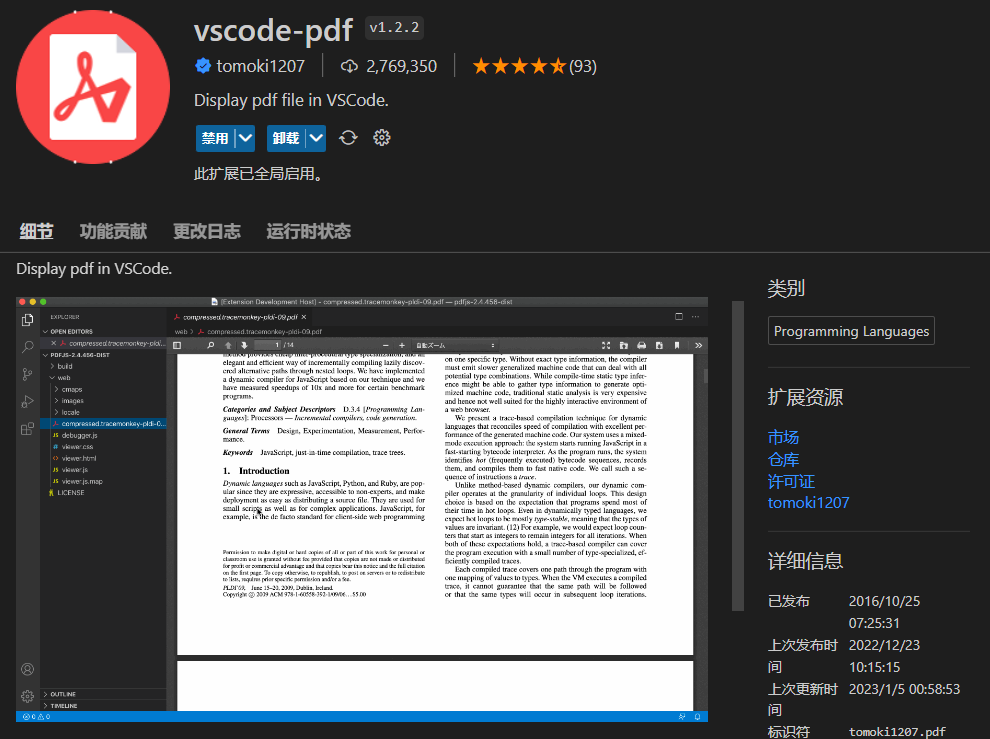
vscode-pdf
View PDF files in VSCode.
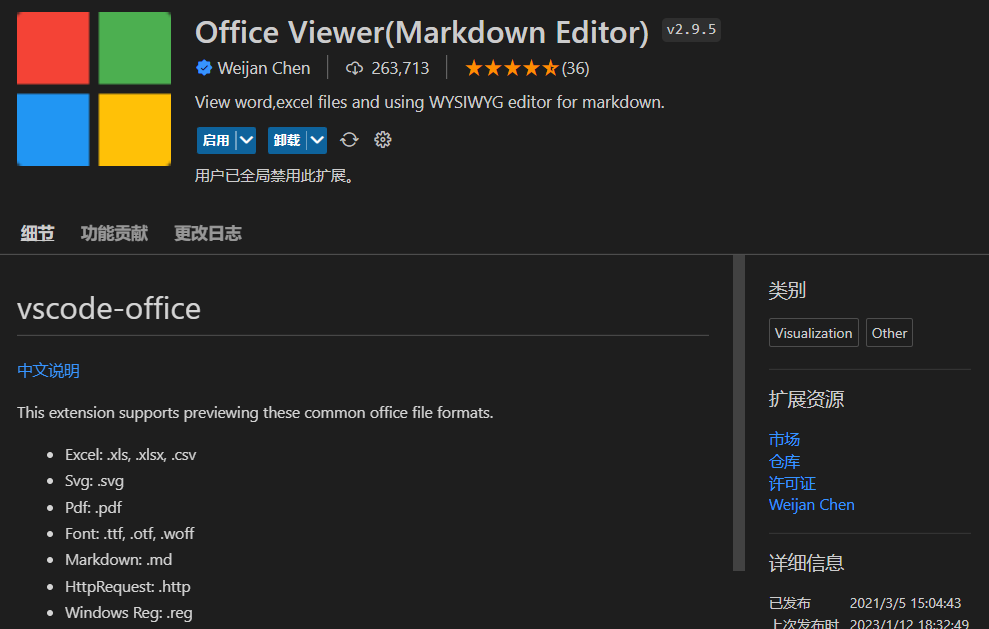
Office Viewer(Markdown Editor)
Since we can view PDFs, of course there’s a plugin for Office files. Like the Typora plugin, this integrates Vditor for writing Markdown files.
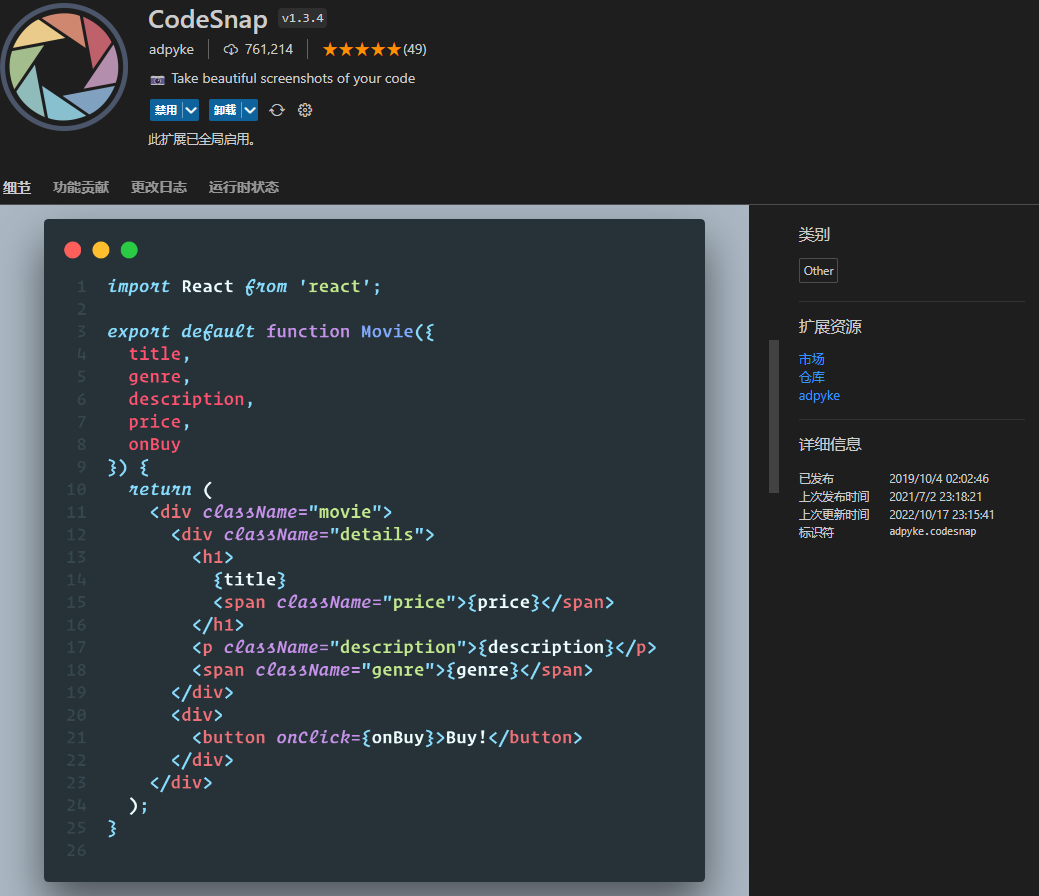
CodeSnap
Select code and generate beautiful screenshots (perfect for showing off your code).
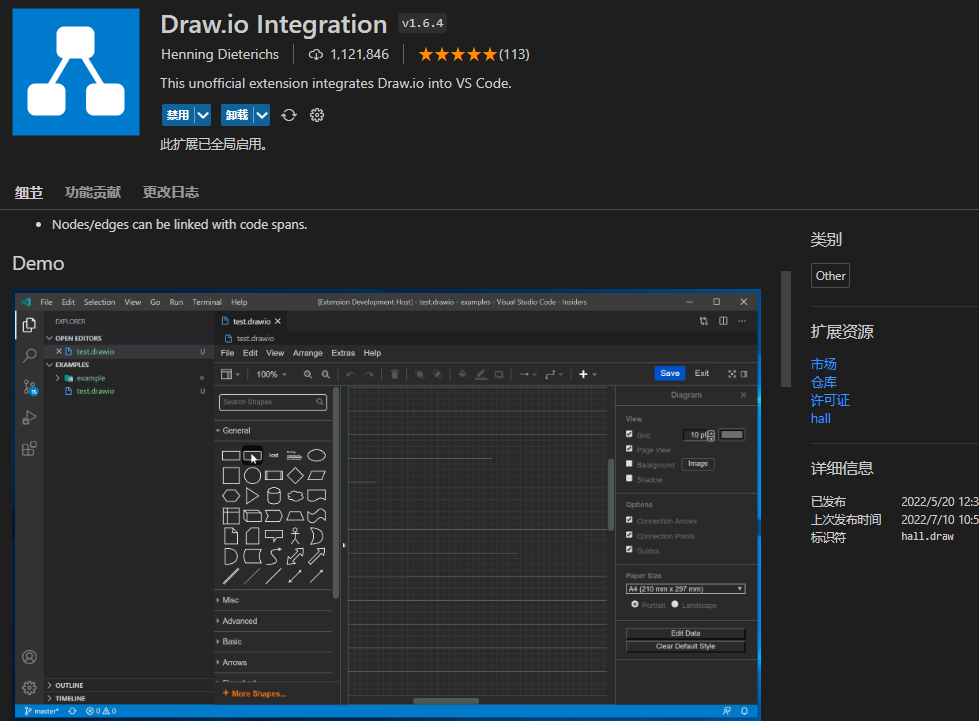
Draw.io Integration
Files with a .drawio extension can be used to create flowcharts, etc. — great for technical documentation. No further explanation needed.
Appearance
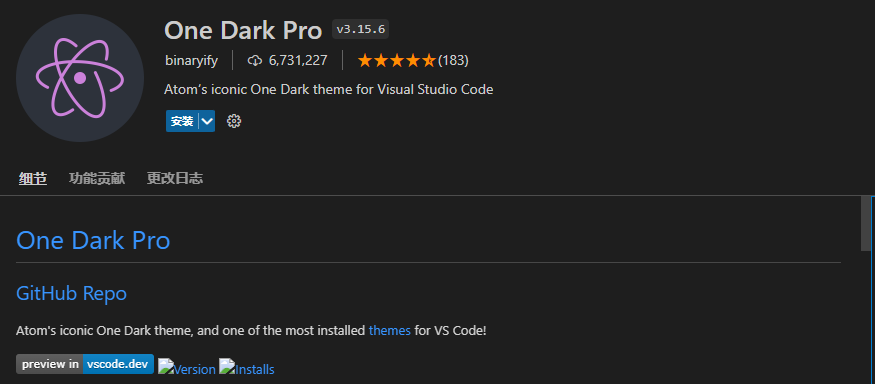
One Dark Pro
Atom’s iconic One Dark theme, one of the most installed themes in VS Code!
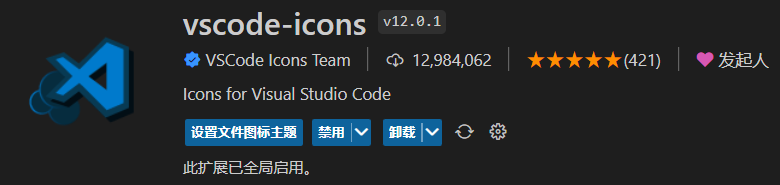
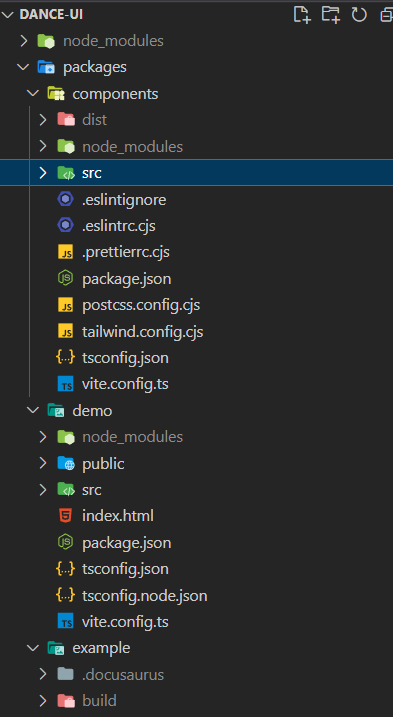
vscode-icons
Improved file icons for VSCode — finally looks comfortable.
Autocomplete / Intelligent Suggestions
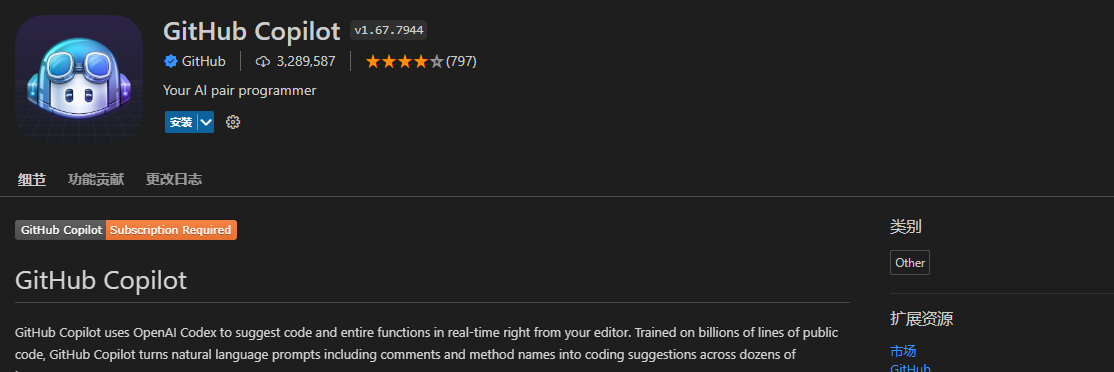
GitHub Copilot
The famous autocomplete tool.
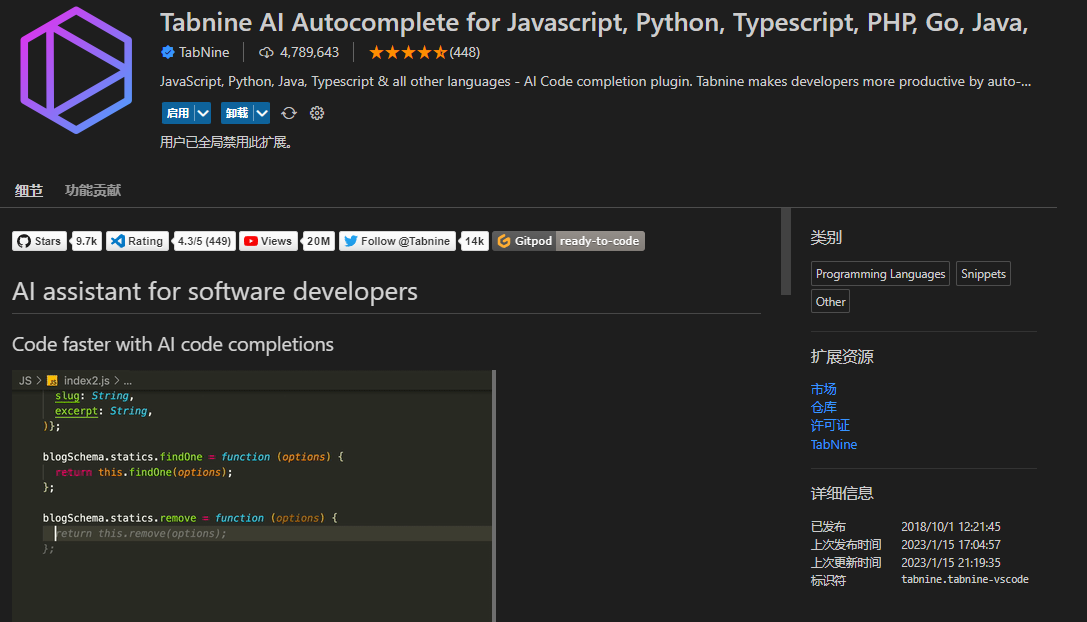
Tabnine AI
Not as good as Copilot but still provides decent autocomplete, and it’s free without needing to apply.
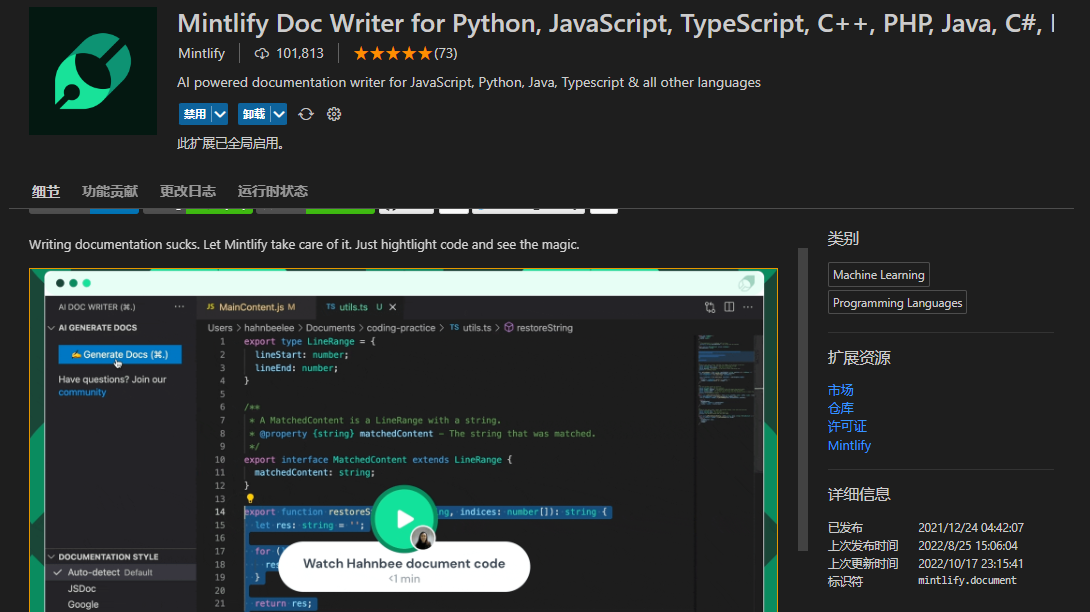
Mintlify Doc Writer for Python, JavaScript, TypeScript, C++, PHP, Java, C#, Ruby & more
Automatically analyzes code and generates comments — perfect for those too lazy to write documentation.
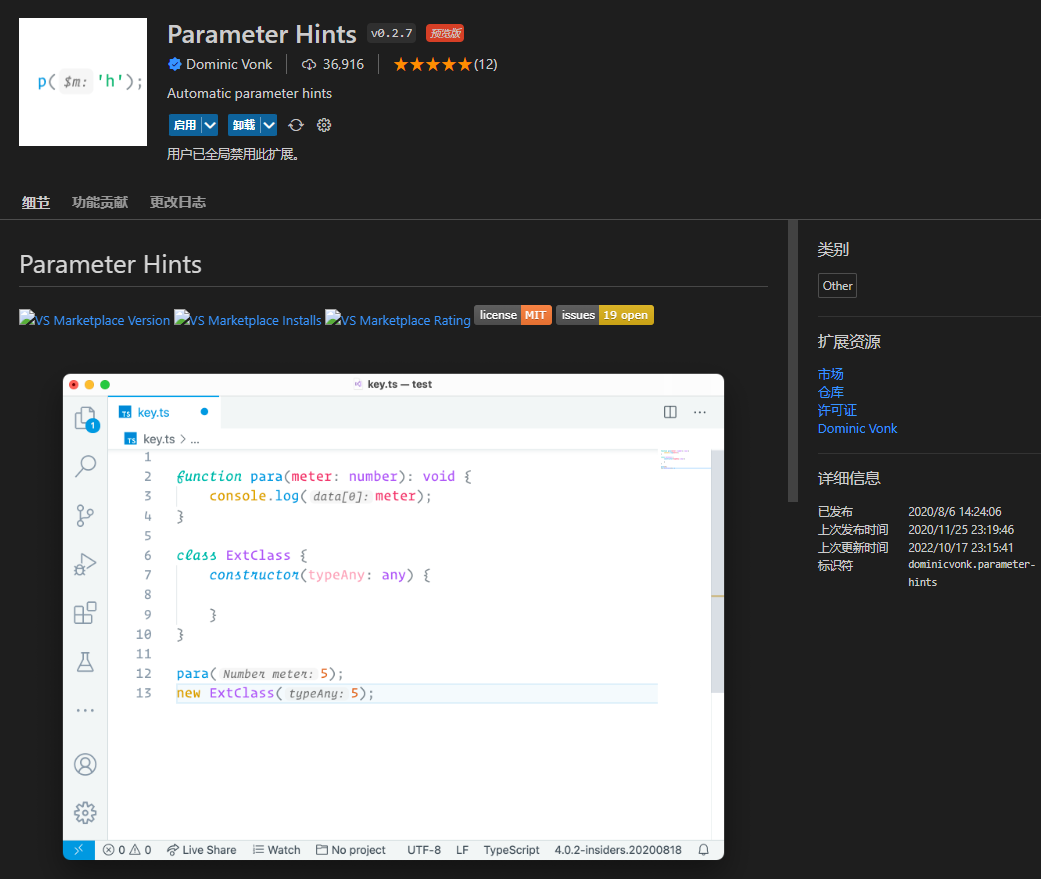
Parameter Hints
Smart function parameter hints, though it can feel a bit intrusive after extended use.
Competitive Programming
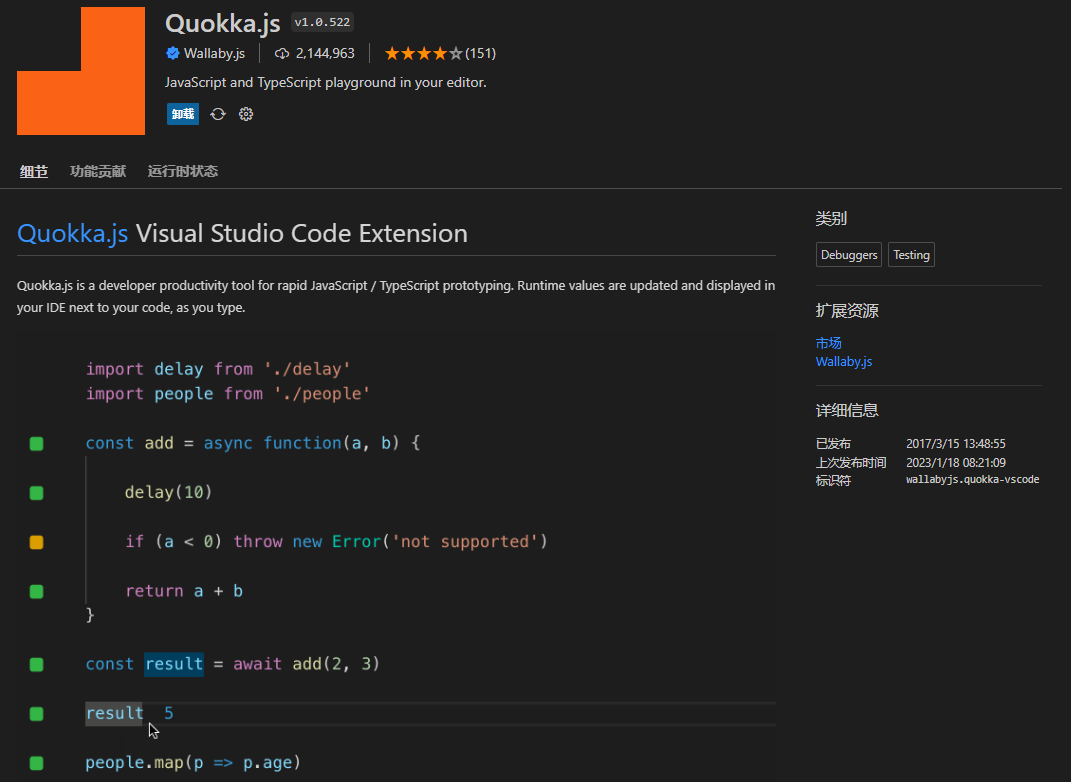
Quokka.js
Real-time JS output printing — great for coding practice.
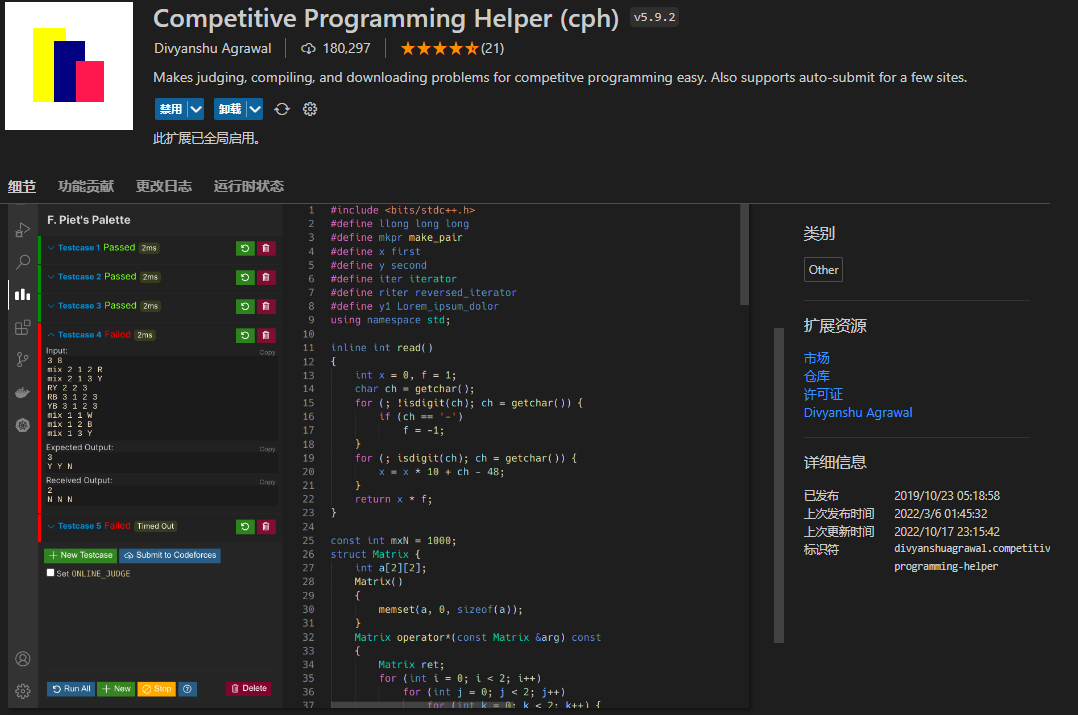
Competitive Programming Helper (cph)
Suitable for competitive programming students and ACM (also good for practicing algorithm interview questions, though the language is C++).
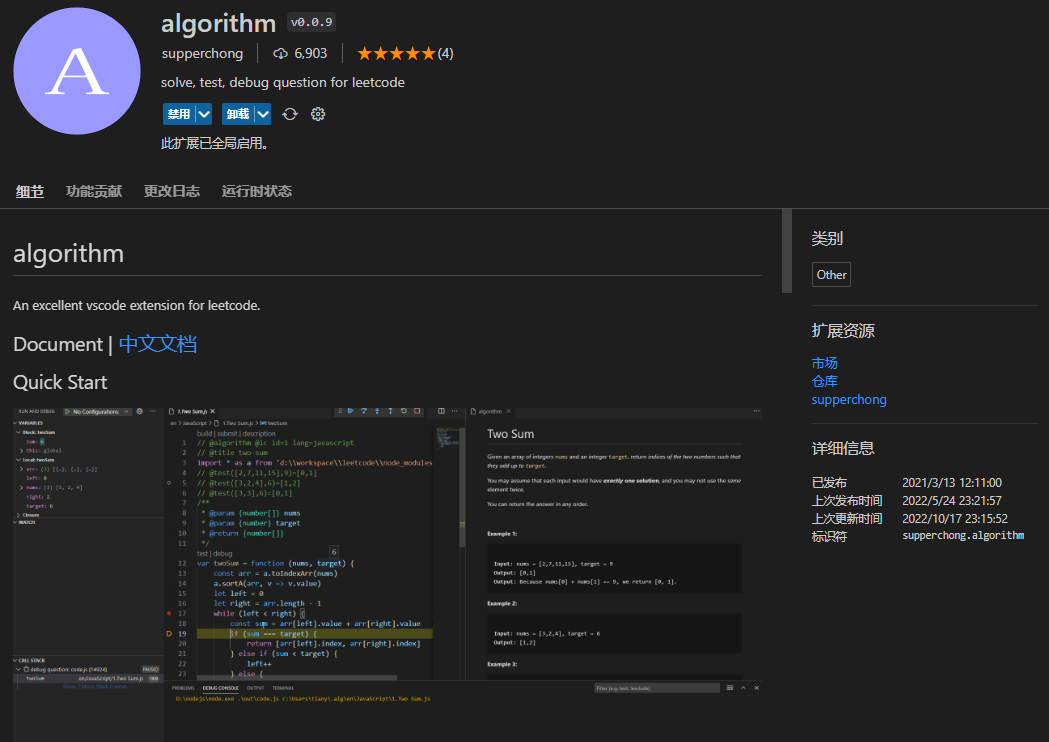
algorithm
Great for LeetCode practice.
Tool Recommendations
Browser Extensions
- Translation extensions
- VisBug - Microsoft Edge Addons
Screenshot & GIF Tools
- Snipaste — Screenshot tool, everyone who’s used it loves it: https://www.snipaste.com/
- ScreenToGif — As the name suggests, great for recording GIFs: https://www.screentogif.com/
- OBS — The famous video recording and streaming tool: https://obsproject.com/
Practical Tools
- Everything — Lightning-fast file search: https://www.voidtools.com/zh-cn/downloads/
To Be Continued
…Feel free to suggest plugins in the comments.
喜欢的话,留下你的评论吧~