

This article has been machine-translated from Chinese. The translation may contain inaccuracies or awkward phrasing. If in doubt, please refer to the original Chinese version.
This issue’s URL: https://blog.cosine.ren/post/weekly-21 This newsletter aims to update every Sunday. Subscribe to the RSS feed. WeChat Official Account: FE Bits (前端周周谈 FE Bits). Click the original link to view the full article. QQ discussion group 598022684 for frontend tech & life chat. You can also submit your own articles there. Feel free to join — it’s more of a fan group in nature. The newsletter content is also open-sourced at fe-bits-weekly. Follow for updates.
Today is December 31, 2025, Wednesday.
New Year’s holiday — skipping one issue, so today I’m publishing last Sunday’s.
The year-end review is in progress, but I’m not sure I’ll finish it today.
Personal Projects
This week was Christmas, and the frontend community was pretty quiet. But I happened to make a bunch of updates to my own projects.
Looking back today, there were actually quite a few.
I published a blog post: “The Complete Worktrunk Guide: Making Git Worktree and Claude Code Coexist Peacefully” — I really love this tool so I wrote a post about it.
Blog Project
First, some blog updates.
LQIP
Initially, I wanted to implement CSS-only LQIP (Low Quality Image Placeholders) in my blog, similar to Minimal CSS-only blurry image placeholders, using a single CSS custom property —lqip to encode a blurry preview of the image.
The technical principle behind that article is encoding image information using a 20-bit integer (8-bit Oklab base color + 12-bit luminance components), decoding in CSS through bitwise operations (mod(), round(down), pow(), etc.), rendering the blur effect using overlapping radial gradients, and achieving smooth transitions with quadratic easing.
I chose a simpler implementation, not pursuing CSS-only, since I planned to handle blog-internal images first and optimize external images in articles later. Here’s the final effect:


Just run nr generate:lqips and it generates a lqips.json file under assets. If this file doesn’t exist, no placeholders are provided.

Later, I saw someone propose a better implementation, which has been added to the TODO!
Christmas Effects
Ultra-fancy!! Christmas arrived, and I wanted to add some holiday atmosphere to the blog. I ended up implementing a toggleable Christmas effects module including snowflakes, string lights, and a Christmas color scheme.
The snowflake effect was learned from Just snow on Shadertoy! The string lights were based on Toby J’s CodePen, with performance optimizations and adjustments to Christmas colors (red, green, gold).
I knew some people would call it over-the-top, so I added a toggle switch. Enjoy!

If it’s distracting while reading, you can toggle it off.

Notice the snow has two layers — the content container is sandwiched between snowflakes. Background snowflakes drift behind the article while foreground snowflakes float in front, creating a parallax effect that I’m pretty happy with.

The snowflake effect above is the initial version. The current version has been further optimized.
Usage Guide and Feedback
I put together a basic blog usage guide, and switched the day/night mode transition animation to sweep from left to right. While I wouldn’t recommend using it at this stage, you’re welcome to fork and modify it. I plan to focus on refactoring and performance optimization during the New Year holiday, then open up a cleaned-up repository for easy deployment — that’s when you can start playing with it!
Then I discovered that alma’s feedback page looks great. It uses featurebase.app, so I wanted to try it too and made a feedback page for the blog theme (whether anyone uses it remains to be seen):


Moe Copy AI Plugin Update
The Moe Copy AI plugin also got a major overhaul, and I received a PR from a good friend! Published v0.2.0 — it’s getting better and better.

The PR builds on the original direct fetch approach, adding “open in background tab” and “navigate in current page” options for fetching. The next-page button selector now uses XPath, and auto-pagination was added for cross-page batch scraping. Thanks to @hyoban for this PR #15.

Welcome to use it! Feedback welcome! Docs are here.


Articles & Community Updates
-
antvis/Infographic: Ant Group’s AntV team launched a next-generation declarative infographic generation and rendering framework, aiming to simplify data storytelling through AI.
-
How I use AI agents to write code: Great article. I’ve had a similar transformation (or maybe I never changed at all?). Interestingly, since AI came along, I feel like my coding enthusiasm — or rather, the desire to build products — has only grown stronger.
-
Frontend Wrapped 2025: The 10 storylines that defined the year - LogRocket Blog: A lot happened in the frontend world in 2025. This article rounds up the ten biggest storylines that shaped the year.
-
Ever wanted to have a rotating rainbow segments border: Introduces and compares two techniques — CSS
conic-gradient()and SVG<rect>— for implementing rotating rainbow segment borders. -
require(esm) in Node.js: implementer’s tales: Node.js core contributor Joyee Cheung provides an in-depth look at the key challenges and solutions encountered while implementing
require(esm).
CSS New Features
-
Anchor Positioning Now Supports Container Fallback Detection: Chrome 143+ introduces a CSS anchor positioning fallback detection mechanism that can automatically detect container layout changes and dynamically switch positioning direction, solving display issues when space is constrained.
-
Learning CSS style() Queries and Range Syntax Today: Introduces the Style Query capabilities of CSS @container, demonstrating techniques from variable matching to range syntax and self-element matching.
text-decoration-inset
- MDN: text-decoration-inset
- Compatibility: Experimental, only works in Firefox 146+ as mentioned in the article.
- Introductory article: text-decoration-inset is Like Padding for Text Decorations
See the Pen VYaPVgr by mrdanielschwarz (@mrdanielschwarz) on CodePen.
CSS text-decoration-inset allows developers to trim the left and right edges of text decorations (such as underlines), much like setting padding, to precisely align decorations with text content. The property supports relative units like em, enabling decorations to scale with font size, and can be combined with animations and transitions to create more native, eye-catching dynamic text decoration effects.
Tools
- BentoPDF: A powerful, privacy-focused open-source PDF toolkit that can be self-hosted, offering over 50 PDF operation tools covering editing, conversion, security, optimization, and more.
CodePen Picks
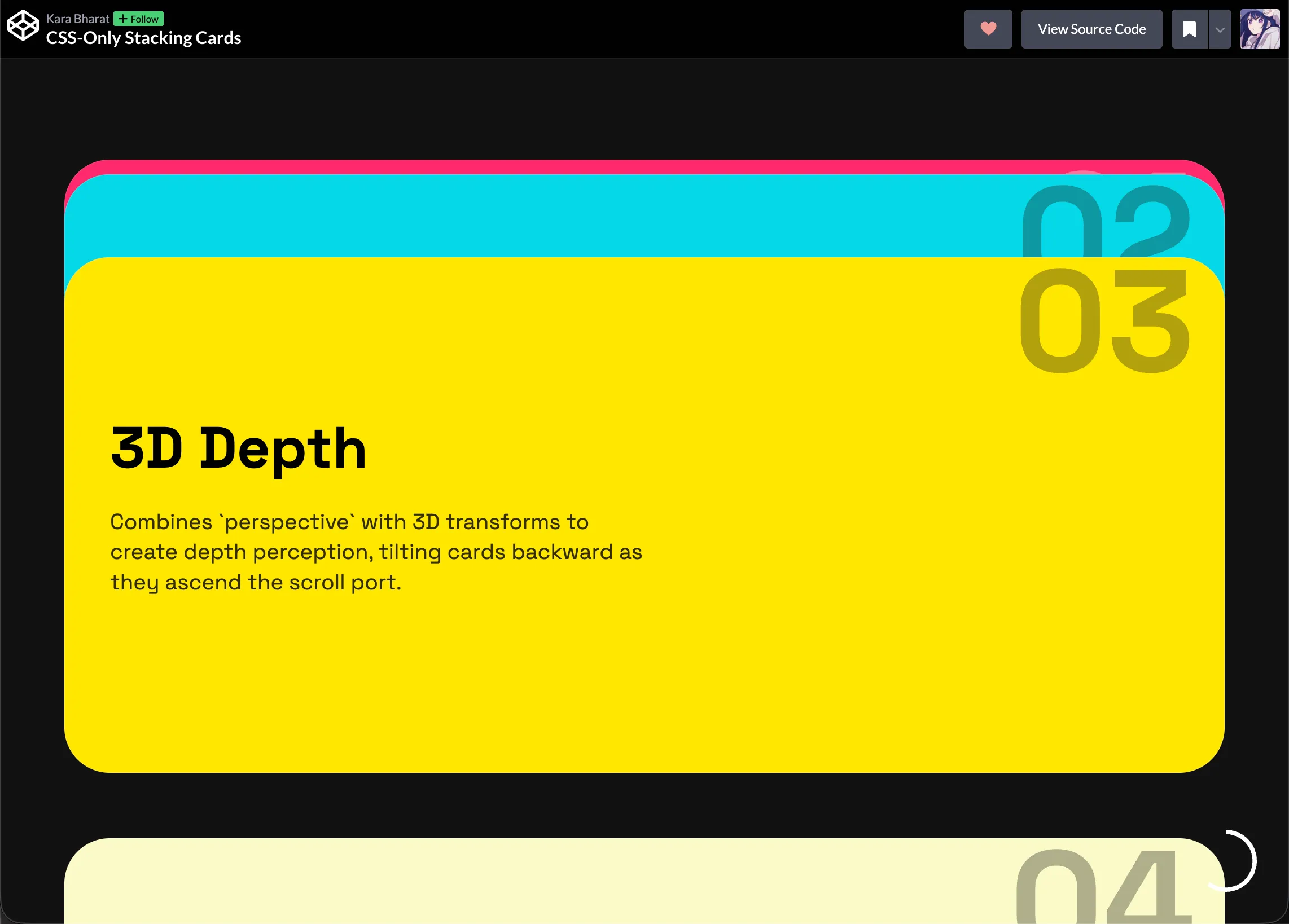
CSS-Only Stacking Cards
Stacking cards implemented with CSS Scroll-Timeline, no JavaScript needed:
See the Pen YPWXqmx by karabharat (@karabharat) on CodePen.
easy rainbow segments card border cases
See the Pen RNRPEqb by thebabydino (@thebabydino) on CodePen.
Article: Ever wanted to have a rotating rainbow segments border
Implementing a rotating border effect composed of equally-divided rainbow color segments. The author notes that when the container’s aspect ratio is far from square, using CSS conic-gradient() alone can’t maintain equal segments, and separator lines are hard to keep perpendicular to the border. Therefore, the article proposes a better solution: using SVG <rect> elements to precisely control each segment’s shape and animation, achieving a more stable and visually perfect effect.

喜欢的话,留下你的评论吧~