

This article has been machine-translated from Chinese. The translation may contain inaccuracies or awkward phrasing. If in doubt, please refer to the original Chinese version.
This issue’s URL: https://blog.cosine.ren/post/weekly-20 This newsletter aims to update every Sunday. Subscribe to the RSS feed. WeChat Official Account: FE Bits (前端周周谈 FE Bits). Click the original link to view the full article. QQ discussion group 598022684 for frontend tech & life chat. You can also submit your own articles there. Feel free to join — it’s more of a fan group in nature. The newsletter content is also open-sourced at fe-bits-weekly. Follow for updates.
Today is December 21, 2025, Sunday.
This week was quite fulfilling — I attended FEDAY 2025. I’d never been to this kind of event before, so I was curious. Since I’d already attended a lot of events this year, I figured these conferences are actually pretty fun to attend once in a while. Plus, it was a chance to visit Changsha, so I went.
My takeaway from attending is that this year’s topics were heavily AI-related. You can tell that AI really benefits frontend development a lot. I’m fairly AI-optimistic — I think AI can save me a lot of time to do what I want to do, and it can’t really replace frontend developers. But we truly need to keep learning continuously.

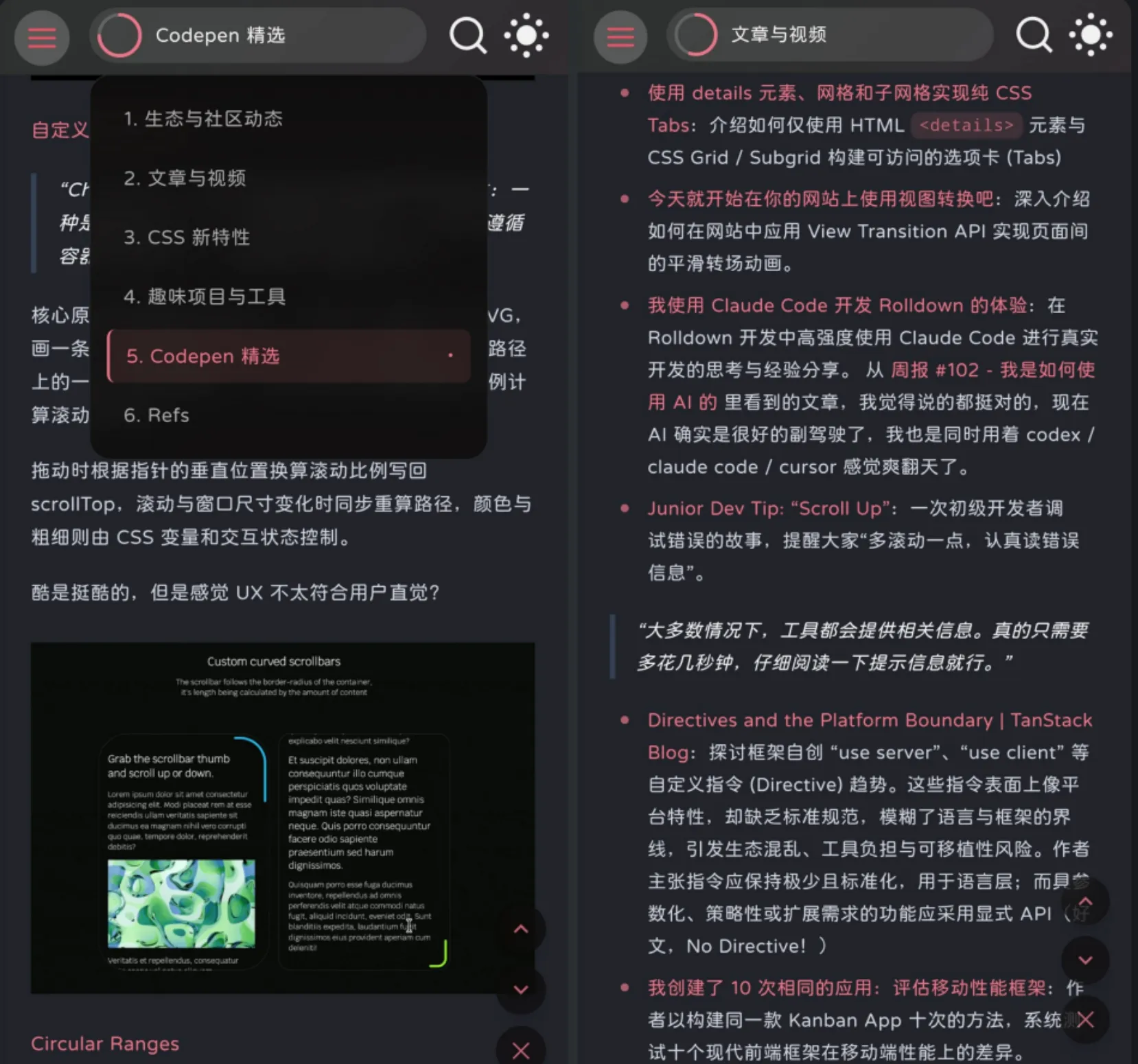
Then, this week I ported the mobile header TOC that I really liked from Fumadocs to my blog astro-koharu. I really like it!
I also added LQIP for images and wrote Implementing LQIP (Low Quality Image Placeholders) in an Astro Blog.


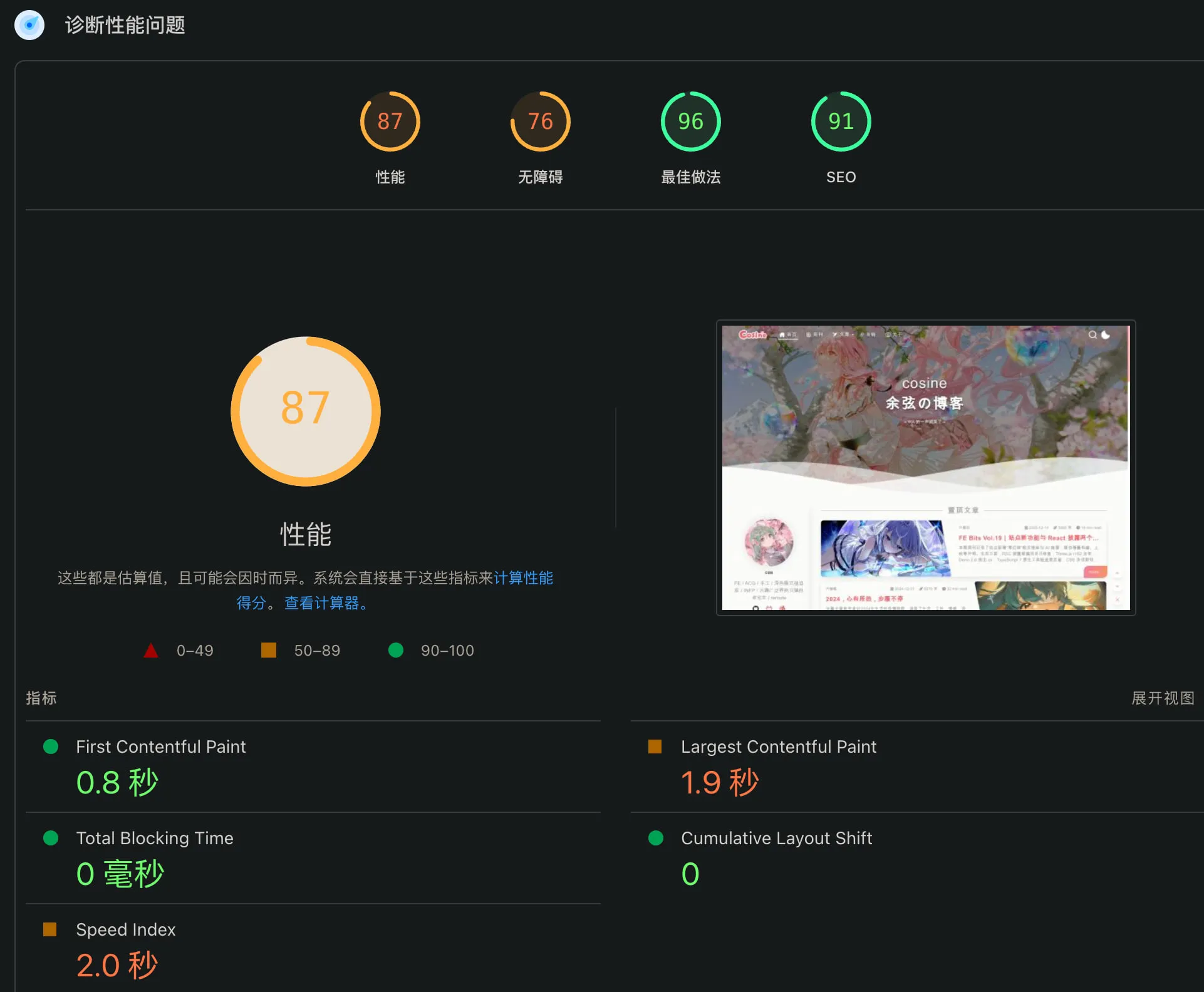
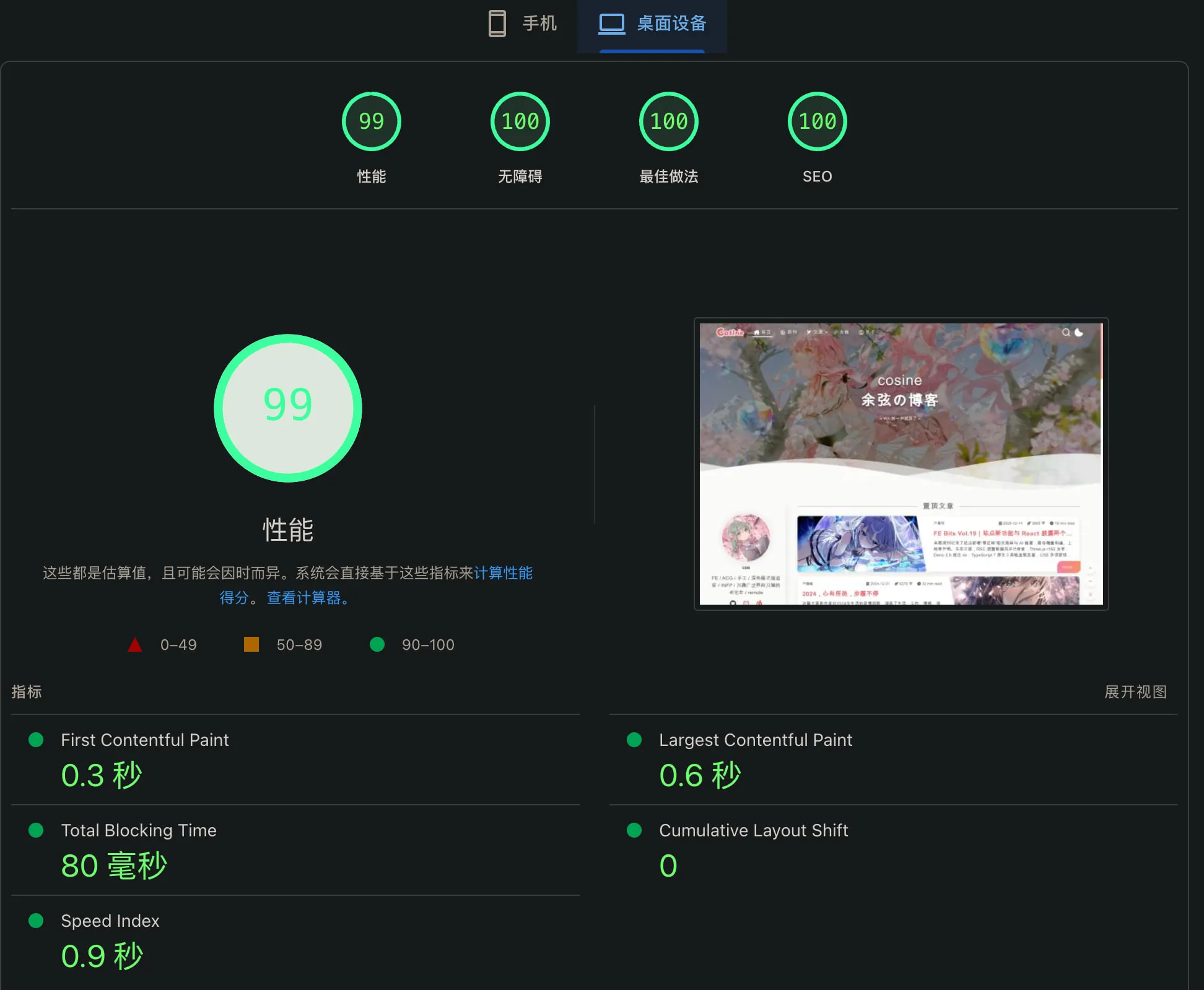
I also optimized the performance:
| Before Optimization | After Optimization |
|---|---|
 |  |
Ecosystem & Community Updates
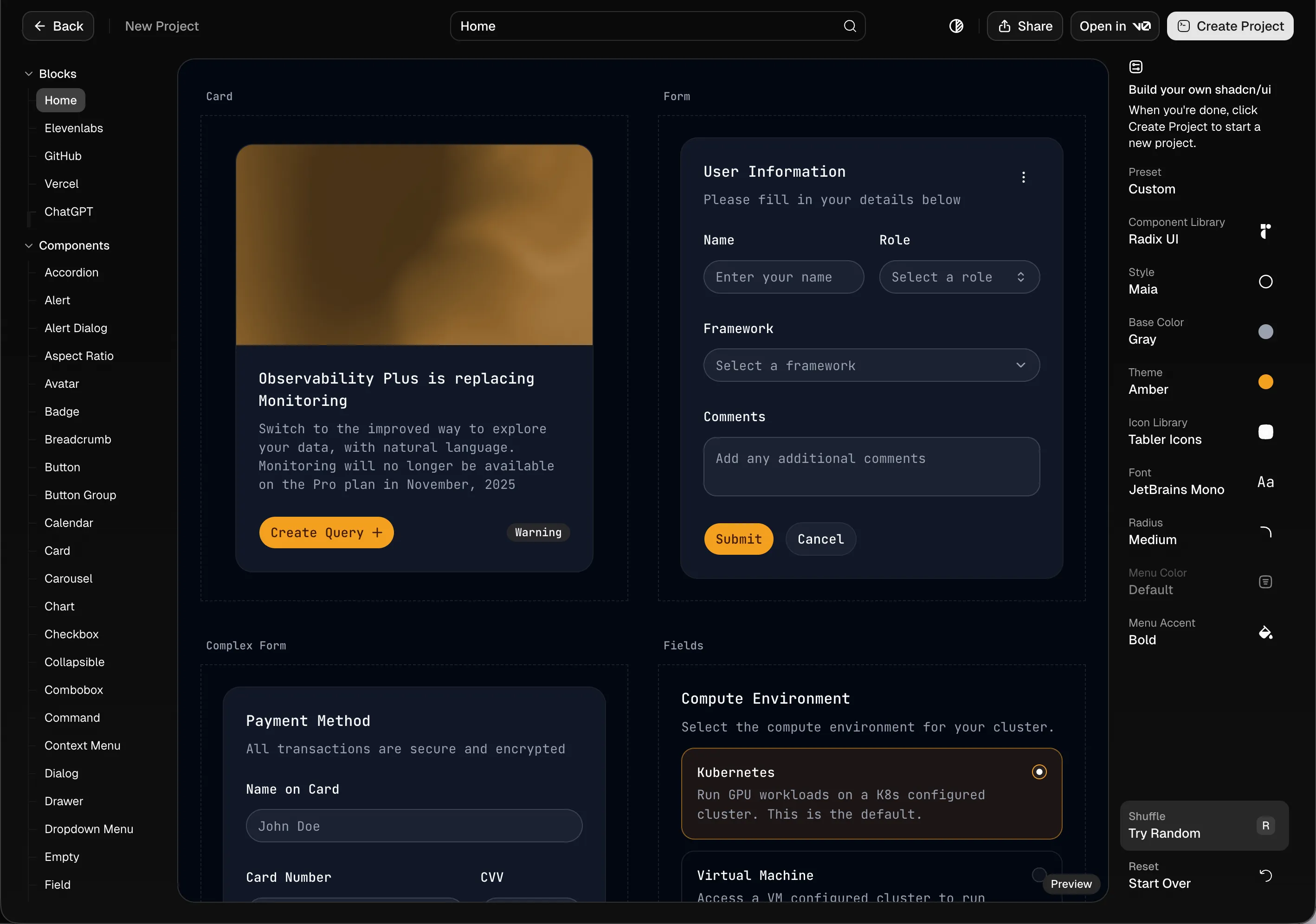
- shadcn released 3.6: With the new
npx shadcn createCLI or New Project, you can now create your own customizable shadcn component library using Radix UI or Base UI.
-
Storybook Security Advisory: Another CVE-2025-68429 7.3/10 — Storybook v7+ builds might accidentally bundle .env files.
-
Vue start by birkskyum · Pull Request #6055: After React and Solid, TanStack Start has added Vue support.
-
Throttle individual network requests: Chrome DevTools 144 lets you throttle individual network requests for debugging.
Tips
I wrote this code, wanting a dashed line with controllable spacing that adjusts with height.
<svg
  className="pointer-events-none absolute bottom-0 left-px h-[calc(100%+1rem)] w-[1.5px]"
  viewBox="0 0 2 366"
  preserveAspectRatio="none meet"
  aria-hidden="true"
>
  <path d="M0.749978 365.5L0.750106 0" stroke="white" strokeOpacity="0.2" strokeWidth="1.5" strokeDasharray="5.25 5.25" />
</svg>
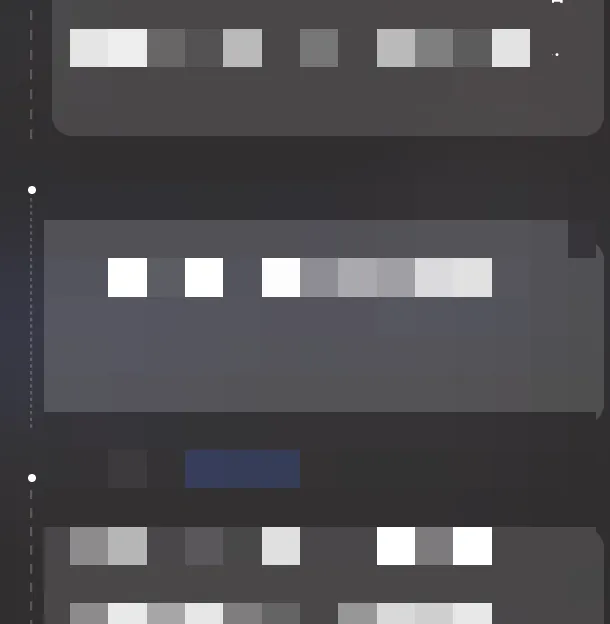
But something was off! At very small heights, everything got squished together.
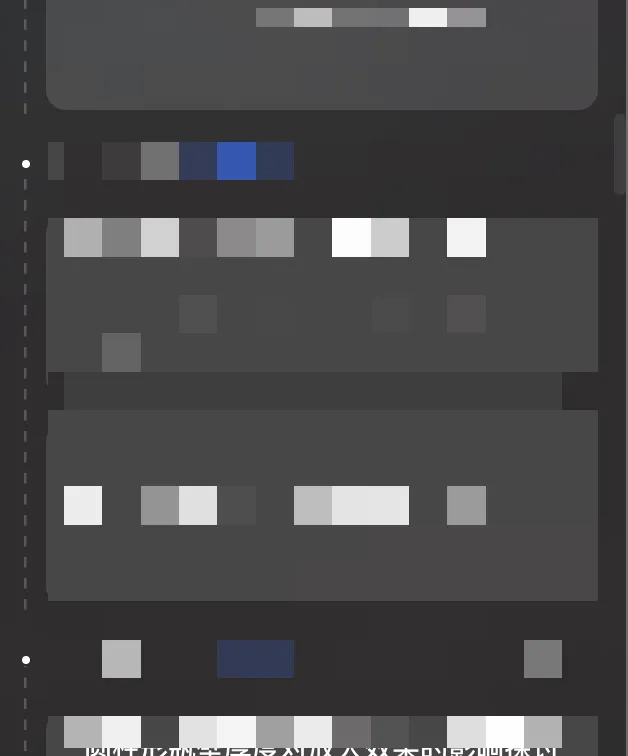
The fix? Use vectorEffect="non-scaling-stroke"
You can read more about non-scaling-stroke in this article: CSS vector-effect and SVG stroke scaling
MDN’s official explanation: This value modifies the way strokes are drawn. Normally, a stroke involves calculating the stroke outline of the shape’s path in the current user coordinate system and filling the outline with the stroke paint (color or gradient). The final visual effect of this value is that the stroke width does not depend on the element’s transformations (including non-uniform scaling and shear transformations) and zoom level.
Why not use border-style: dashed;? Because it doesn’t allow defining segment length and size — it varies by implementation.
             strokeOpacity="0.2"
             strokeWidth="1.5"
             strokeDasharray="5.25 5.25"
+            vectorEffect="non-scaling-stroke"
           />
         </svg>
Perfect implementation!
Before vectorEffect="non-scaling-stroke" | After vectorEffect="non-scaling-stroke" |
|---|---|
 |  |
Articles & Videos
- React Compiler’s Silent Failures (and How to Fix Them): The author shares “silent failure” issues encountered while using React Compiler — the compiler doesn’t report errors when it can’t optimize a component, instead falling back to standard React behavior, potentially causing performance degradation. To address this, the author discovered an undocumented ESLint rule
react-hooks/todothat, when set to error level, can break the build on compilation failures. - Building Responsive, Scroll-Triggered Curved Path Animations with GSAP: This article features a handy tool — Paths & Control Points — that lets developers drag control points to adjust curves in real time.
- Making Snow with WebGPU | Cyandev: A step-by-step guide on how to make snow fall on your webpage using WebGPU, balancing performance and visual effects — give your blog some holiday spirit for Christmas!
- How to type React children correctly in TypeScript: Still scratching your head over TypeScript type definitions for React’s
childrenprop? This blog post explains how to correctly type thechildrenprop in React applications. - Different Page Transitions For Different Circumstances: This blog post teaches you how to use
View Transitionsto create differentiated page transition animations for multi-page applications (MPAs). - How AI Coding Agents Hid a Timebomb in Our App: A story about an AI coding assistant “unintentionally” hiding a timebomb in an app:
A code comment deleted by an AI Coding Agent caused a critical
readOnlyattribute to be removed, triggering infinite recursive rendering in a React component. Worse still, React 19’s<Activity>component hid this bug, preventing crashes for several minutes and greatly increasing debugging difficulty. Through a painful debugging process, the author ultimately found the culprit was the AI deleting a comment, and their own failure to write tests for critical structural constraints. The article emphasizes that in the context of AI-assisted development, tests — not comments — are the key to ensuring code quality and safety.
CSS New Features
- State, Logic, And Native Power: CSS Wrapped 2025: A deep dive into the Chrome team’s “CSS Wrapped 2025” annual summary report, emphasizing CSS’s transformation from a pure styling language into a native toolset for building dynamic, powerful applications — ushering in an exciting new era for frontend development.
- Creating Scroll-Based Animations in Full view(): Introduces the
view()function in the CSSanimation-timelineproperty, which allows developers to create animations based on an element’s visibility within a scrollport. - What Else Could Container Queries… Query?: Container queries aren’t just about querying sizes — there are many more possibilities to explore in the future!
- 11 New CSS Features Supported by All Browsers in 2025
- Responsive List of Avatars Using Modern CSS (Part 2): Part two of the “Responsive List of Avatars Using Modern CSS” series, exploring how to use
offsetortransformproperties combined with CSS functions likesibling-index()andsibling-count()to implement a responsive circular avatar list layout.
Tools
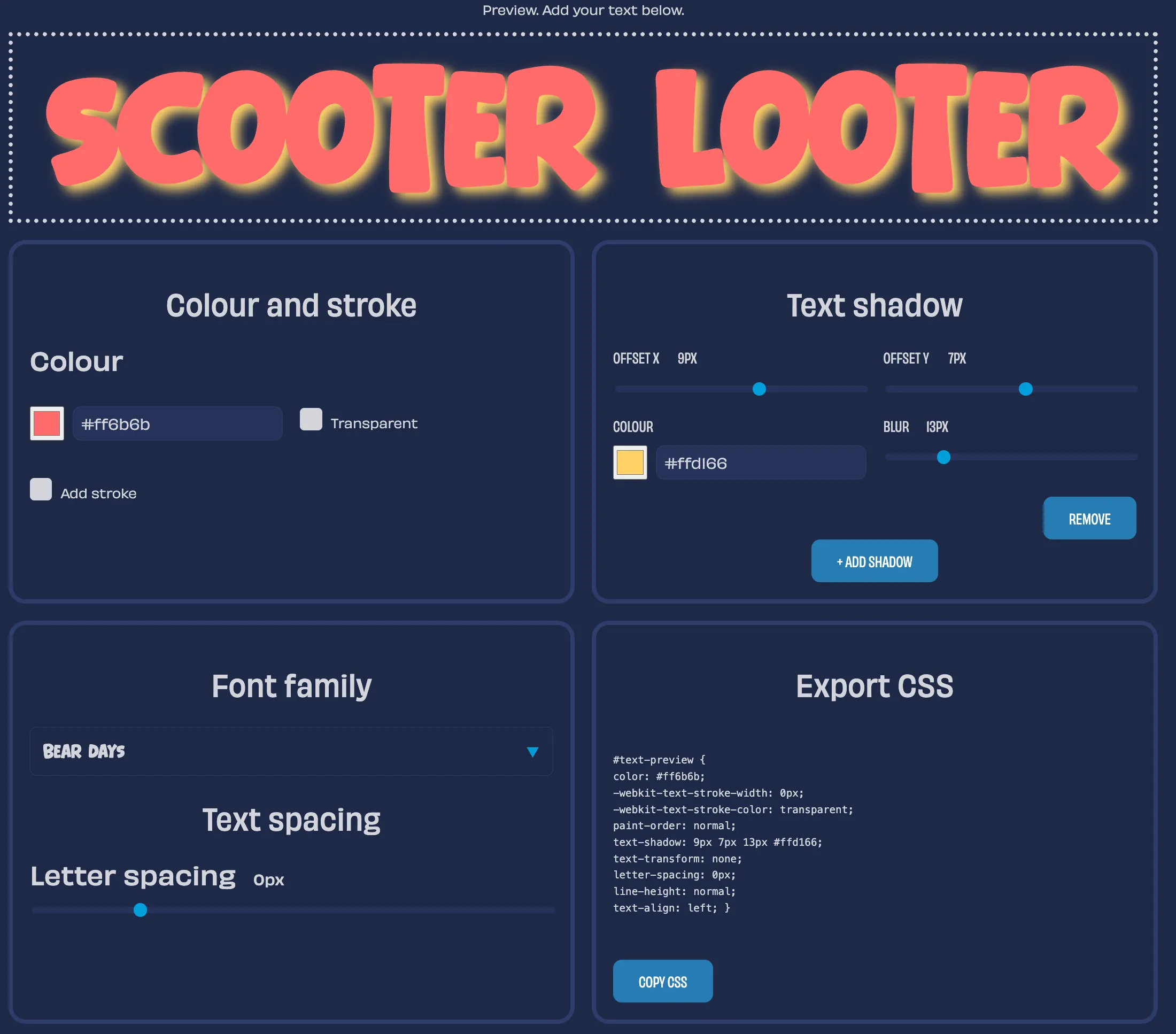
- Andy Clarke’s Toon Text: A cartoon-style title text generator developed by Andy Clarke that generates cartoon-style text along with CSS code. The introductory article also highlights its core feature Splinter.js, which wraps each character in a tag with ARIA attributes, achieving per-character style control while enhancing accessibility — solving the problem of traditional tools potentially hindering assistive technology recognition.
- Raycast plugin: https://www.raycast.com/j3lte/css-tricks
Introductory article: Search CSS-Tricks Raycast Extension
A Raycast extension that lets you search CSS-Tricks articles directly from your local computer. The extension uses the WordPress REST API for live search results, providing a quick way to find and copy article URLs. Clicking a result shows a summary and opens the article in your browser.
CodePen Picks
Anderson Mancini(@Andersonmancini): The sun is out I finally finished porting my “Ultimate Lens Flare” to #threejs WebGPU. The performance is absolutely incredible because now threejs has occlusion queries built right into the render pipeline. If you need to know if an object is occluded, just query threejs directly. There are examples in the docs. This way, I no longer need a raycaster to detect occlusion, which is why the performance improvement is so significant. If you want to see the result: https:// planpoint-webgpu.vercel.app

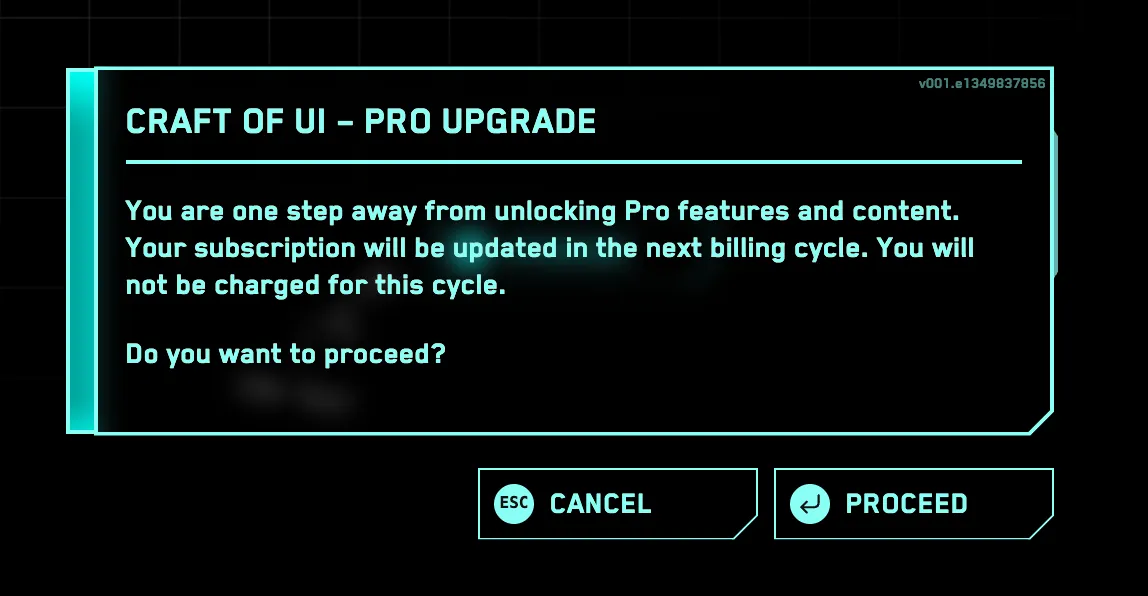
CyberPopover 2025
See the Pen yyNWGNG by jh3y (@jh3y) on CodePen.
In this CodePen by Jhey Tompkins, clicking the flickering button opens a CyberPopover with electronic sound effects. As one of Jhey’s signature pieces, this Pen is configurable! Open the panel in the top-right corner to adjust settings.
No-JavaScript Lightbox
See the Pen bNbagPy by daviddarnes (@daviddarnes) on CodePen.
David Darnes shared a quick demo showing how to build a simple photo lightbox using the Popover API — no JS needed, just under 30 lines of CSS.
喜欢的话,留下你的评论吧~