

This article has been machine-translated from Chinese. The translation may contain inaccuracies or awkward phrasing. If in doubt, please refer to the original Chinese version.
A campus community backend built with koa2 + Sequelize. You can’t cook without ingredients — but this project’s backend is impressive!
Introduction and Project Overview
This project was the first assignment from the advanced track of the Baidu Frontend Bootcamp that I participated in when I first started learning frontend development. It features a complete campus community system and an admin management panel, developed around March of this year. I was mainly responsible for the backend APIs for post management, category management, etc., as seen in the API documentation. The team had 6 members total: 3 working on the backend, 2 on the mobile frontend, and 1 on the PC frontend. Since we were still young and inexperienced, we wrote quite a lot of documentation.
Personally, I think this API system is small but complete (as a backend colleague put it). It has two frontends (the PC admin management system and the mobile campus community), along with a comprehensive backend API. It’s quite suitable for beginners. Indeed, juniors have come to me with questions about it, so I decided to polish it up and write a summary blog post.
The backend project has been running on my own cloud server. You can try making requests to https://cosine.ren:8000 (please go easy, I’m begging, although there are backups). It might go down someday, so I recommend running the frontend and backend locally.
What I consider the advantages:
- Documentation is thorough (API docs, development docs, bug records…). Looking back, this turned out to be very useful. After starting my internship, I stopped writing documentation.
- Covers basic CRUD operations plus statistics. API conventions follow
RESTful(honestly, I didn’t know about RESTful at the time but naturally ended up using it). - Most key parameters have middleware for validation, permission control, etc. The code has extensive comments.
- Error codes have dedicated documentation, and API functions all have comments (after starting my internship, I increasingly appreciate how great this is…).
The disadvantages are also quite obvious:
- Branch management was nonexistent (we weren’t familiar with it at the time, and since everyone worked on different features, we developed directly on master and resolved conflicts there).
- Many features have simple implementations, given the development period was barely a month.
- Being a beginner then, I didn’t use code formatting tools like Prettier, nor TypeScript. All my new projects now use TS.
Live Links and Project Demo
Source code links first. Development was originally on Gitee, and I later synced the backend to GitHub.
- Backend API repository: campus-community-backend
- Frontend (mobile) repository: campus-sns-campus-community (Gitee)
- Frontend (PC admin panel) repository: back-manage (Gitee)
- API documentation: Campus Community Backend API Docs
If you think it’s good, give it a star! Issues and PRs are also welcome.
Backend API
- API documentation: https://www.apifox.cn/apidoc/shared-9459ed60-58b2-45b8-b5a8-89a63d77357f/api-11836993
- Repository: https://github.com/yusixian/campus-community-backend
- Main tech stack:
nodejskoa2websocketsequelize- Deployed to a cloud server using
PM2, configured withNginxreverse proxy - Used
koa-corsto solve cross-origin issues, set up error logs and log rotation - Used
Sequelize ORMfor database operations,JWTfor user authentication and data encryption,WebSocketfor online user count monitoring - Article soft delete and recovery, etc.
- Deployed to a cloud server using
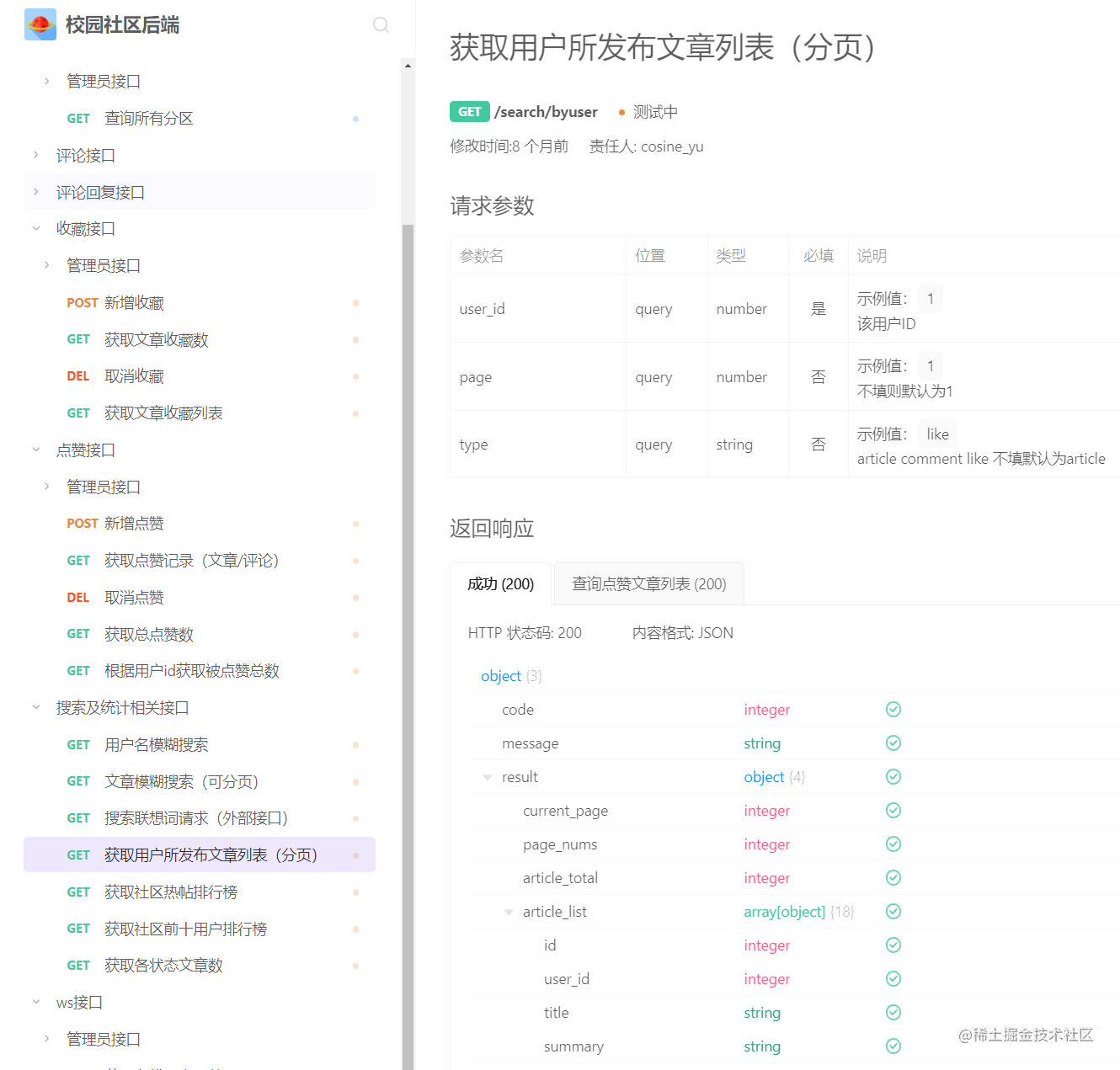
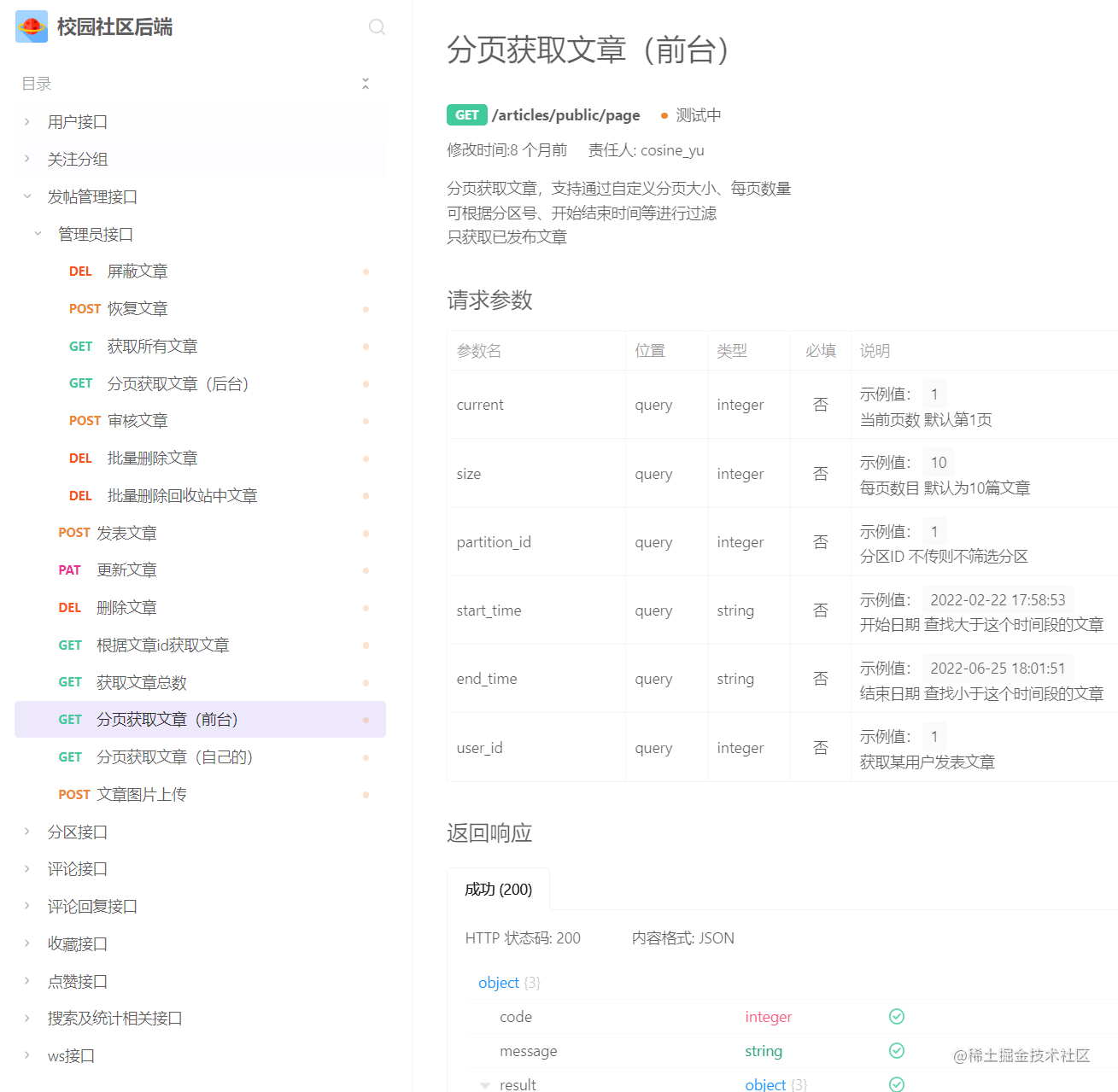
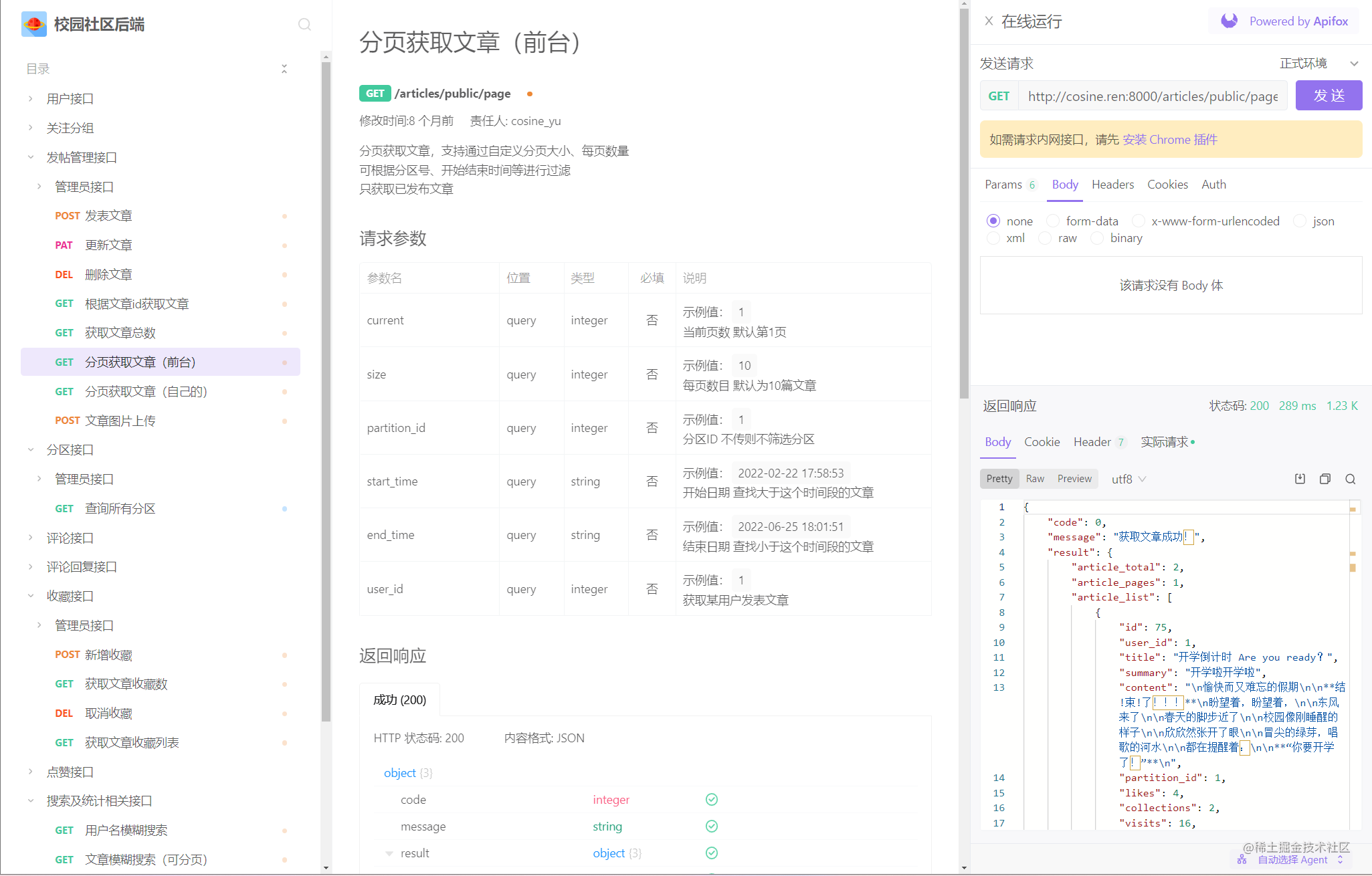
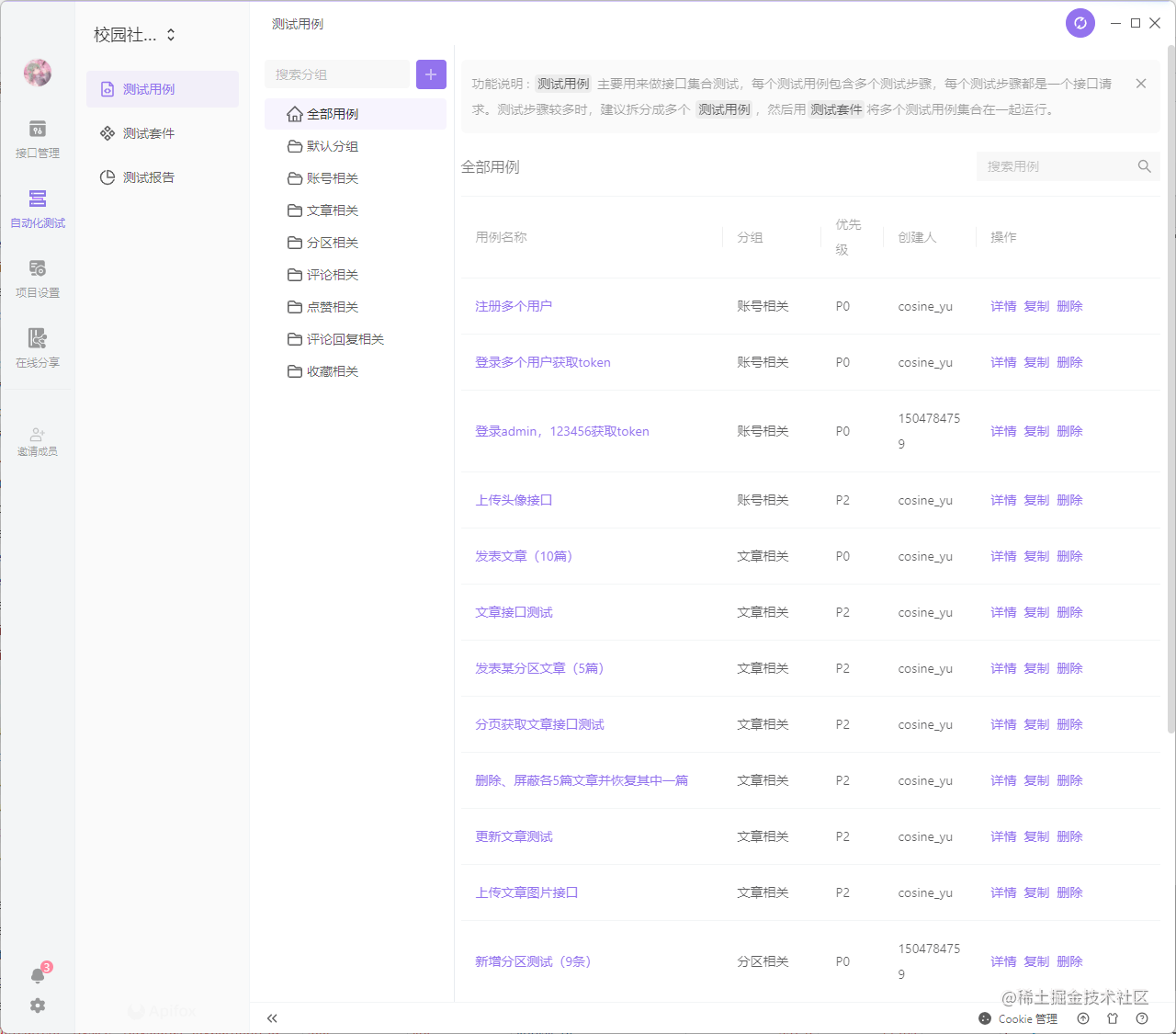
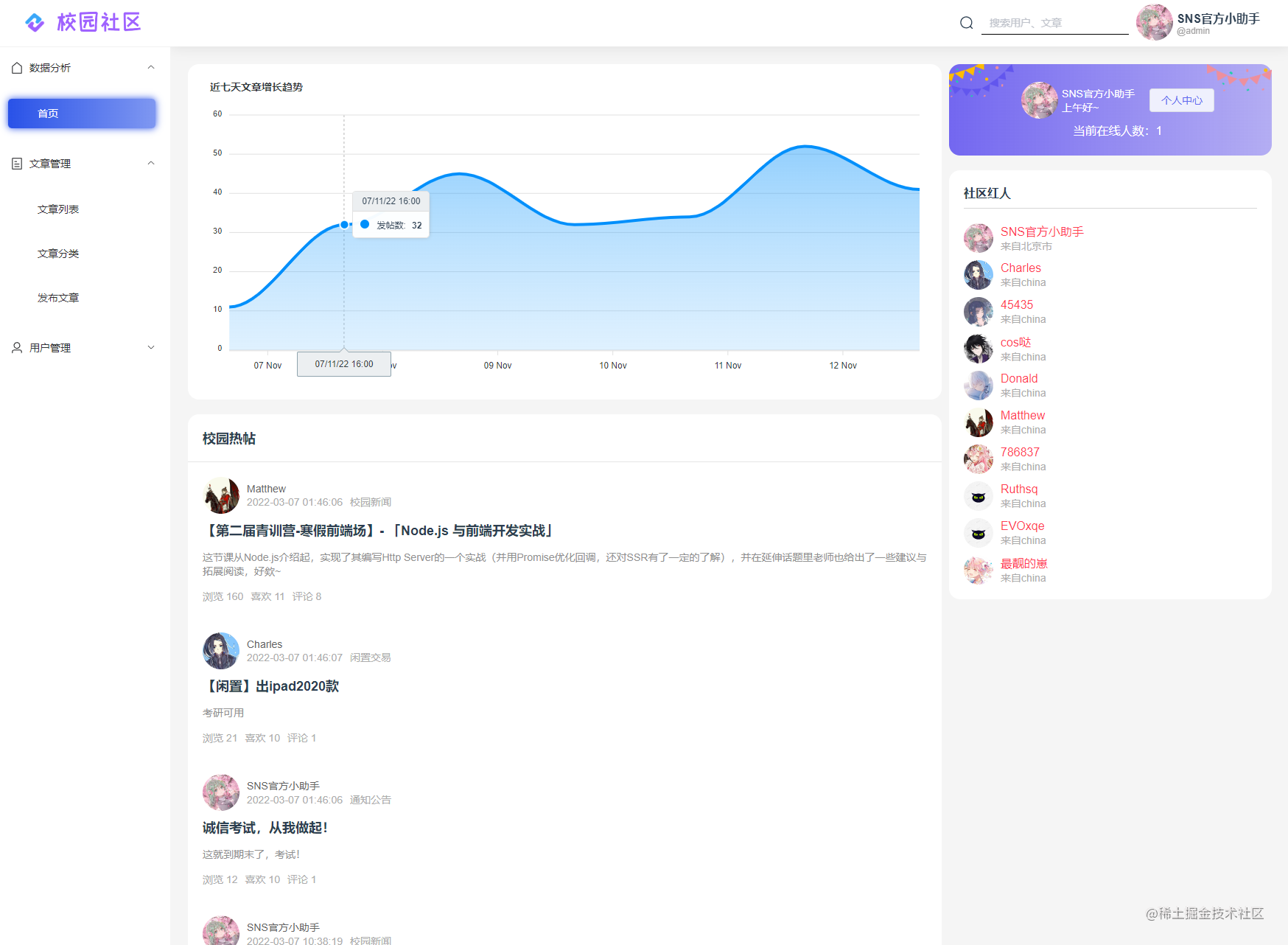
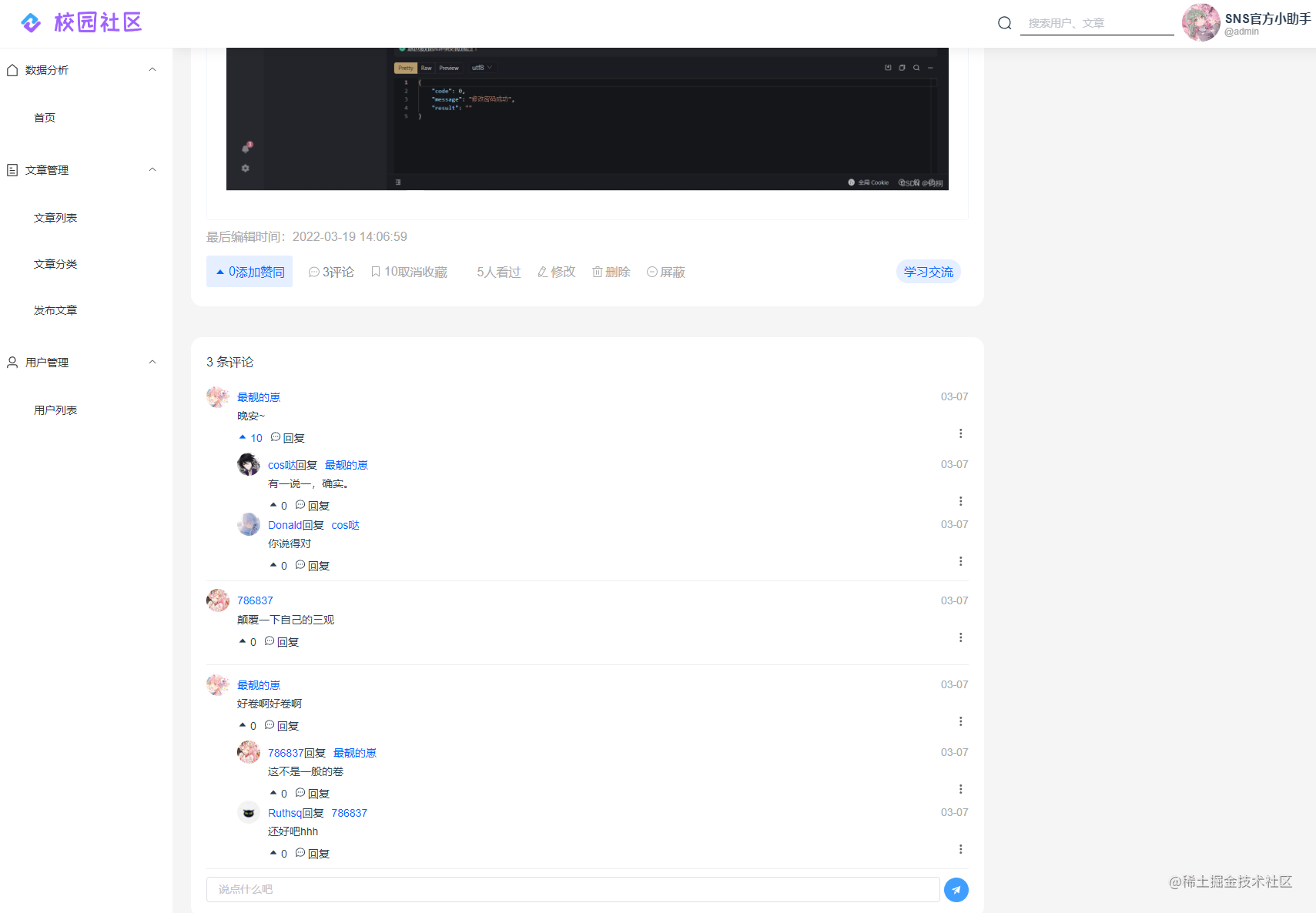
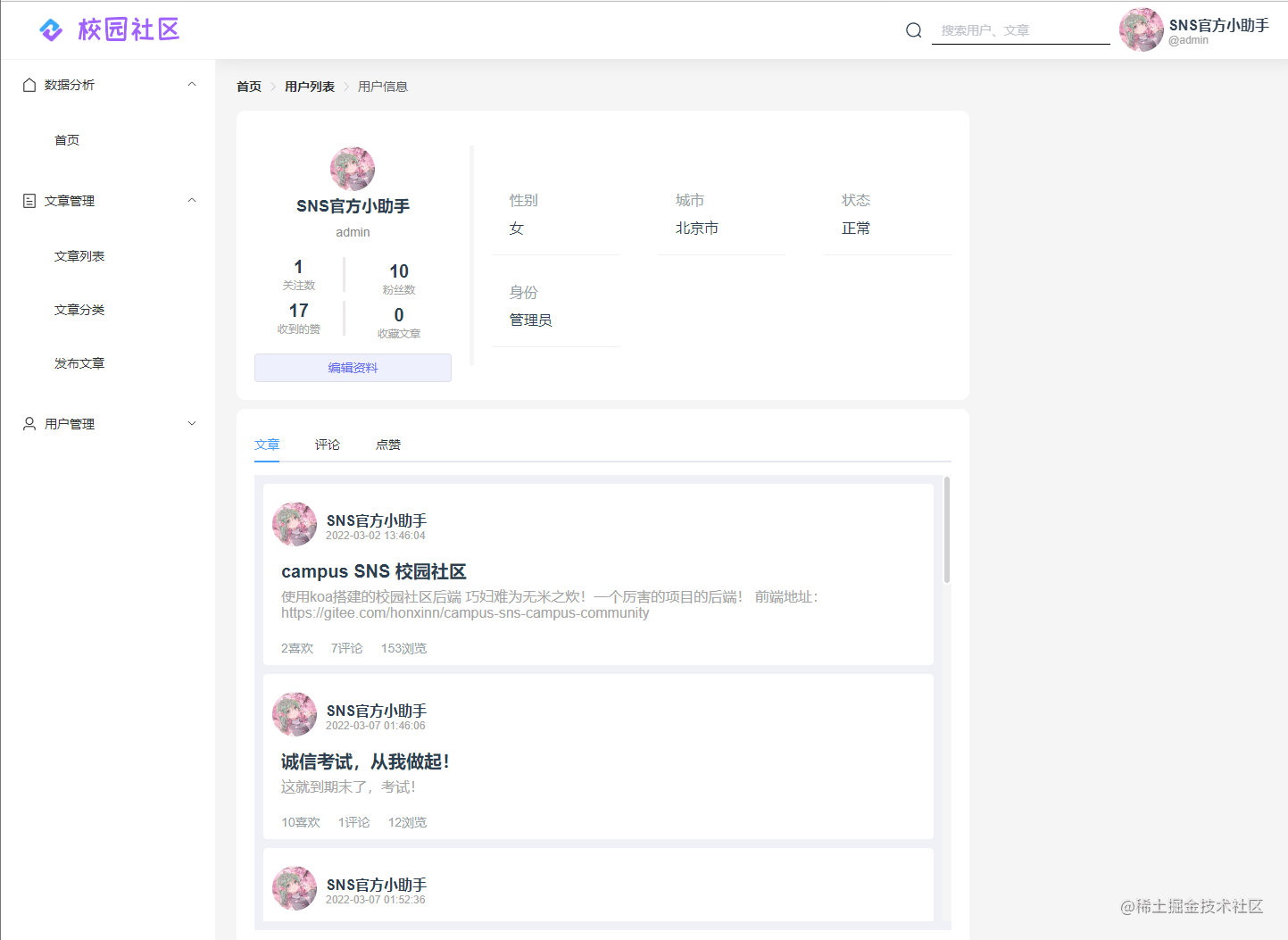
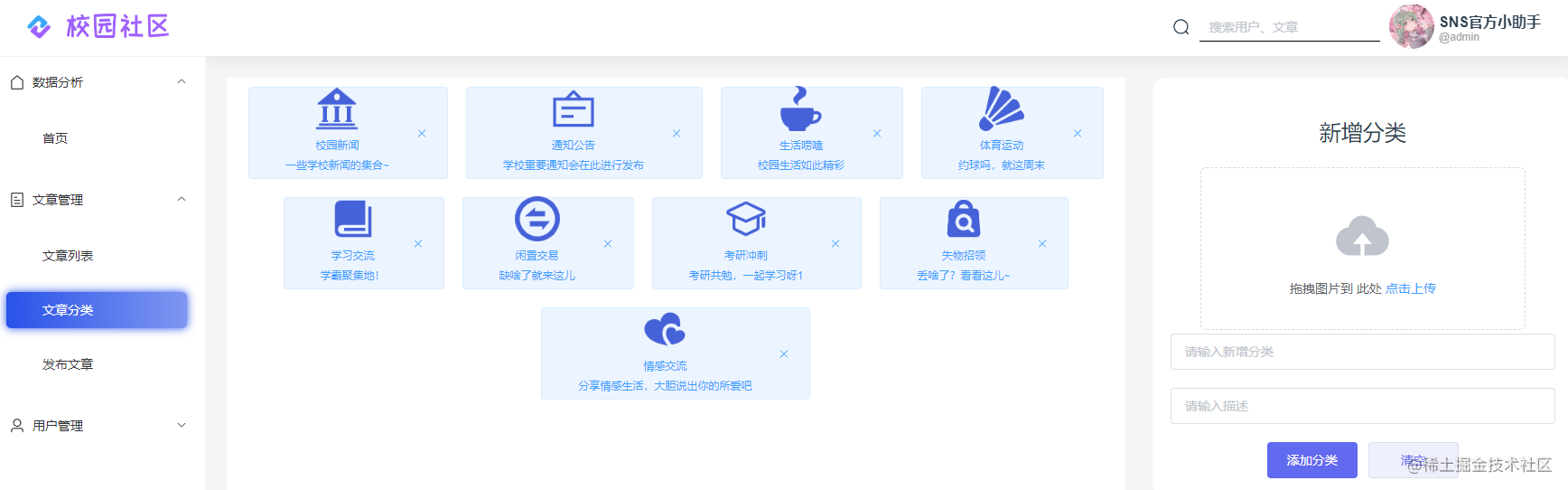
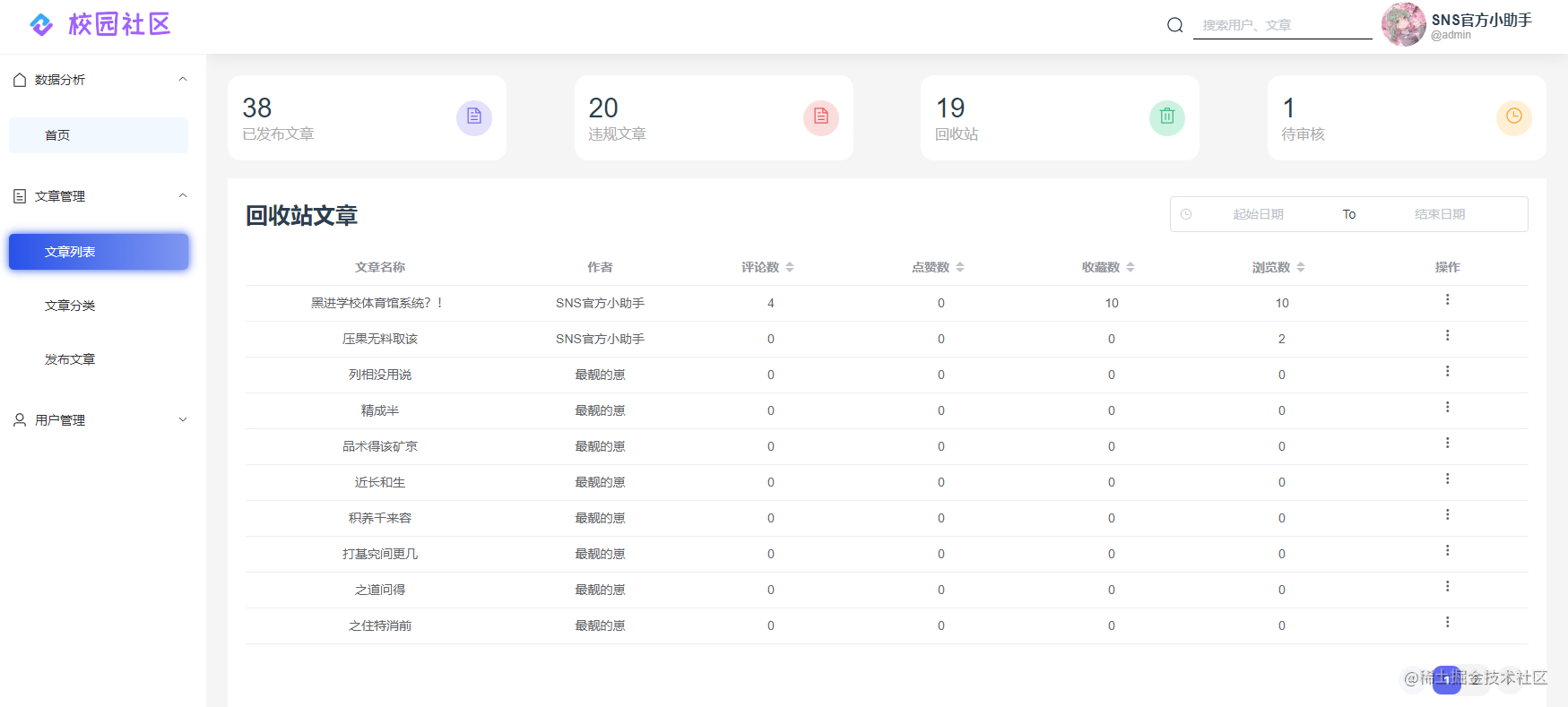
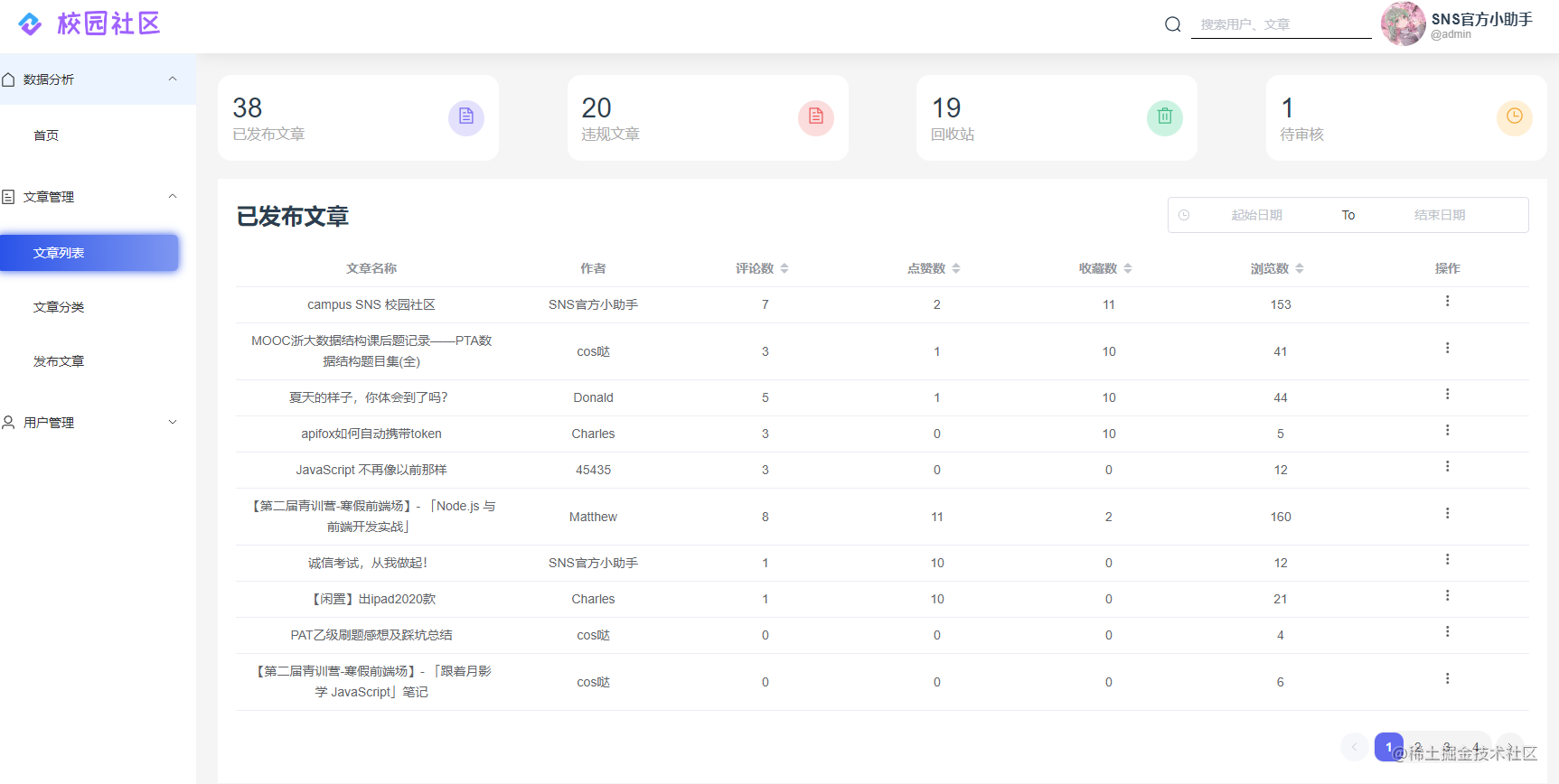
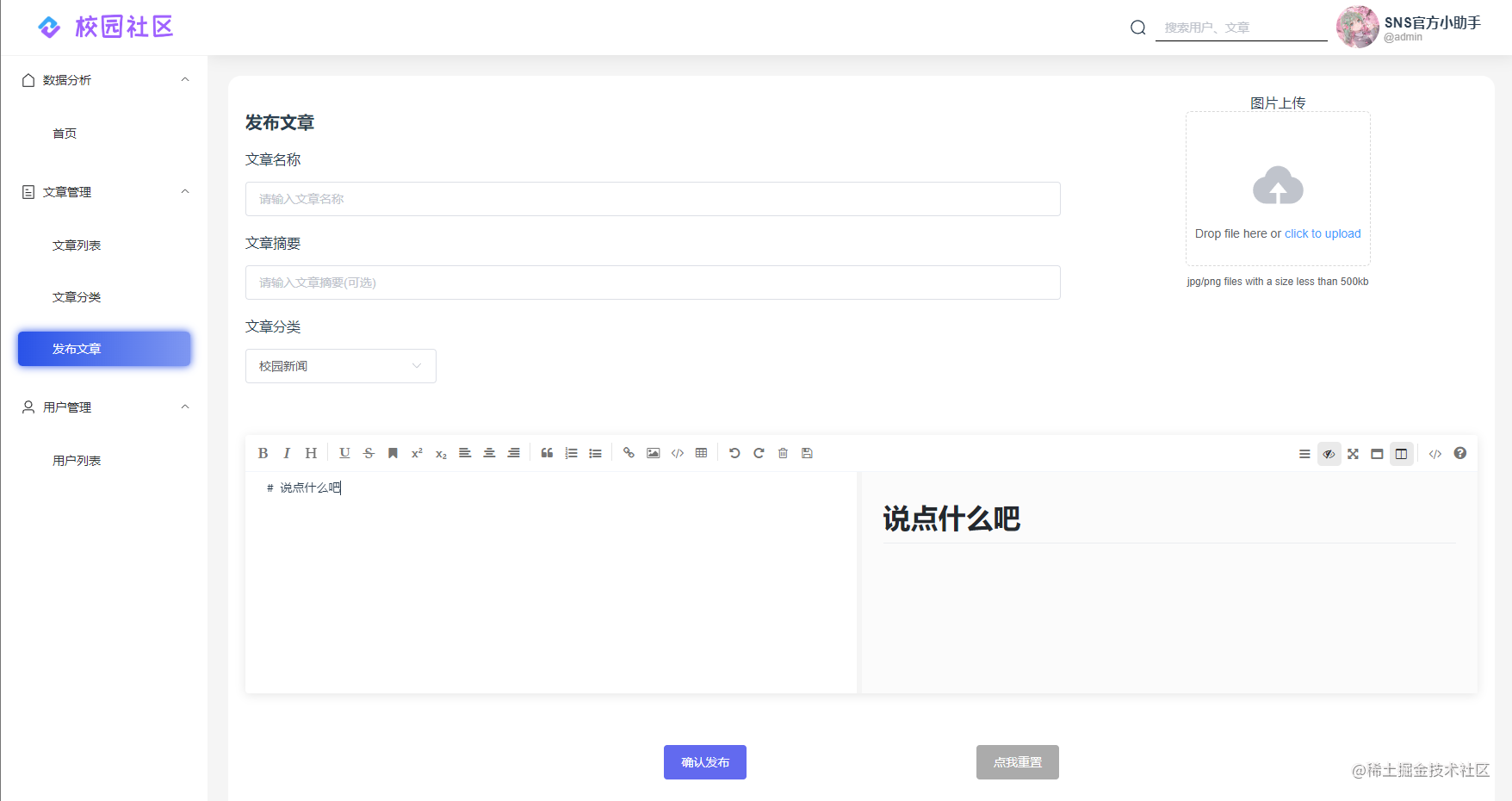
Frontend (PC Admin Management System)
- Frontend (PC admin panel): https://gitee.com/honxinn/back-manage
- Built with
Vue3+Vite
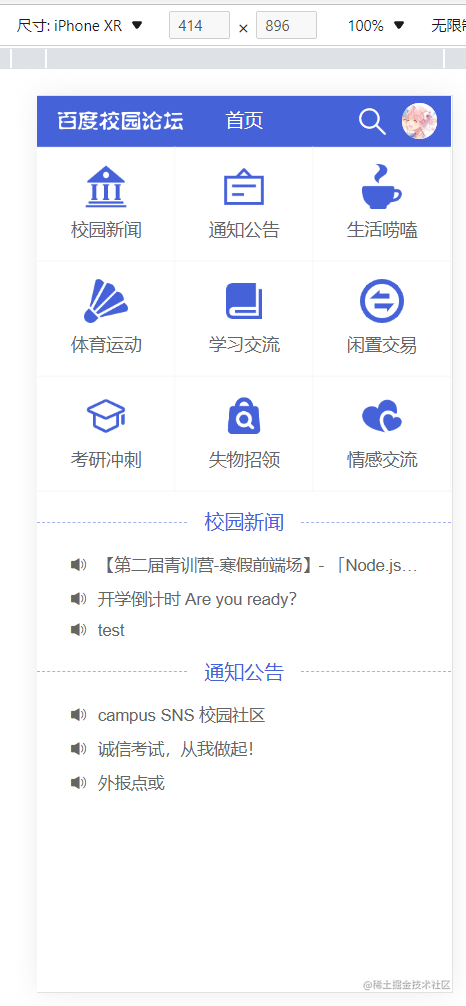
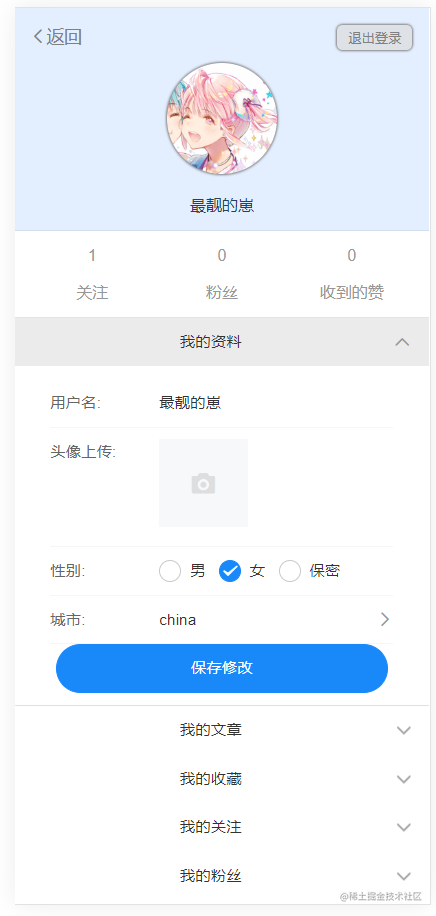
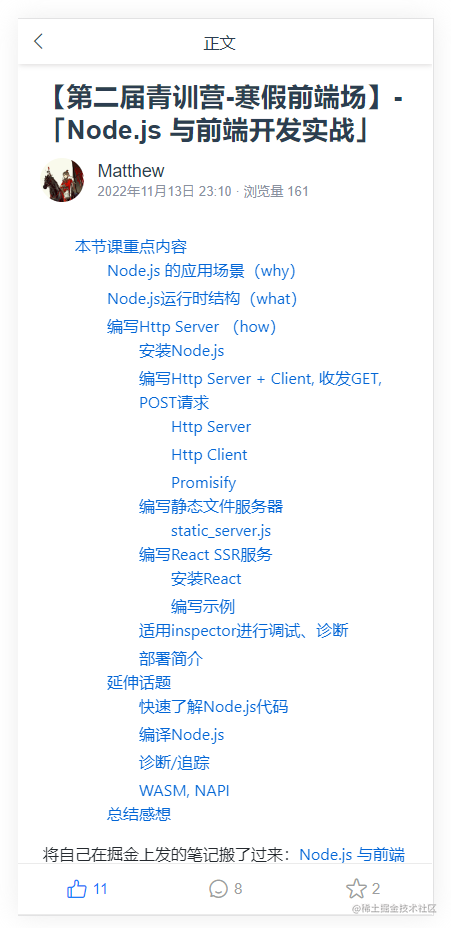
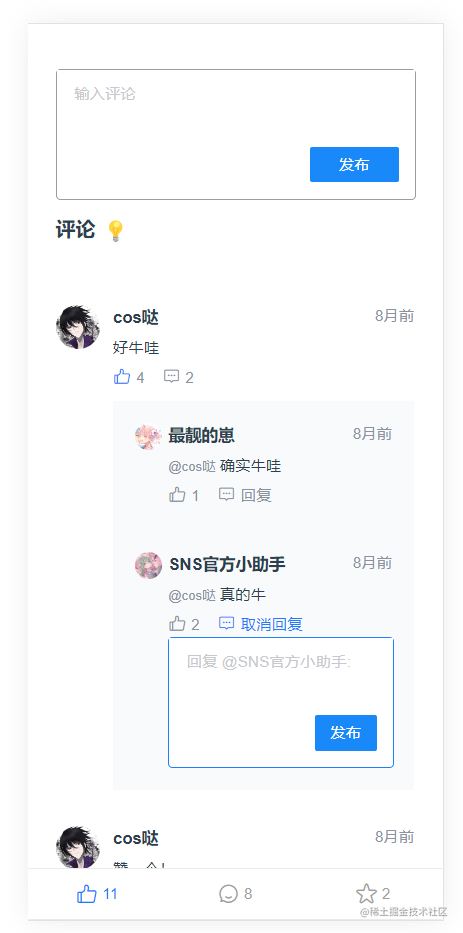
Frontend (Mobile)
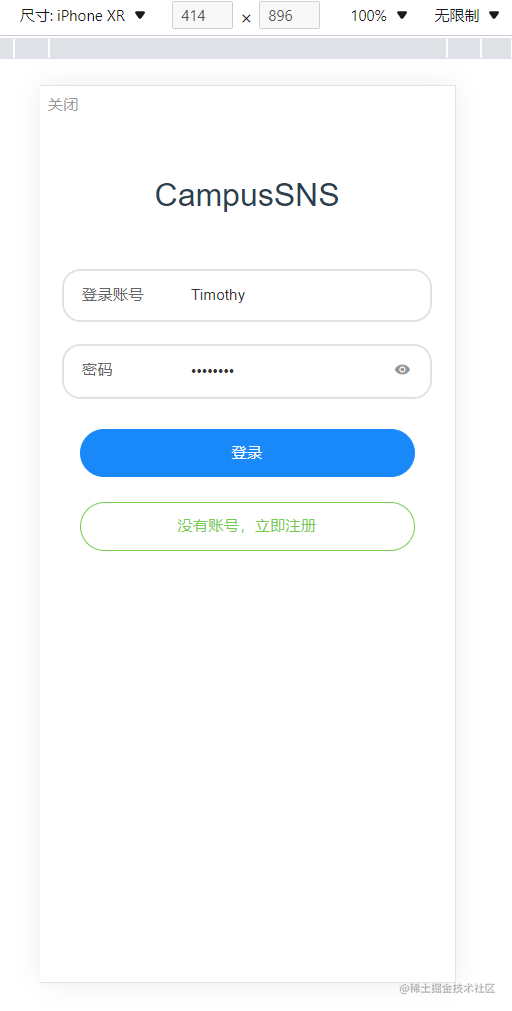
- Frontend (mobile) repository: https://gitee.com/honxinn/campus-sns-campus-community
- Built with
Vue3+Vite
| Demo | |
|---|---|
 |  |
 |  |
 | 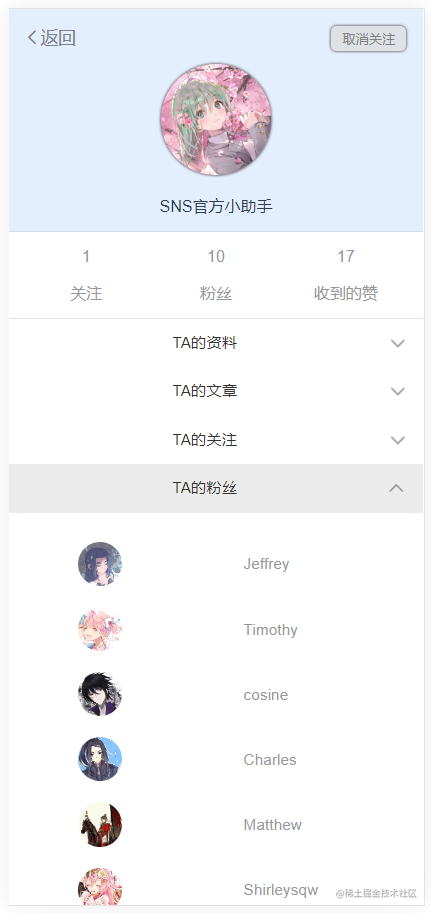 |
Development Documentation
Development Record Document records the build process from 0 to 1 in great detail.
Bug Memoir — as the name suggests, a record of issues encountered during development.
API Feature List
- Feature Implementation
- Data Statistics
- Get community top 10 hot posts
- Get community top 10 popular users
- Article growth statistics for the past 7 days, etc.
- User Management
- Upload avatar
- Modify user information
- Article Management
- Add article
- Delete/block article
- Get total article count
- Restore deleted/blocked articles
- Comment Management
- Reply to articles
- Reply to comments
- Category Management
- Add category
- Delete category
- Custom category icons
- System Management
- Online users
- Operation logs
- User Registration and Login
- User information modification, etc.
- Regular User Features
- Post (new posts require admin approval before publishing)
- Edit
- Delete own posts
- Admin Features
- Post editing and deletion
- Blocking and restoration
- Post review
- Optional Features
- Fuzzy search with keyword suggestions
- Like functionality
- Bookmark functionality
- Image posting support
- Data Statistics
Directory Structure
Mostly self-explanatory from the names:
- src
- app
errHandler.js— Unified error handling functionindex.js— App instantiation
- config
config.default.js— System default config file, reads configs from.envusing dotenv and exports them
- constant
err.type.js— Error type constants
- controller — All business logic
article.controller.js— Article-related business logicuser.controller.js— User-related business logic- …
- db
seq.js— Database connection control file (connects to local database via.envconfig)
- middleware — All middleware
article.middleware.js— Article-related middlewareauth.middleware.js— Token parsing middlewareuser.middleware.js— User-related middleware- …
- model
article.model.js— Article data table fileuser.model.js— User data table file- …
- public — Static asset storage
- assets — Images and other resource files
- css — CSS files
- uploads — Uploaded image storage
- routers
article.route.js— Article-related route registrationuser.route.js— User-related route registrationindex.js— Unified route registration- …
- service
article.service.js— Article-related database operationsuser.service.js— User-related database operations- …
- views — Route template storage
index.html— Main route HTML template
- app
- logs
err.log— Error log storageout.log— Output log storageseq.log— Query log storage
- main.js — Imports the wrapped app and listens on the port specified in
.env - .env — Configuration storage
- .gitignore — Git ignore
node_modules(dependency files) by default - package.json — npm plugin versions, etc.
- Various documentation files
How to Run (Backend)
# clone the project
git clone https://github.com/yusixian/campus-community-backend.git
# cd to the project directory
# install dependencies
npm install
Database Configuration
-
- Start your local database (MySQL is usually running by default). If not, use the command
net start mysql
- Start your local database (MySQL is usually running by default). If not, use the command
-
- Log into the database and create one, e.g., named
schoolcommunity. You can also useNavicatto create it.
- Log into the database and create one, e.g., named
-
- Update the MySQL configuration in the project’s
.envfile
- Update the MySQL configuration in the project’s
-
- Run
npm run createModelto create all database tables
- Run
Running Locally
After creating the database:
npm install
npm run dev
Development Reflections
As a frontend developer, this backend API development experience gave me: first, the ability to independently write my own lightweight APIs; second, awareness of what details to pay attention to when communicating with backend developers — it’s not easy for anyone; and third, writing API documentation is truly time-consuming and labor-intensive, and sometimes you forget to update it after changes. So having thorough API documentation means your backend developer is a really nice person. In future development, it’s best to align with the backend team using this kind of approach before starting development. It can save a lot of effort.
Quoting what our classmate Xinyuan quoted from Teacher Ziqian’s speech at the Alibaba Frontend Intern Program opening ceremony:
-
They may not understand interaction design, but no one understands the implementation and details of interaction design better than them.
-
They may not understand visual design, but no one understands how to turn visual design into reality better than them.
-
They may not understand databases, but they are actually the first consumers of data.
-
They may not be product managers, but the product experience is almost entirely determined by them.
Okay, I just really like this quote
I aspire to understand a little bit of everything and strive to be a qualified frontend developer.
Next post will probably be about doing some TypeScript type gymnastics.
喜欢的话,留下你的评论吧~